


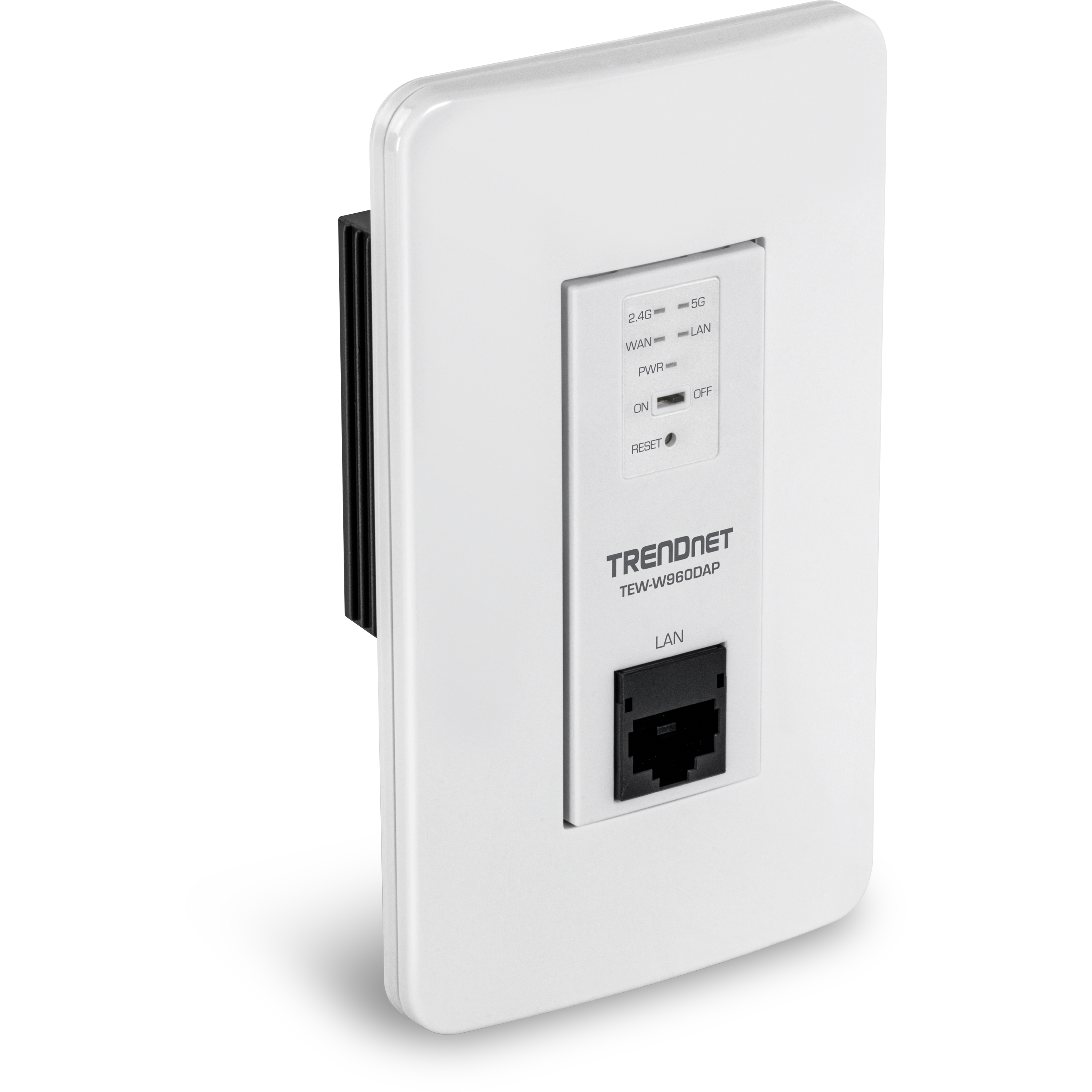
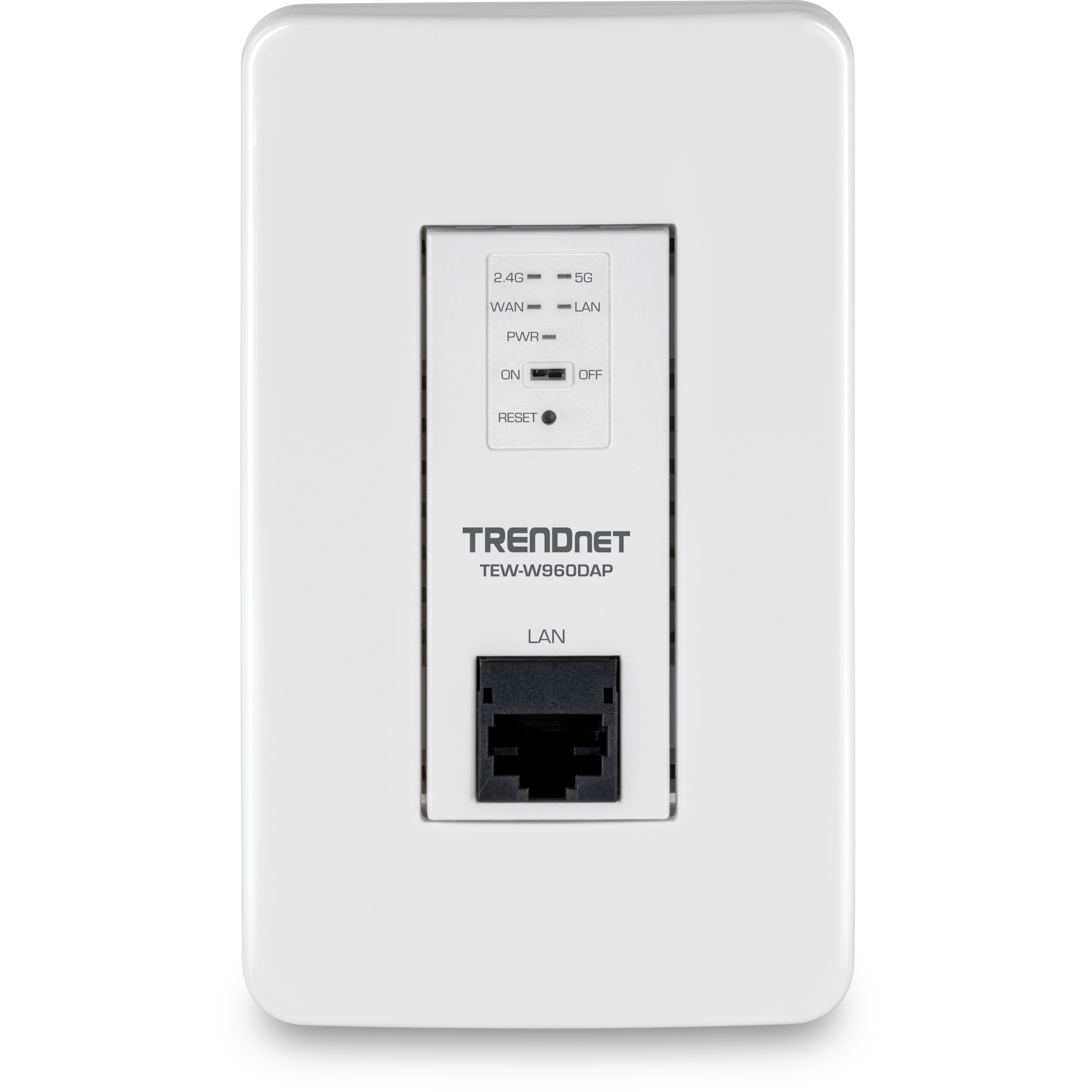

AX1800 Dual Band WiFi 6 PoE In-Wall Access Point
TEW-W960DAP (Version V1)
- High performance AX1800 PoE access point
- AX1800 Dual Band: 1201Mbps (5GHz) + 573Mbps (2.4GHz) bands
- Two concurrent WiFi bands maximize device networking speeds
- OFDMA and MU-MIMO technology boosts performance in a busy environment
- Supports up to WPA3 encryption
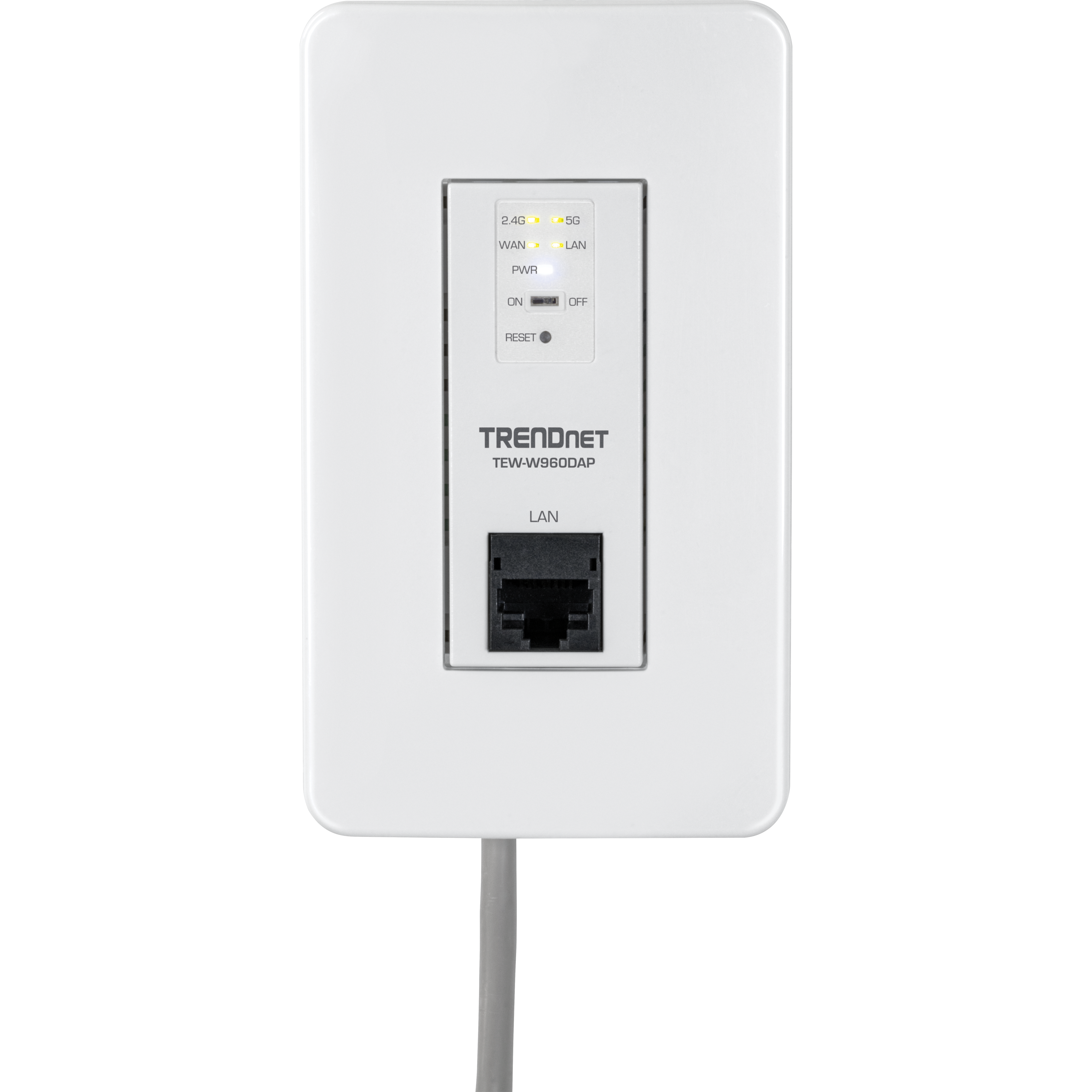
- 1 x Gigabit PoE LAN port, 1 x Gigabit LAN port
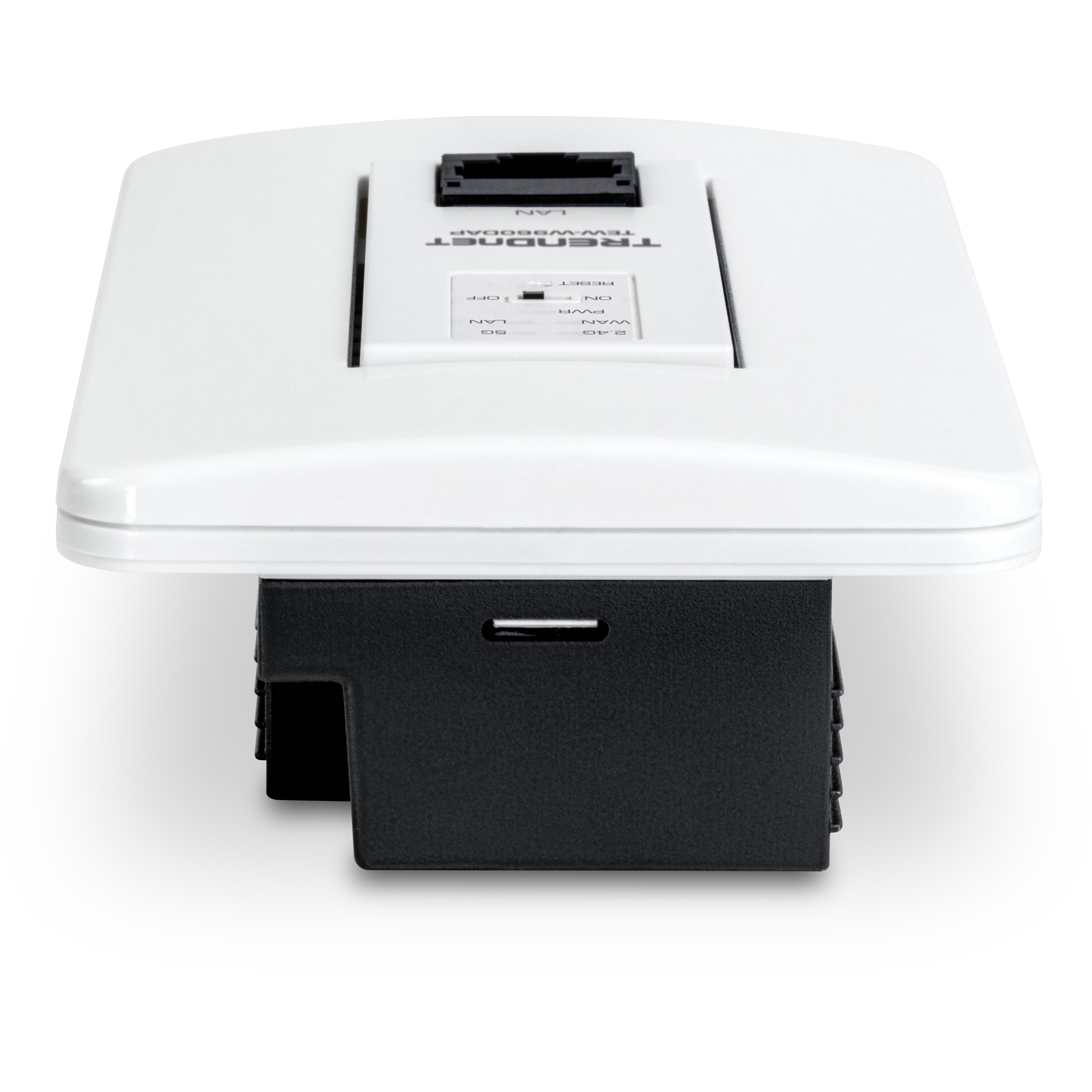
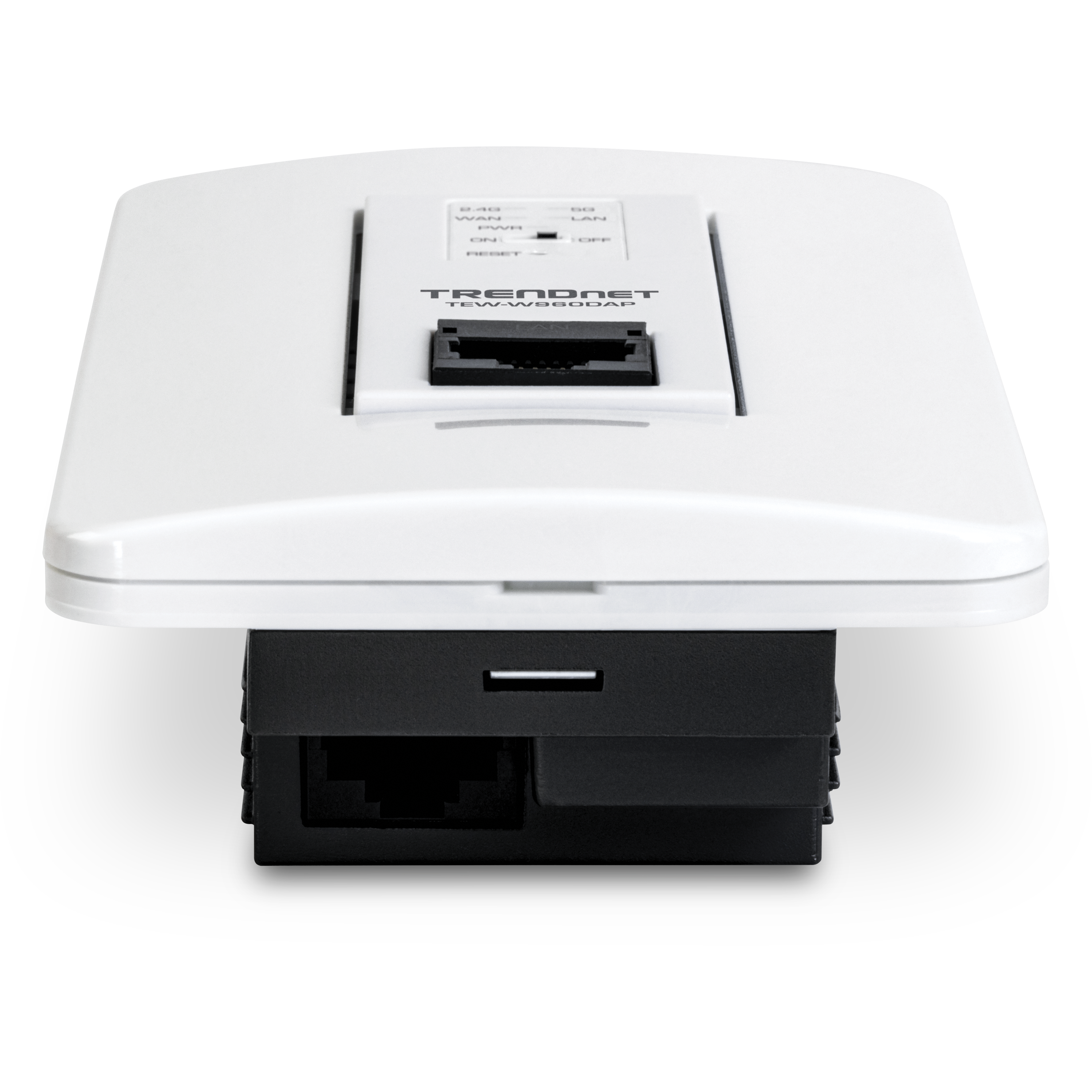
- Discreet design blends into most environments
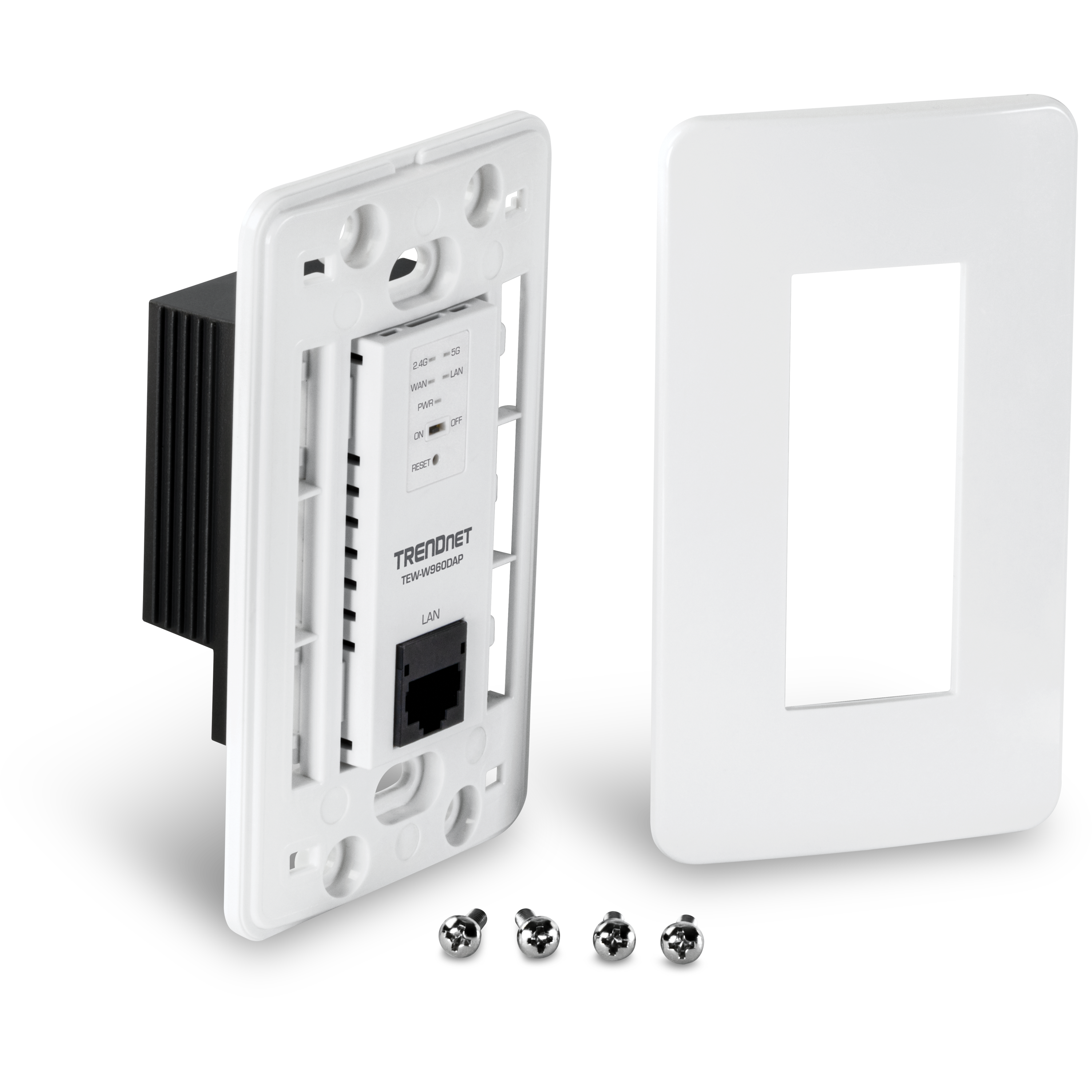
- Includes wall plates for 1 gang installation
- Remote cloud management with TRENDnet Hive™ (Additional fee applies)
- NDAA / TAA compliant (U.S. and Canada only)

TRENDnet’s discreet AX1800 Dual Band WiFi 6 PoE In-Wall Access Point, model TEW-W960DAP, features two concurrent WiFi bands to maximize networking speeds with the latest WiFi 6 technology. The two separate high-speed WiFi 6 bands provide speeds up to 1201Mbps on the 5GHz band and 573Mbps on the 2.4GHz band. The in-wall access point includes a gigabit pass-through port.
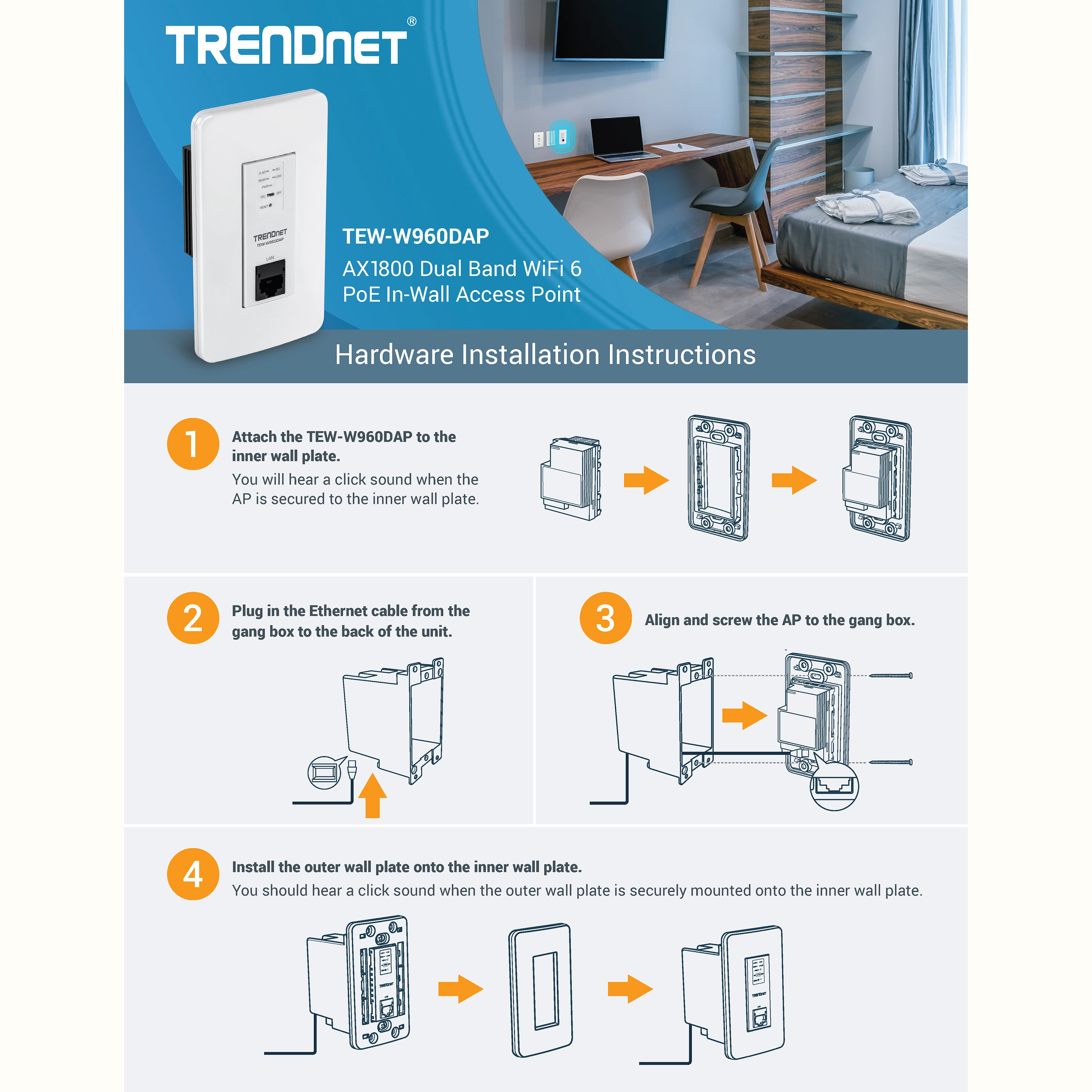
Faster speeds are possible on this in-wall WiFi AP with 1024-QAM, OFDMA, and MU-MIMO technologies. MU-MIMO technology processes multiple data streams simultaneously, increasing real-time WiFi performance when multiple devices access the network. The in-wall wireless access point features access control, bandwidth control, and band steering. The discreet housing design allows the device to be installed in a standard 1 gang box with included wall plates for easy installation.
Easily manage and configure TRENDnet’s AX1800 Dual Band WiFi 6 PoE In-Wall Access Point remotely with TRENDnet Hive™. TRENDnet Hive is a remote network cloud manager that reduces management time and cost. No additional hardware, server, or personal cloud is required with this WiFi 6 access point and TRENDnet’s reliable cloud service.
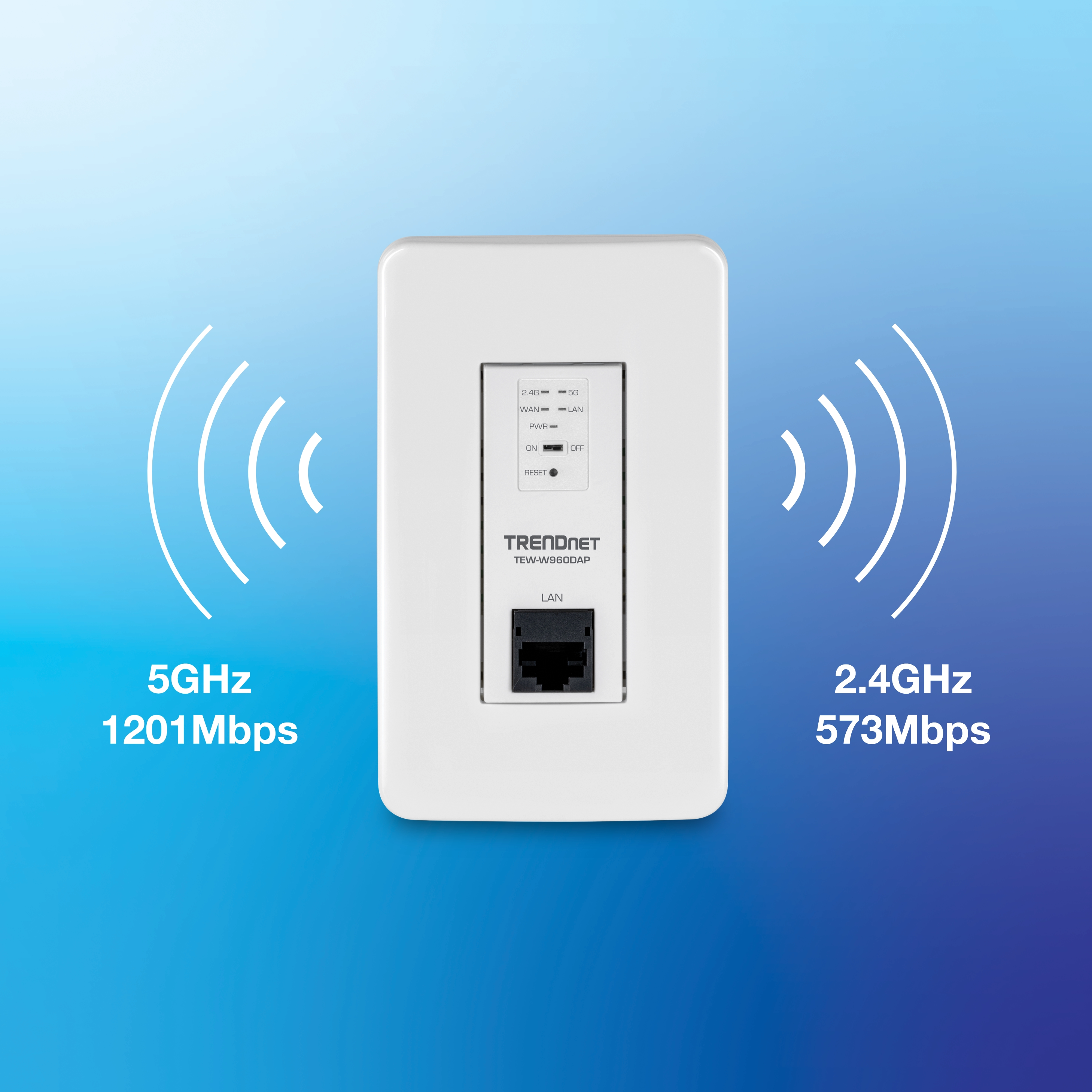
AX1800 WiFi 6
Two concurrent high-speed WiFi 6 bands to maximize device networking speeds: 1201Mbps on 5GHz and 573Mbps on 2.4GHz.
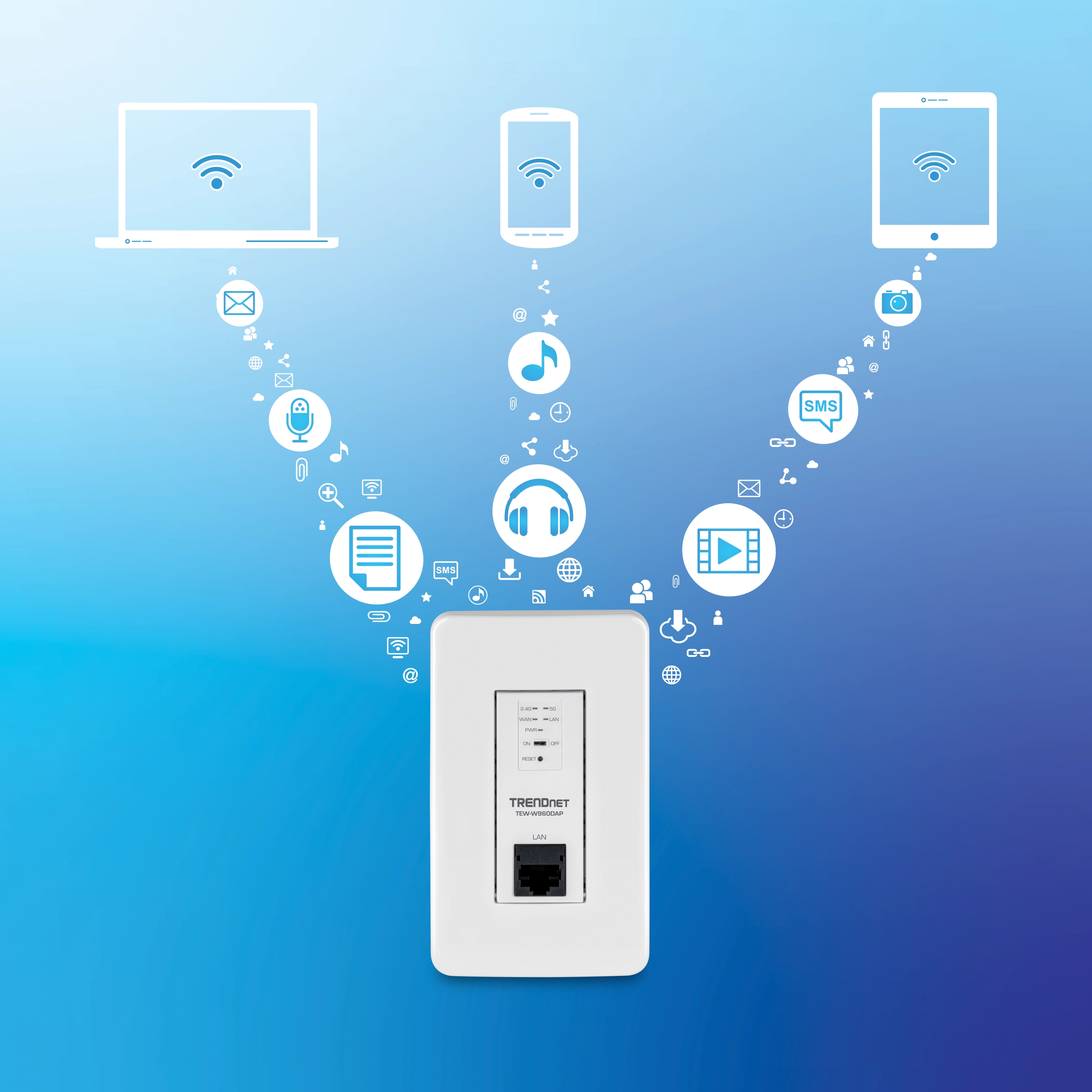
Built For Busy Environments
MU-MIMO technology processes multiple data streams simultaneously, increasing real-time WiFi performance when multiple devices access the network.
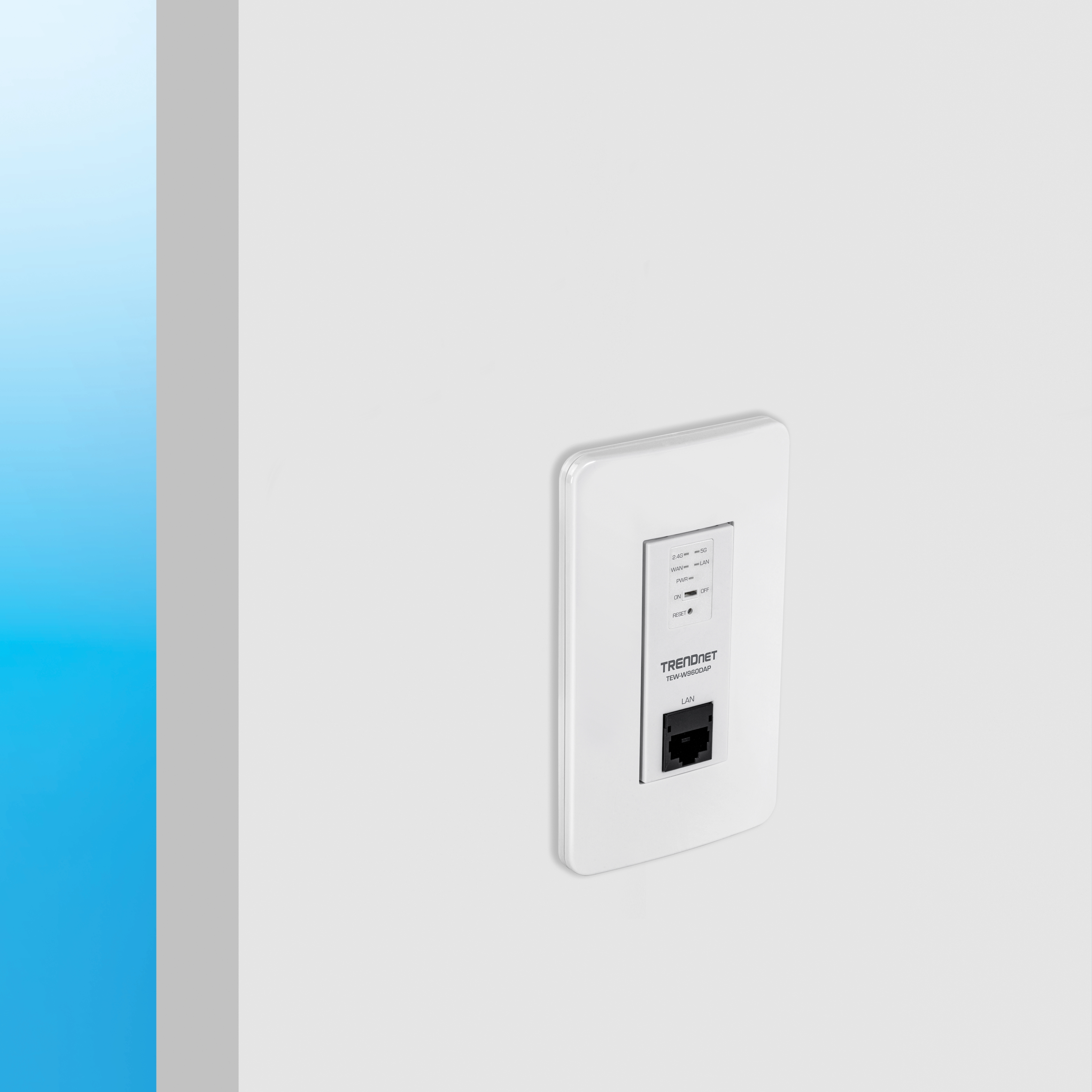
In-Wall Installation
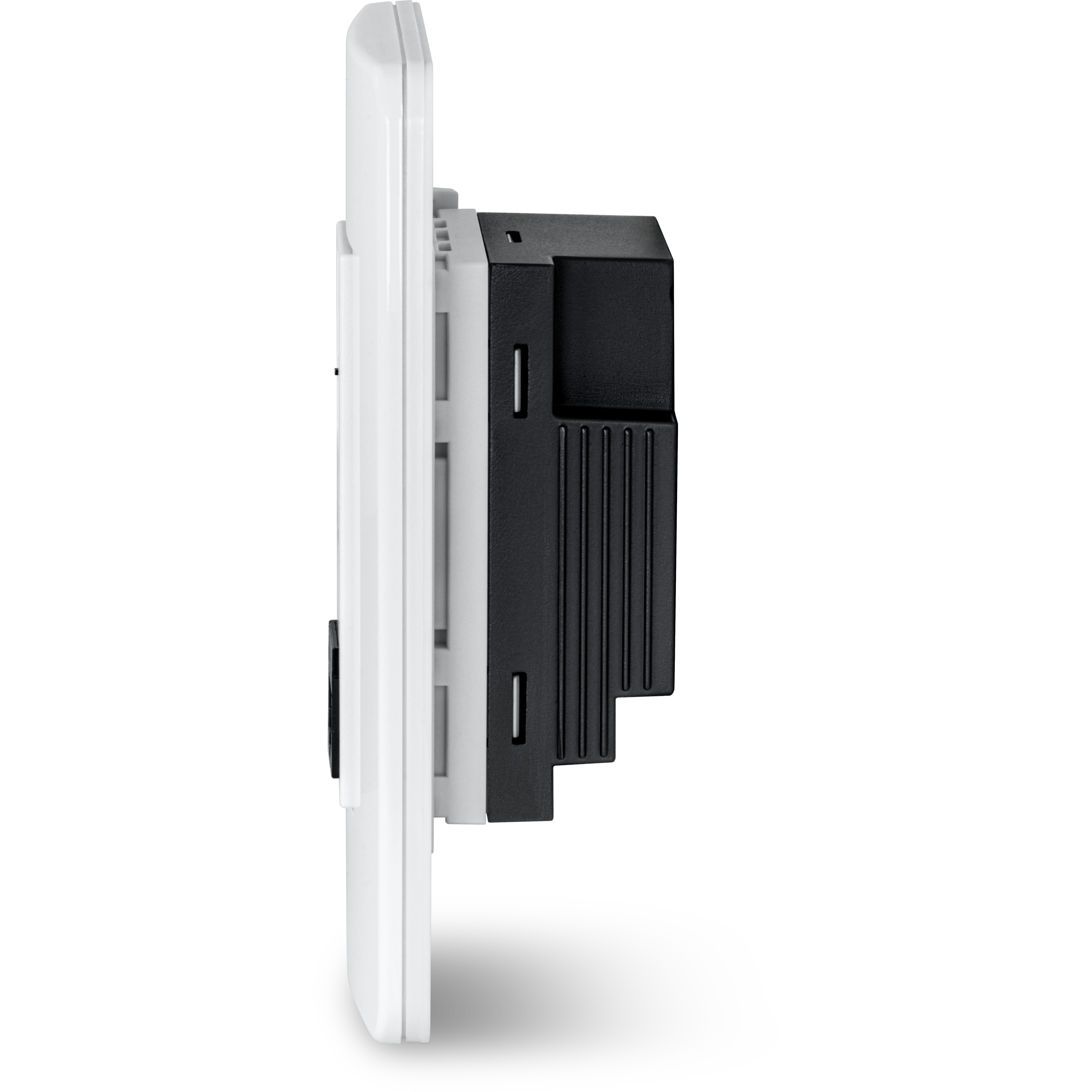
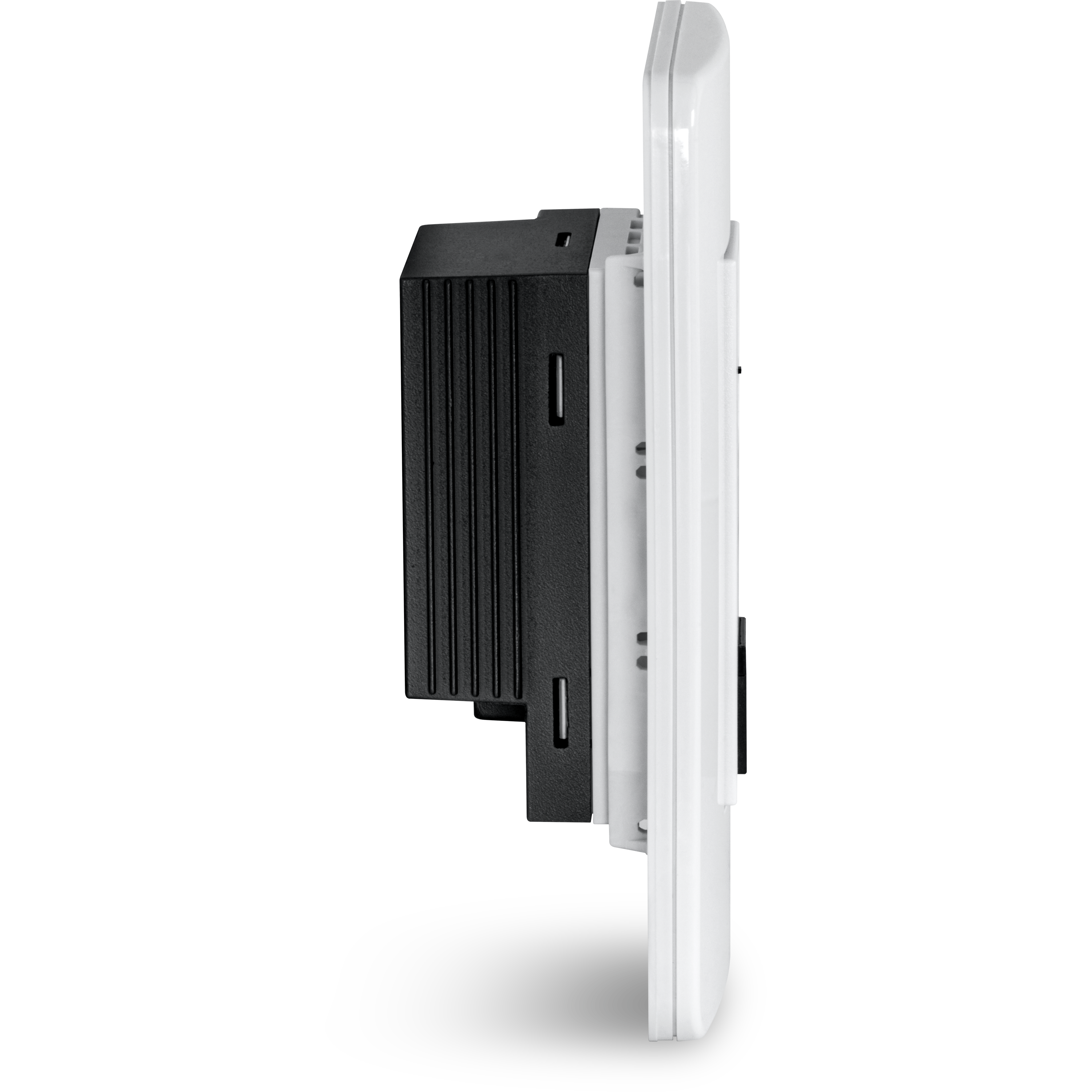
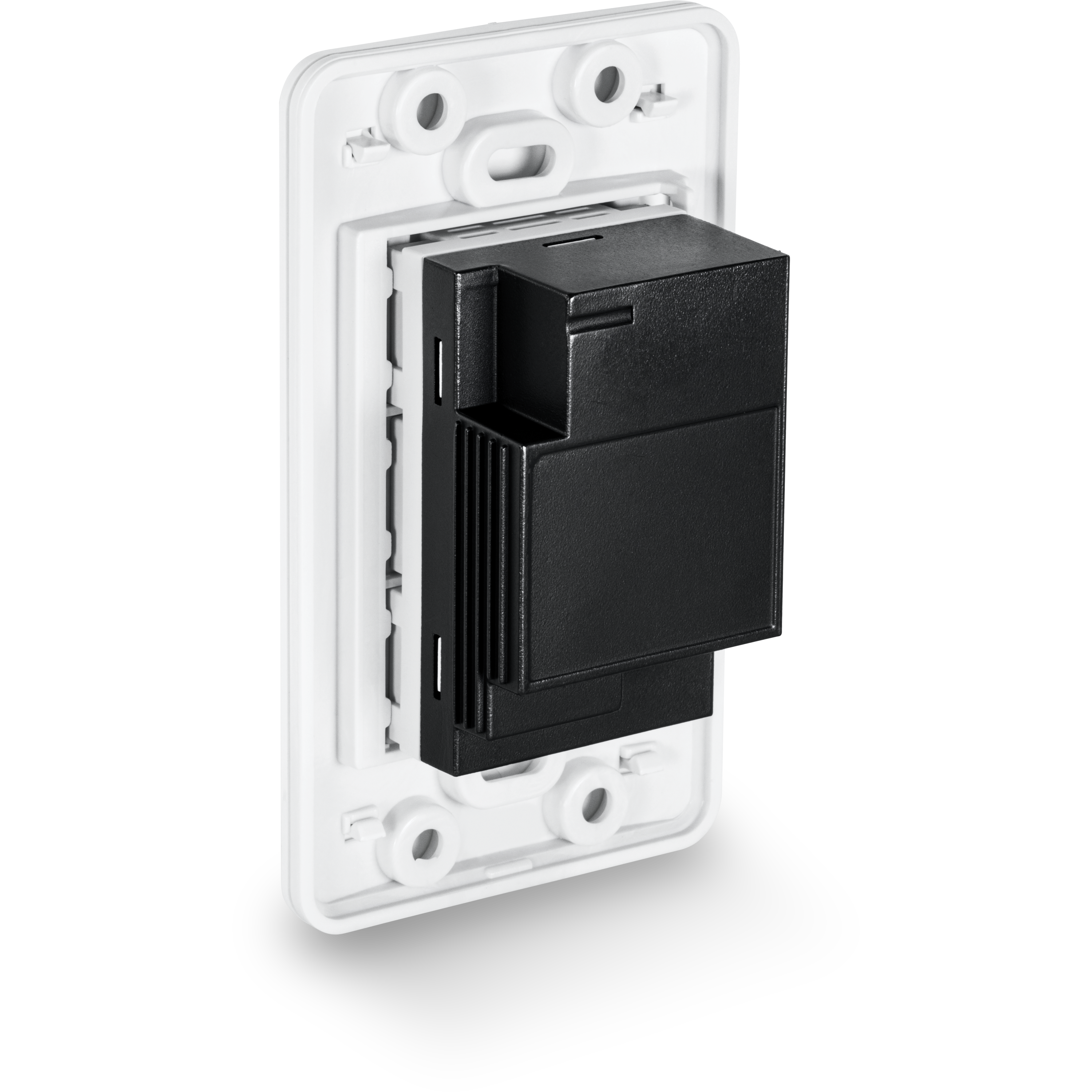
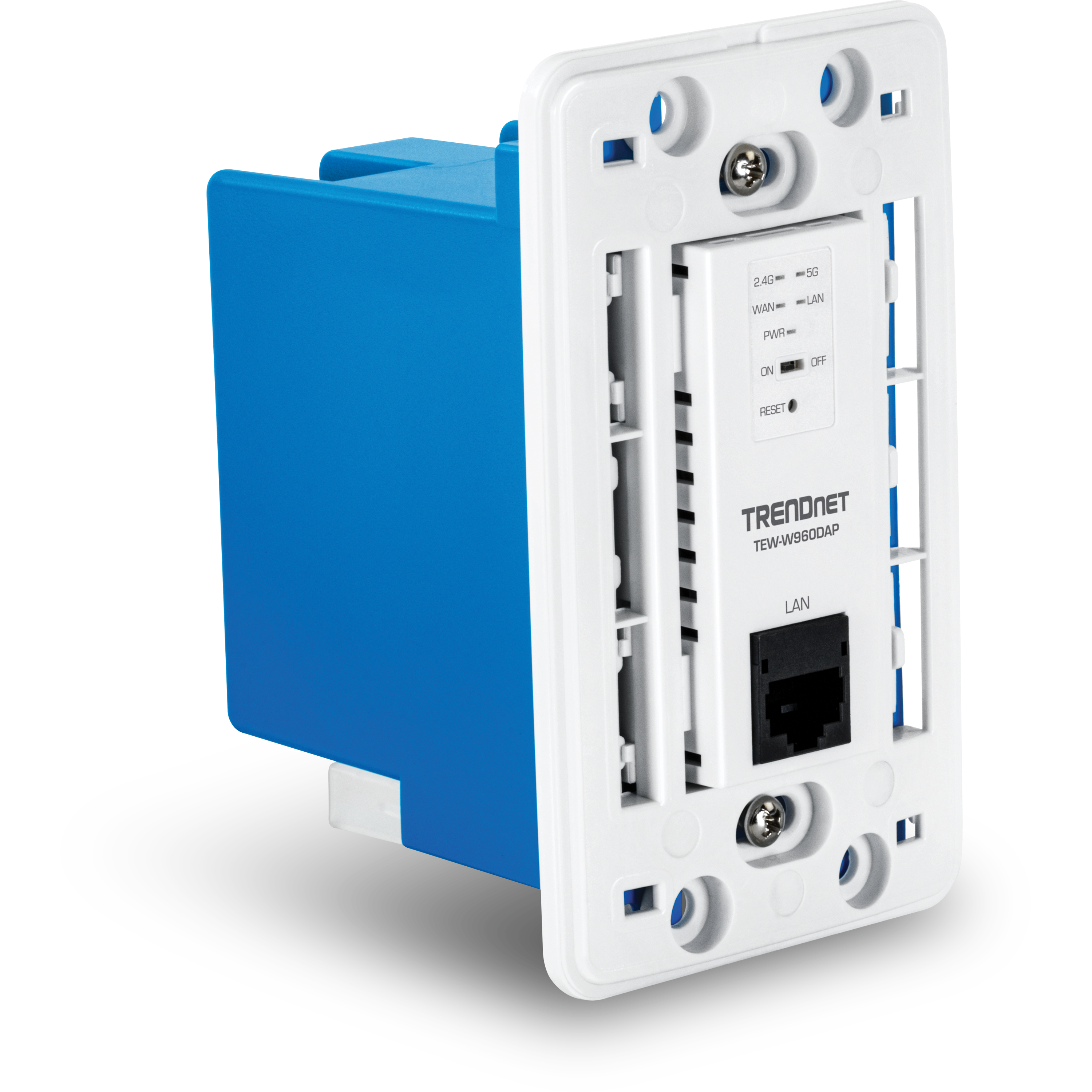
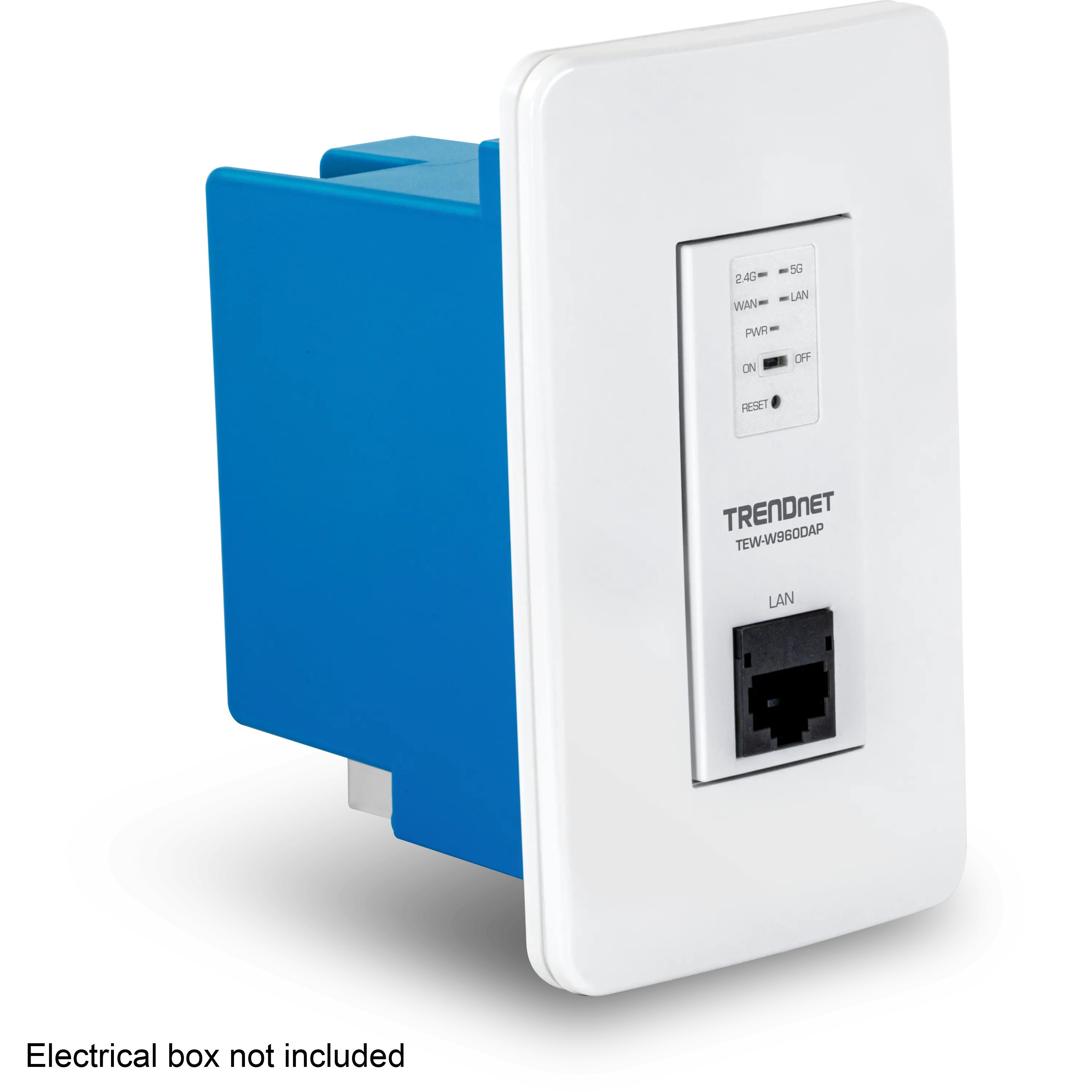
Small design allows for installation in a standard 1 gang box for a flush AP-in-wall installation.
_1.webp)

Concurrent Dual Band
AX1800: concurrent 1201Mbps on 5GHz band + 573Mbps on 2.4GHz band

Power over Ethernet (PoE)
Saves installation time and setup costs with gigabit PoE support

1 Gang Box
The in-wall access point is designed to be installed in a standard 1 gang box

MU-MIMO & OFDMA Performance
MU-MIMO technology enables the access point to process multiple data streams simultaneously along with WiFi 6 OFDMA technology to increase real-time WiFi performance
Band Steering
Band steering alleviates network congestion by automatically directing wireless devices from the 2.4GHz band to the 5GHz band

WiFi Traffic Shaping
Manage traffic allocation on the WiFi 6 in-wall access point per SSID for each band separately

Encrypted Wireless
Support for wireless encryption of up to WPA3

Multiple SSIDs
Create up to 8 SSIDs per band (16 total)

Gigabit Ports
1 x Gigabit PoE port; 1 x Gigabit port

LED Control
LED control reduces product visibility by disabling the LED indicator or turning off the LEDs with the on/off switch

Low Profile
Low-profile housing of the in-wall access point design blends into most environments

Wall Plates
Includes wall plates

Hive Enabled (Optional)
Remotely monitor, manage, configure, and diagnose this in-wall access point via TRENDnet’s cloud service (Additional fee applies)
| Standards |
|
|---|---|
| Hardware Interface |
|
| Features |
|
| Operation Modes |
|
| Management/Monitoring |
|
| Hive Cloud Management*** |
|
| Access Control |
|
| QoS |
|
| SSID |
|
| Frequency |
|
| Wireless Channels |
|
| Modulation |
|
| Antenna Gain |
|
| Wireless Output Power |
|
| Receiving Sensitivity |
|
| Power |
|
| Operating Temperature |
|
| Operating Humidity |
|
| Certifications |
|
| Dimensions |
|
| Weight |
|
| Warranty: |
|
PACKAGE CONTENTS |
|
*Maximum wireless signal rates are referenced from IEEE 802.11 theoretical specifications. Actual data throughput and coverage will vary depending on interference, network traffic, building materials and other conditions. For maximum performance of up to 867Mbps use with an 867Mbps 802.11ac wireless adapter. For maximum performance of up to 300Mbps, use with a 300Mbps 802.11n wireless adapter. For maximum performance of up to 1201Mbps use with a 1201Mbps 802.11ax 5GHz wireless adapter. For maximum performance of up to 573Mbps use with a 573Mbps 802.11ax 2.4GHz wireless adapter. Multi-User MIMO (MU-MIMO) requires the use of multiple MU-MIMO enabled wireless adapters.
**Feature reserved for use when device is managed by TRENDnet Hive.
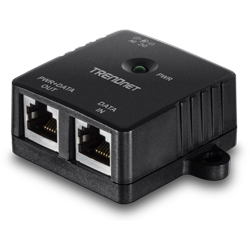
- Full Duplex Gigabit speeds
- Supplies PoE (15.4W)
- Network a PoE device located up to 100 meters (328 ft.) away
- Converts a non-PoE Gigabit port to a PoE Gigabit port
- Save on installation and equipment costs
- IEEE 802.3af compliant
- NDAA / TAA compliant (U.S. and Canada only)
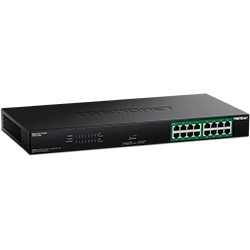
- 16 x Gigabit PoE+ ports
- 32Gbps switching capacity
- 246W PoE power budget
- Extend PoE+ signal up to 250m (820 ft.) at 10Mbps on ports 1 – 8
- DIP switch supports VLAN port isolation and storm control
- Smart Fans
- Reduces equipment cost by delivering data and power over existing network cables
- 1U 19” rack mountable metal housing with brackets included
- Internal power supply
- NDAA / TAA compliant (U.S. and Canada only)
- Lifetime Warranty*
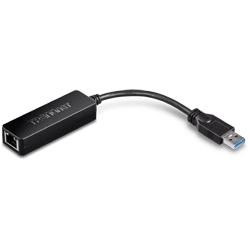
- USB 3.0 Type-A connection interface
- Supports 10/100/1000Mbps connection speeds
- Share data, music, movies, and more
- Compact design is ideal for on-the-go users and professionals
- Supports Wake on LAN (Suspend Mode)
- Supports Windows®, macOS®, and Nintendo Switch™
- NDAA / TAA compliant (U.S. and Canada only)
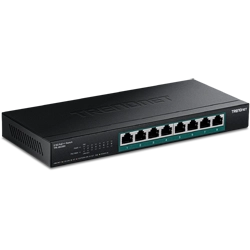
- 8 x 2.5G PoE++ ports
- 230W PoE power budget
- Backwards compatible with 10/100/1000Mbps devices
- Compatible with existing Cat5e or better cabling
- Fanless design eliminates noise
- Wall mountable for installation flexibility
- 40Gbps switching capacity
- IEEE 802.3bz (2.5G) compliant
- Supports IEEE 802.3af/at/bt
- NDAA / TAA compliant (U.S. and Canada only)
- NDAA / TAA compliant (U.S. and Canada only)
- Lifetime Warranty*
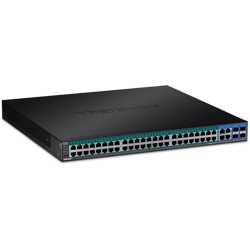
- 48 x Gigabit PoE+ ports
- 4 x Shared Gigabit ports (RJ-45 or SFP)
- 370W PoE power budget
- Easy-to-use web-based management interface
- PoE alive check automatically attempts to recover an unresponsive PoE device connected
- Remote cloud management with TRENDnet Hive (Additional fee applies)
- Supports IPv6, LACP, VLAN, QoS, and IGMP Snooping
- Bandwidth control per port
- Private, Multicast, and Voice VLAN support
- Smart Fan
- 104Gbps switching capacity
- IEEE 802.1p QoS with queue scheduling support
- NDAA / TAA compliant (U.S. and Canada only)
- Lifetime Warranty*
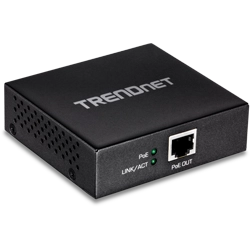
- Easy installation
- Extends 100m for a total distance of up to 200m (656 ft.)
- Daisy chain up to 3 units for a total PoE network extension of up to 400m (1,312 ft.)*
- Supports PoE (15.4W) and PoE+ (30W)
- Wall mountable
- LED Indicators
- Durable metal housing
- NDAA / TAA compliant (U.S. and Canada only)
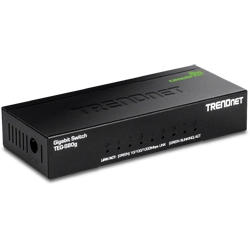
- 8 x Gigabit ports
- 16Gbps switching capacity
- Energy savings with GREENnet™ technology
- Sturdy wall mountable metal mini switch
- Fanless design eliminates operating noise
- NDAA / TAA compliant (U.S. and Canada only)
- Lifetime Warranty*
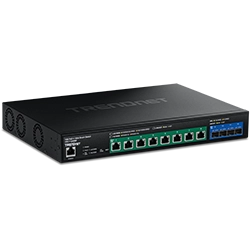
- 8 x 10G PoE++ ports
- 4 x 10G SFP+ ports
- 720W PoE power budget
- Fast PoE minimizes wait time for powering up PoE devices
- Perpetual PoE eliminates PoE down time during switch reboot
- PoE alive check automatically attempts to recover an unresponsive, connected PoE device
- Supports 100M/1G/2.5G/10GBASE-T link speeds
- Easy-to-use web-based management interface
- Supports IPv6, LACP, VLAN, QoS, IGMP/MLD Snooping
- IPv4/IPv6 Static Routing support
- Bandwidth control per port
- Voice VLAN support
- 1U 19” rack mountable metal housing
- NDAA / TAA compliant (U.S. and Canada only)
- Lifetime Warranty*