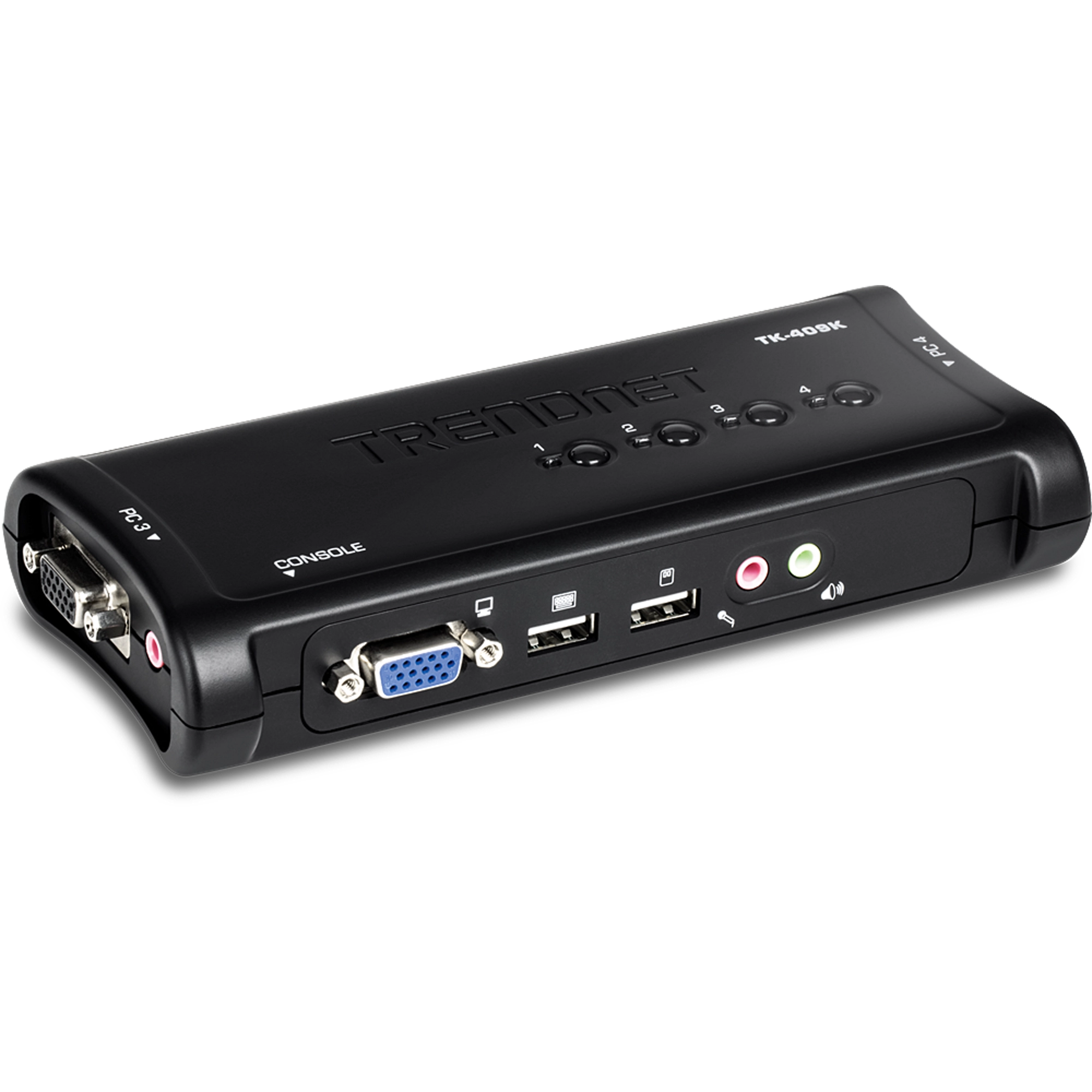
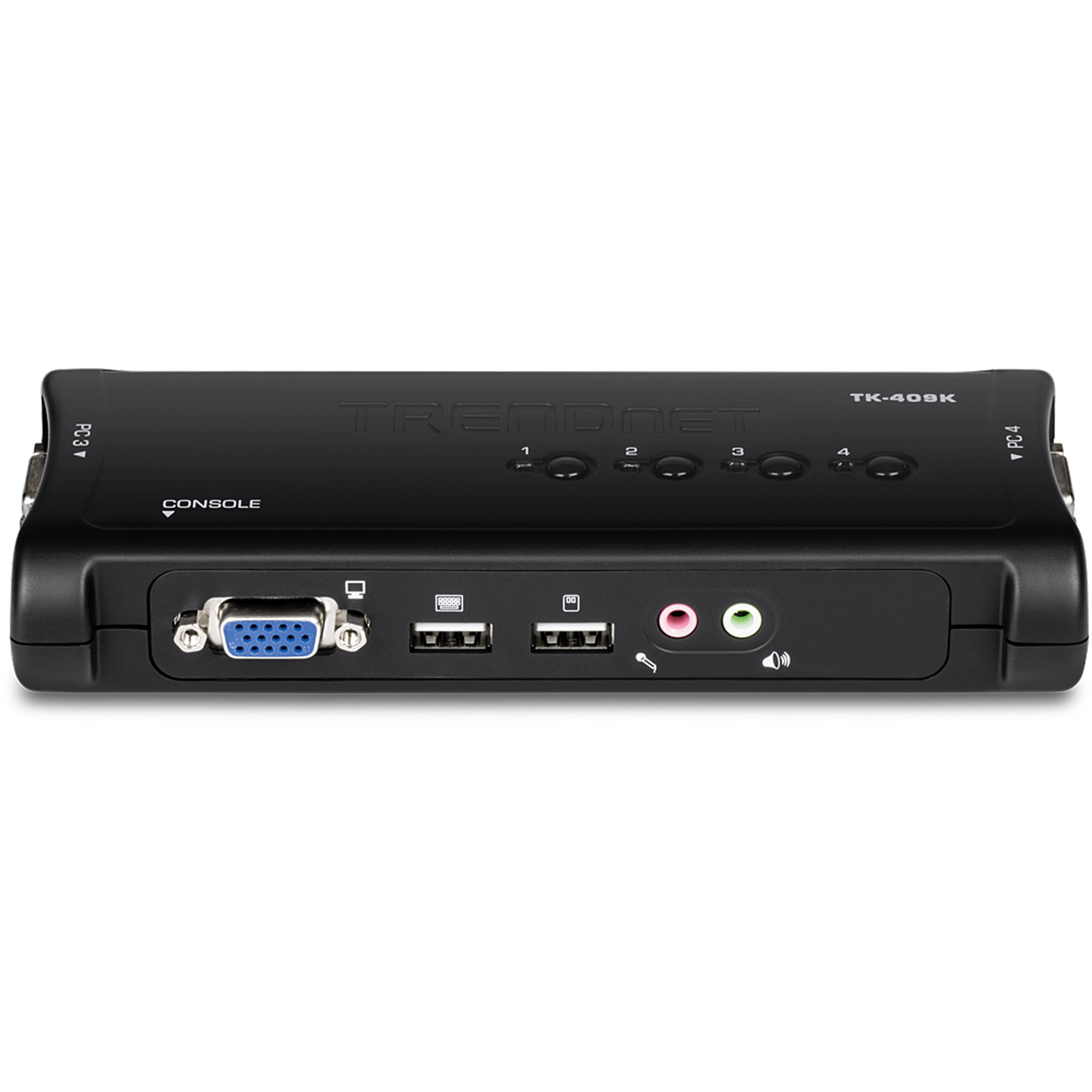
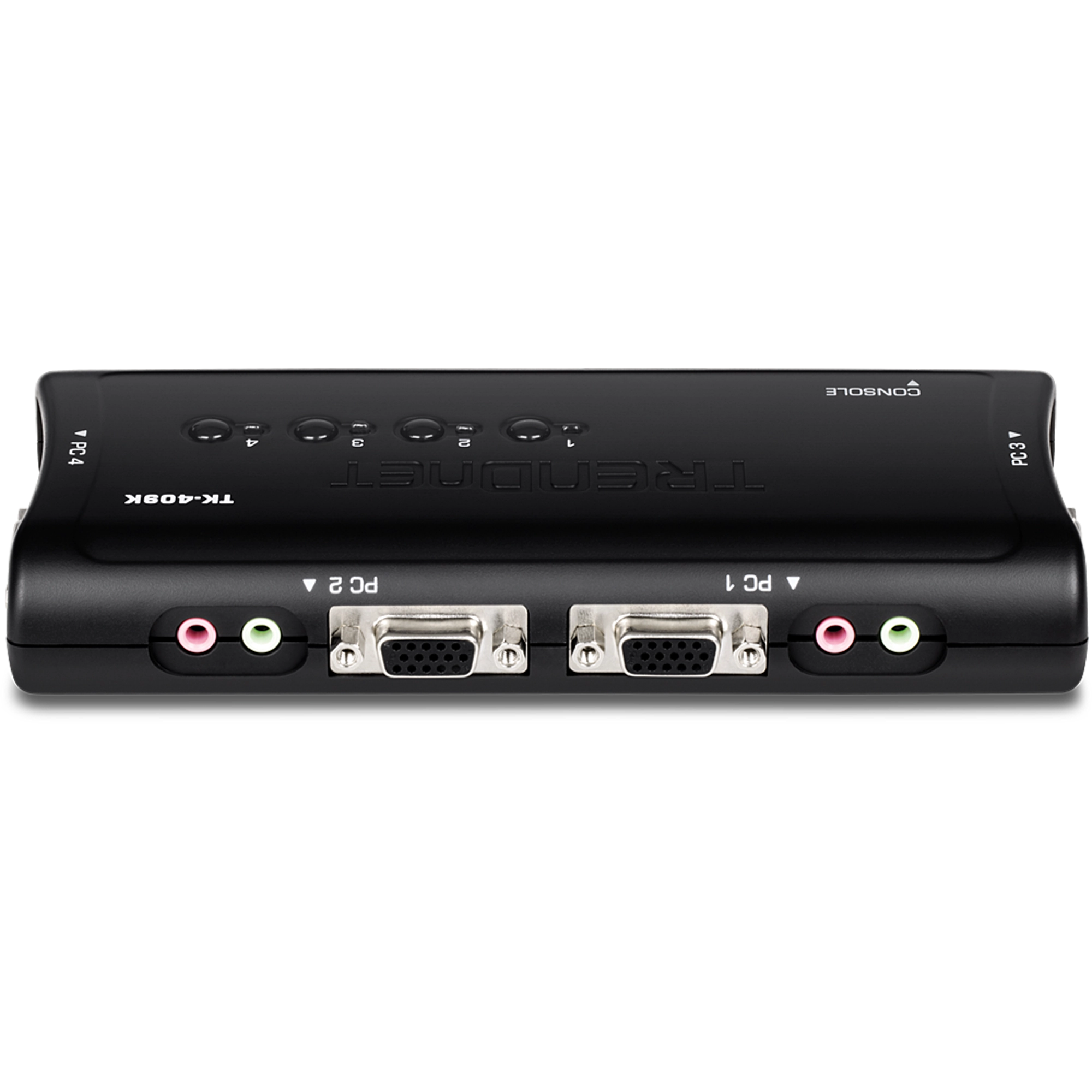
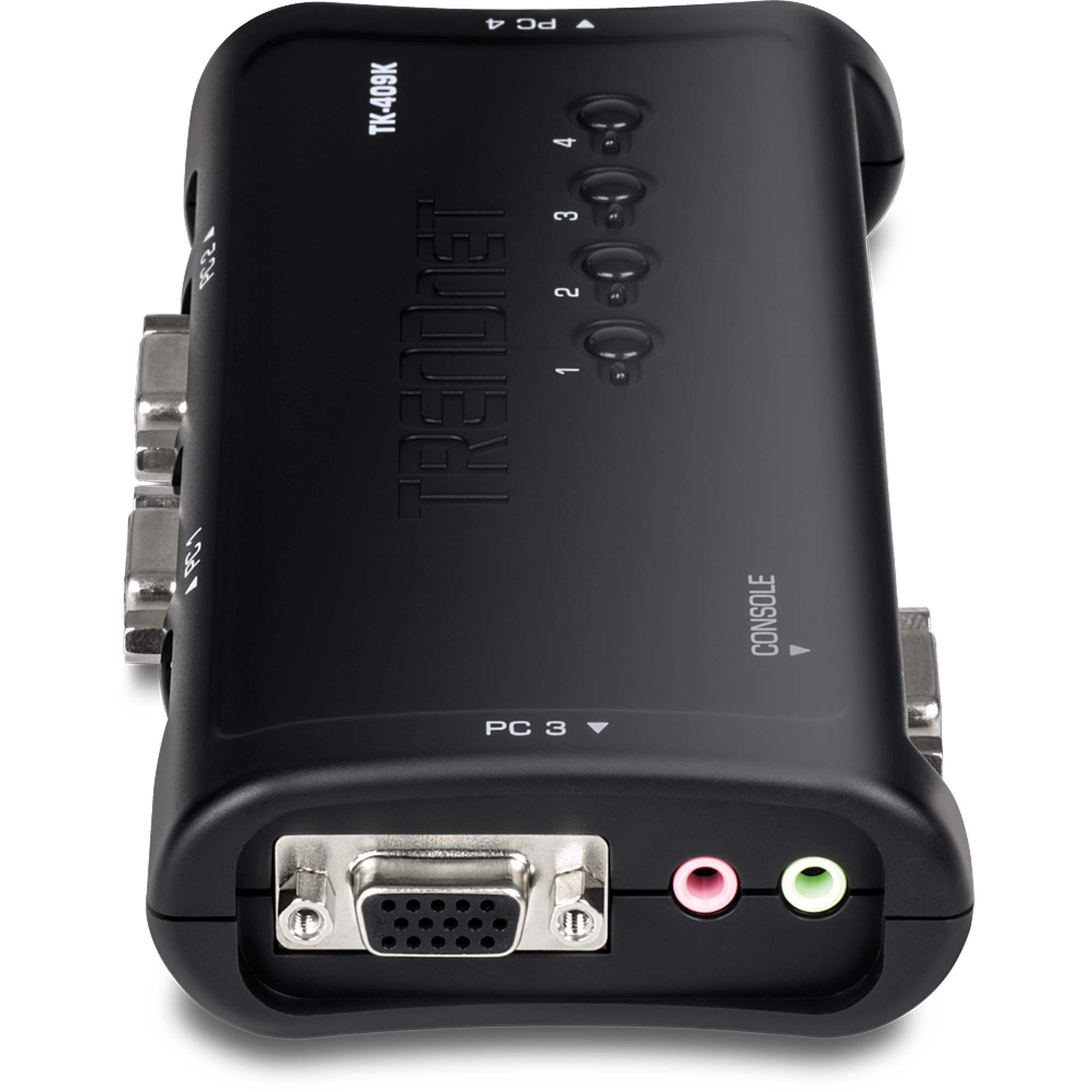
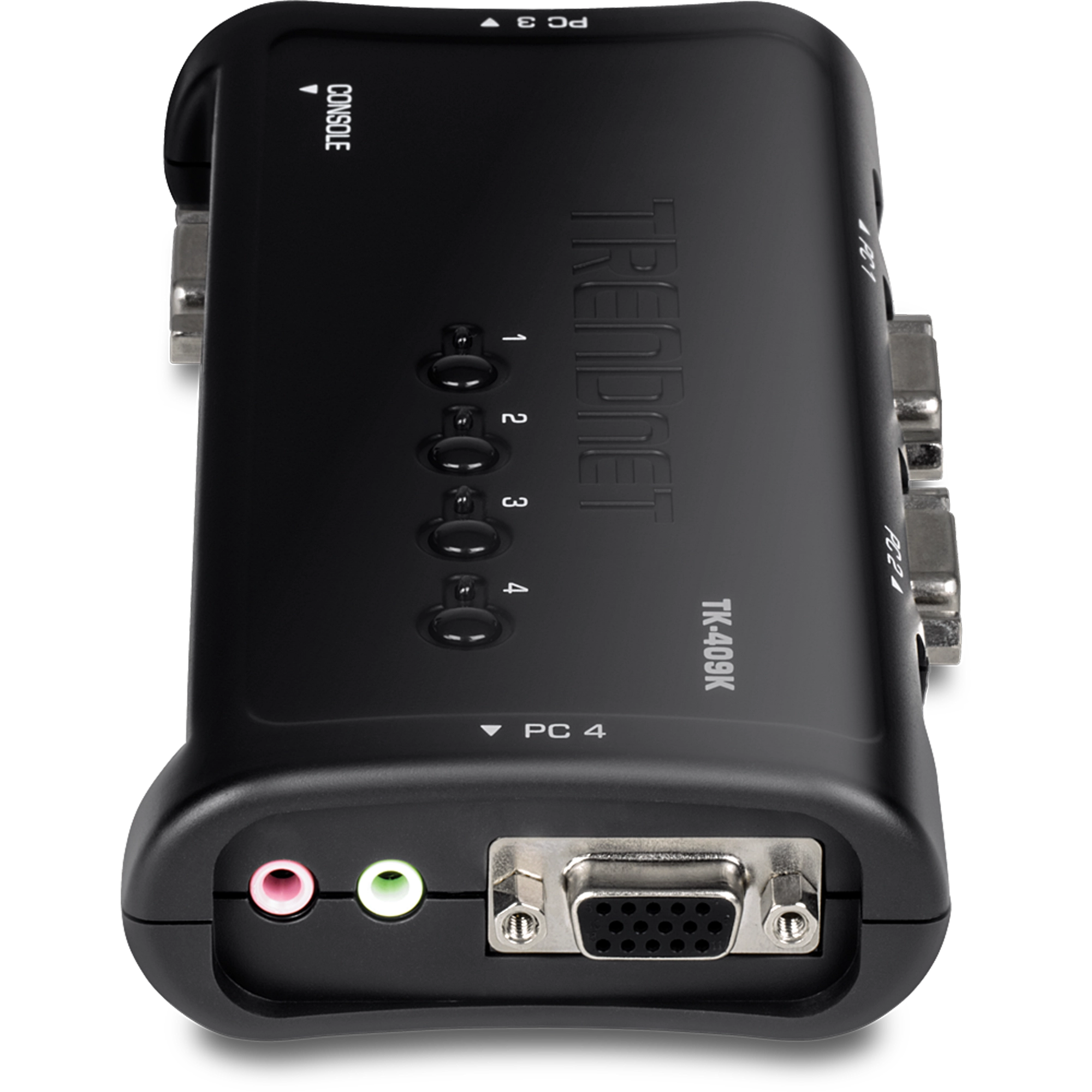
Switch KVM USB de 4 portas com áudio
TK-409K (Version V2)
- Controla até 4 computadores com um conjunto de dispositivos de console
- Conexões de alto-falante e microfone de 3,5 mm
- Projetado para uso com sistemas VGA
- Vídeo de alta qualidade, resolução VGA de até 2048 x 1536
- Compatível com Windows, Linux e Mac OS
- Auto-Scan e display LED para monitoramento de computador
- Status do teclado restaurado ao alternar entre computadores
- Tecla de atalho definida pelo usuário (somente Windows)
- Plug & Play e hot-pluggable
- Método de alimentação via interface USB
- Todos os cabos necessários incluídos
- Não requer CD de instalação
- Compatível com NDAA

Ficha técnica
Nome do arquivo: EN_datasheet_TK-409K_(v2.0R).pdf
Data: 4/30/2024
Tamanho de arquivo: 781.04 KB
Nome do arquivo: FR_datasheet_TK-409K_(v2.0R).pdf
Data: 4/30/2024
Tamanho de arquivo: 835.73 KB
Nome do arquivo: GE_datasheet_TK-409K_(v2.0R).pdf
Data: 4/30/2024
Tamanho de arquivo: 884.97 KB
Nome do arquivo: PO_datasheet_TK-409K_(v2.0R).pdf
Data: 4/30/2024
Tamanho de arquivo: 800.45 KB
Nome do arquivo: SP_datasheet_TK-409K_(v2.0R).pdf
Data: 4/30/2024
Tamanho de arquivo: 854.89 KB
Nome do arquivo: RU_datasheet_TK-409K_(v2.0R).pdf
Data: 4/30/2024
Tamanho de arquivo: 698.30 KB
Nome do arquivo: IT_datasheet_TK-409K_(v2.0R).pdf
Data: 4/30/2024
Tamanho de arquivo: 674.33 KB
Imagem(ns) do Produto
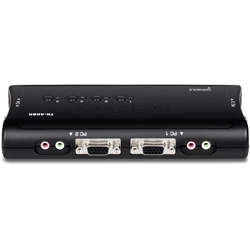
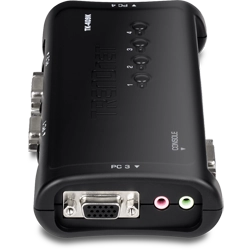
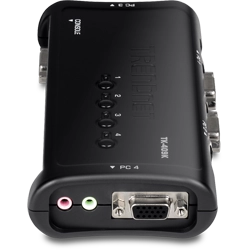


You can SwitchA switch is, in principle, a multiport bridge. It concerns itself with the OSI layer two media access control (MAC) information in the frames it processes. It learns the MAC source addresses associated with each port as traffic appears, so little or no manual administration is required...
The USB hub may be detected as an unknown device on your PC. Power cycle the KVM by disconnecting all sets of KVM cables at the KVM at the same time, then reconnect them. Make sure you provide ample time between Switching channels to allow your PC to detect the hardware properly....
2048 x 1536 @ 60Hz
The TK-209K includes two sets of KVM cables and two sets of audio cables. 2 sets: 1.2m (4 ft.) 2 x Audio Cables (1.2m/4 ft.)...
TRENDnet does not recommend using any type of third party hardware between the KVM and your computers or the console hardware to minimize compatibility issues. Use direct, native, connections. The TK-209K is a VGA KVM and it is recommended to use VGA displays with a VGA video source....
TRENDnet cannot guarantee compatibility with third party KVM cables. If you encounter issues, verify that the KVM functions properly with the included KVM cables....
When Switching you are essentially disconnecting your hardware from one computer and connecting it to the other. Please allow ample time for your PC to recognize and load the drivers for your console hardware. If your KVM is not responding please power cycle the KVM by disconnecting all the KVM cabl...
If you have any third party hardware between the KVM and your console devices or the computers, please remove them to rule out any interoperability issues. This would include any type of interface converter, hubs, extension cables or docking stations. If you are using third party cables please use t...
Unfortunately the Linux operating system will not allow for hotkey functionality. Please use the physical buttons on the KVM to Switch computers....
This is caused by VMware quickly changing the keyboard's num lock and scroll lock state. This activates hot key Switching. You can prevent this by ensuring the host computer and the VMware session are both set to the same num lock and scroll lock state. Running VMware in full screen mode should also...
Unfortunately this KVM is not an HDCP compliant device.
Yes, you can also initiate hot key functions using num lock + num lock.
Please refer to the following table. TK-205K Supported Cables*Included4ft (1.2M)TK-208KSupported Cables*Included4ft (1.2M)TK-408KSupported Cables*Included6ft (1.8M)TK-200Supported Cables*TK-C06, TK-C10 & TK-C156 Ft.(1.83m), 10 Ft.(3.1m), 15 Ft.(4.5m)TK-400Supported Cables*TK-C06, TK-C10 & TK-C156 Ft...
| Conectores da Porta de Console |
|
|---|---|
| Interface do computador (até 4) |
|
| Cabos (4 conjuntos) |
|
| Resolução do monitor |
|
| Controle de Chaveamento |
|
| Temperatura operacional |
|
| Umidade de operação |
|
| Energia |
|
| Dimensões |
|
| Peso |
|
| Certificações |
|
| Garantia |
|
CONTEÚDO DA EMBALAGEM |
|
Todas as referências à velocidade são apenas para fins comparativos. As especificações, tamanho e formato do produto estão sujeitos a alterações sem aviso prévio, e a aparência real do produto pode ser diferente da descrita aqui.