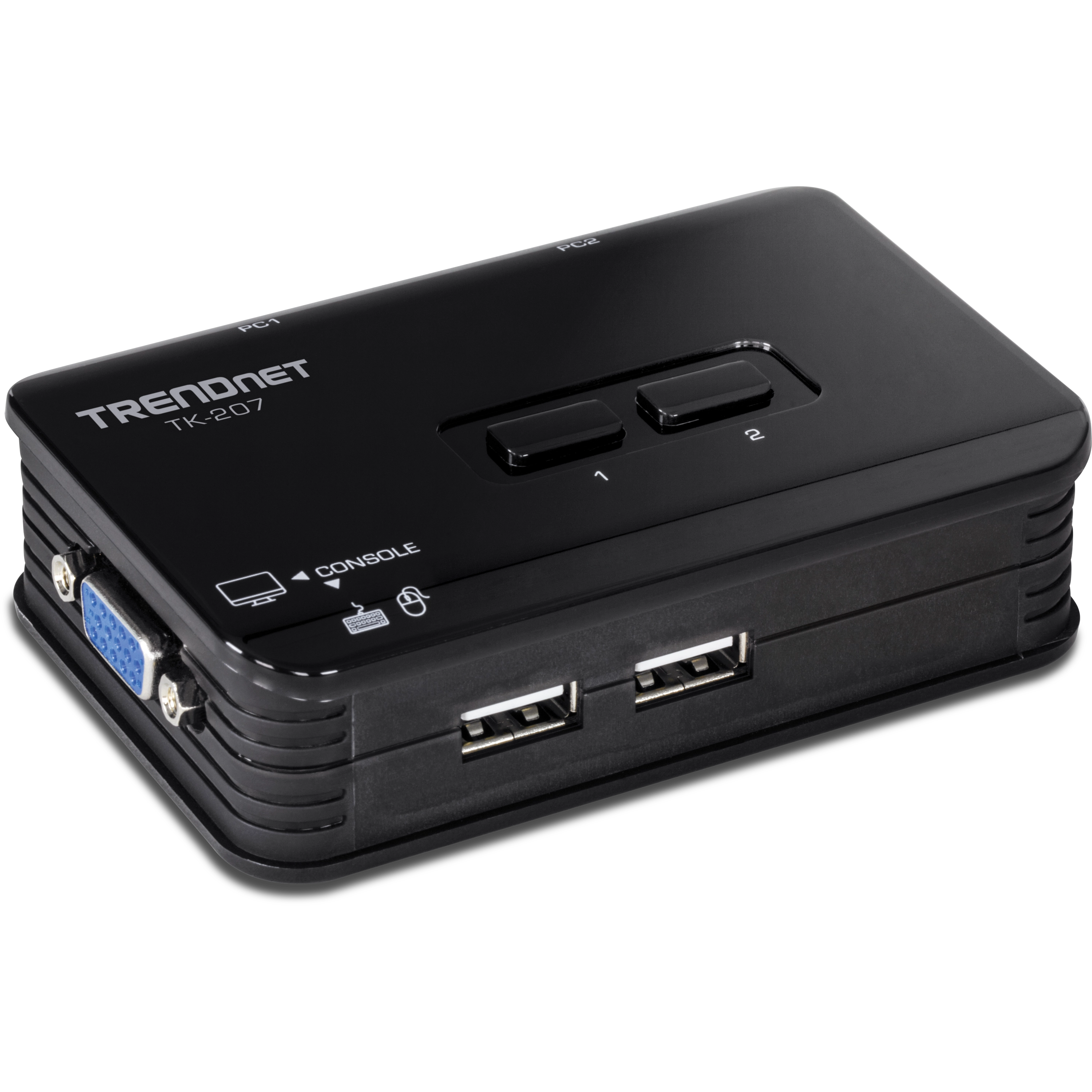
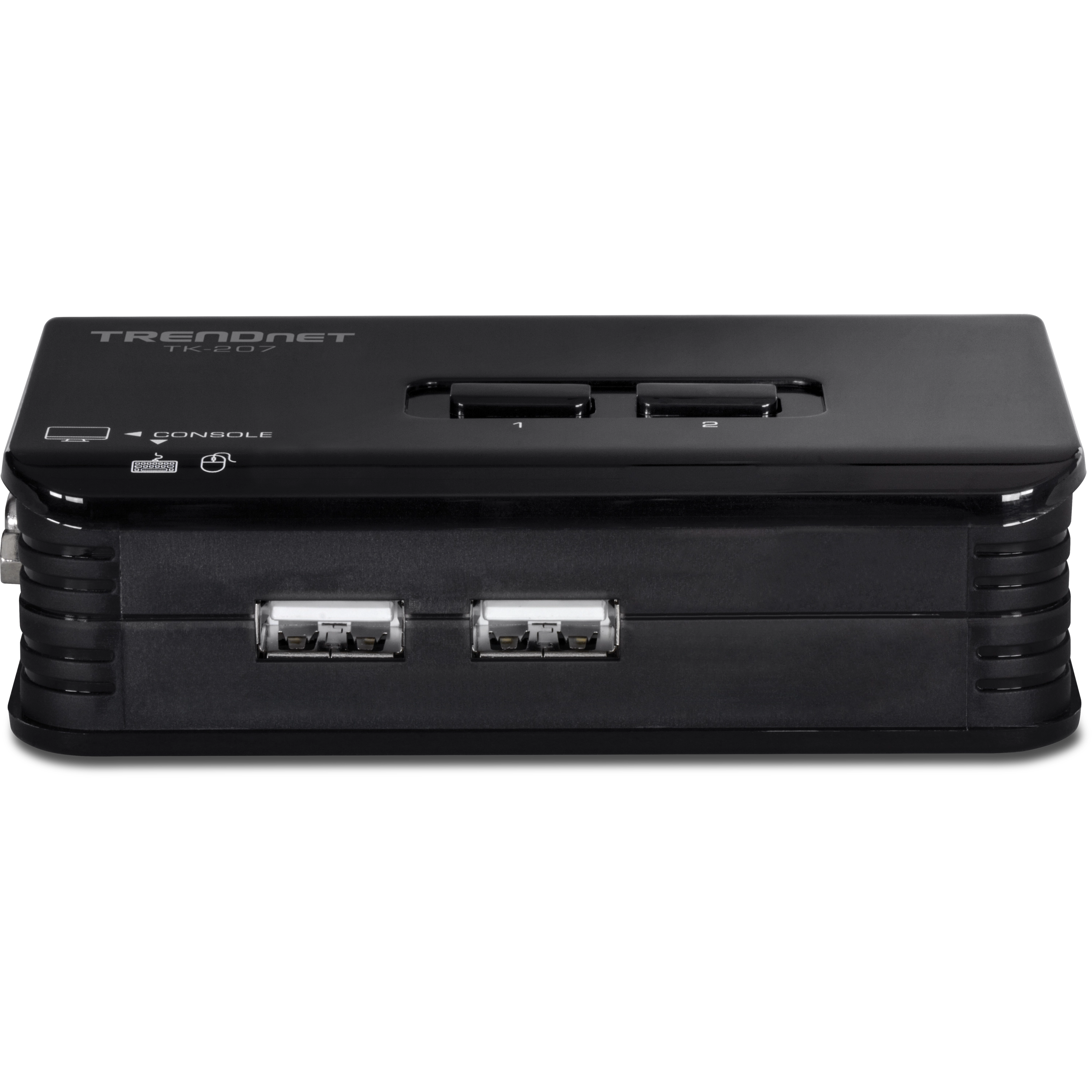
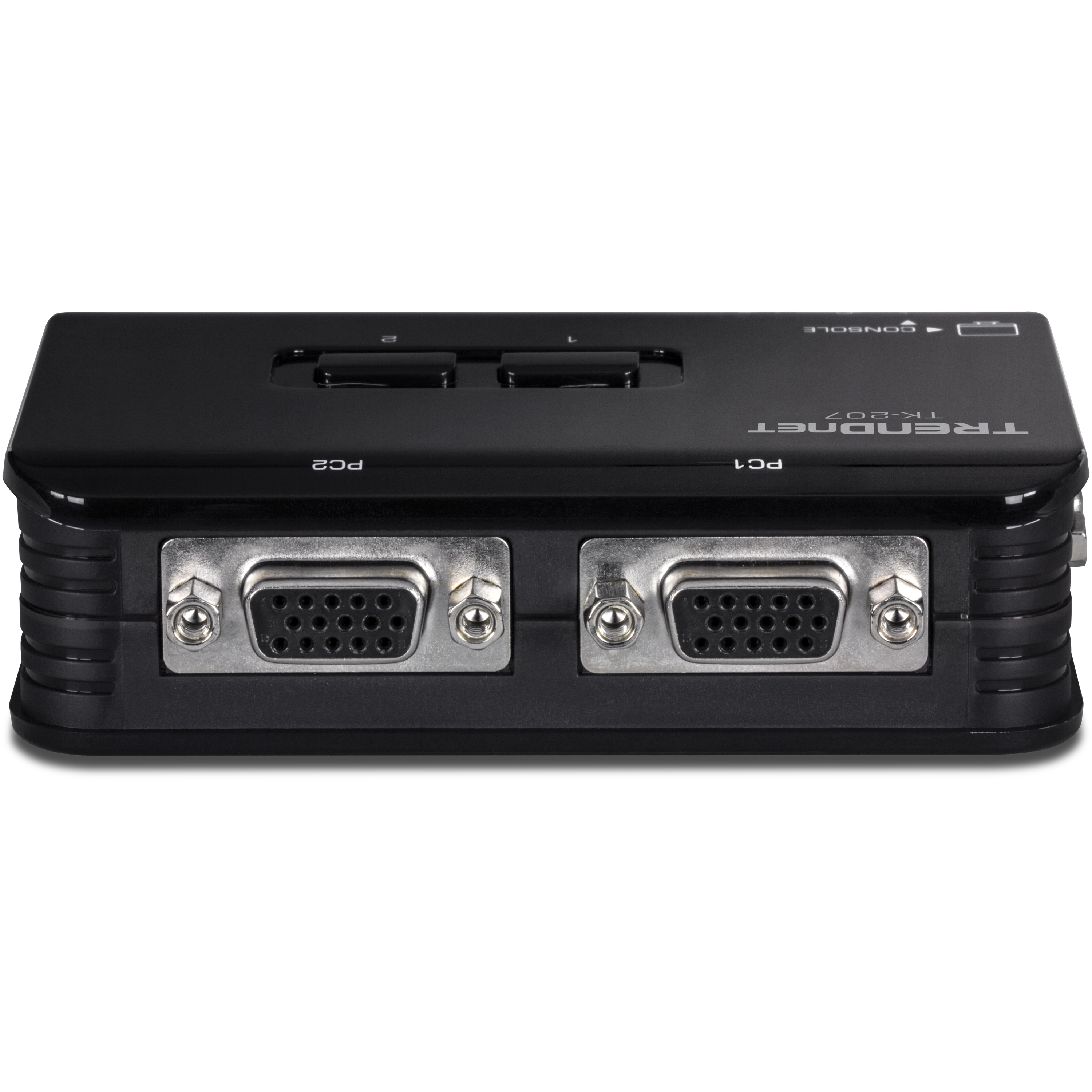
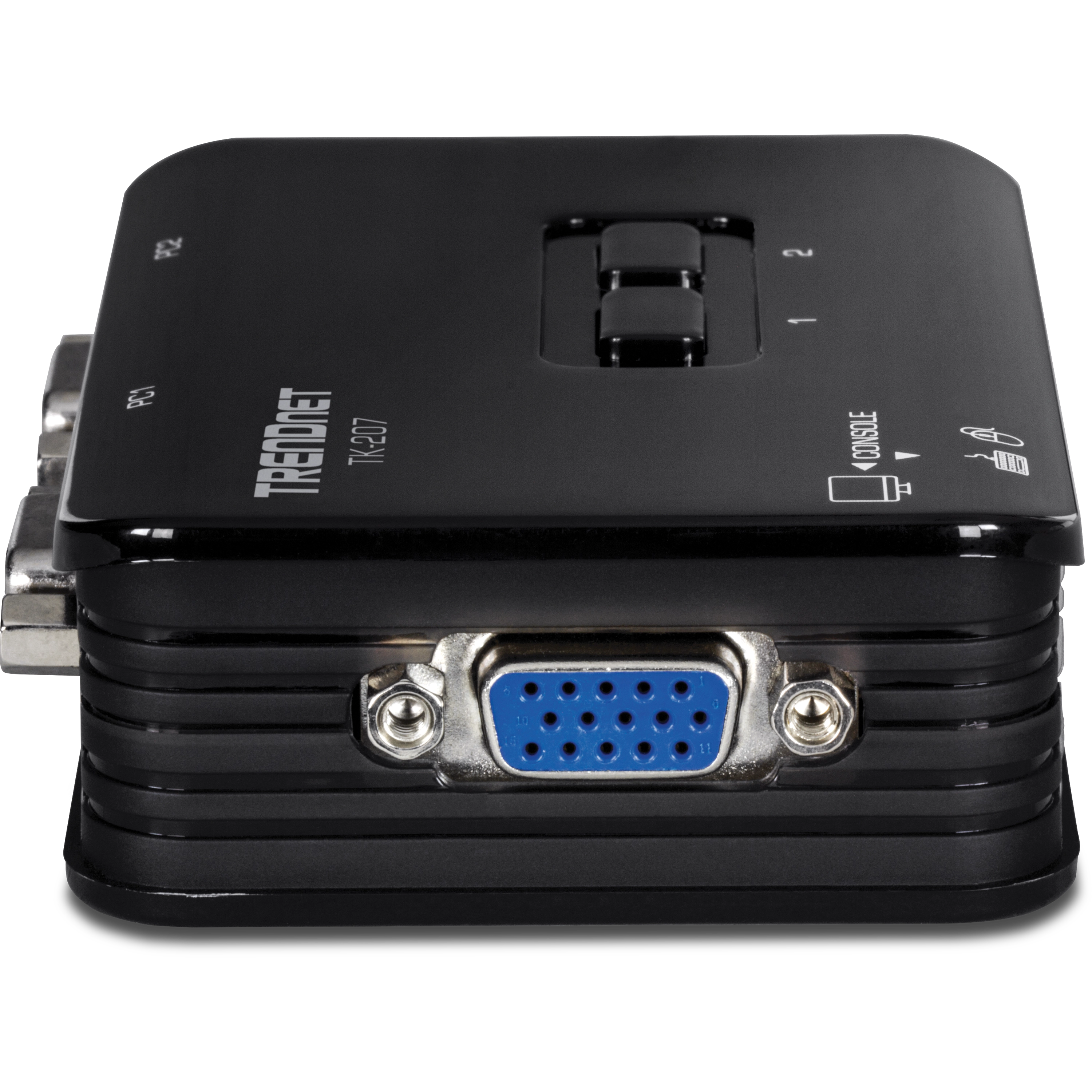
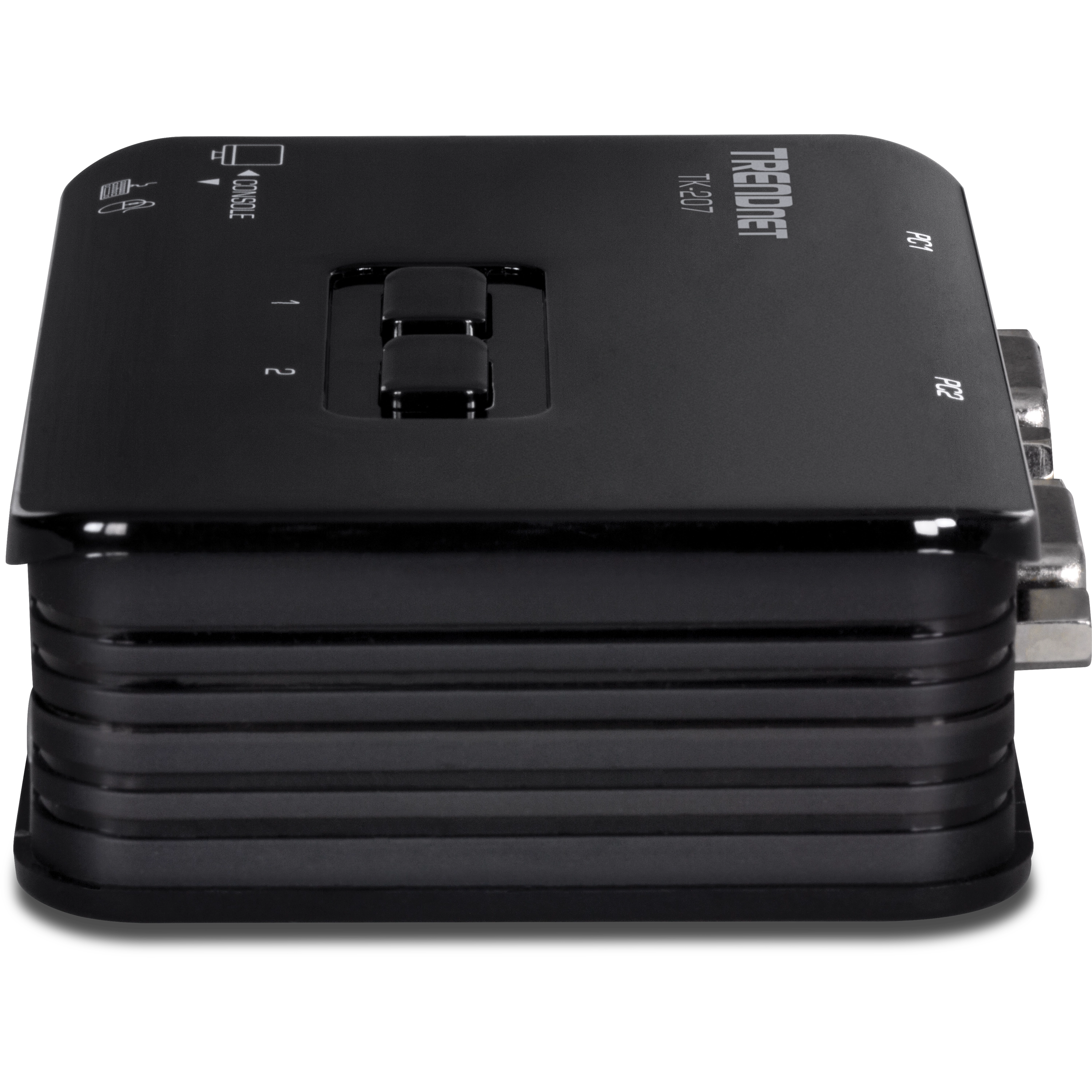
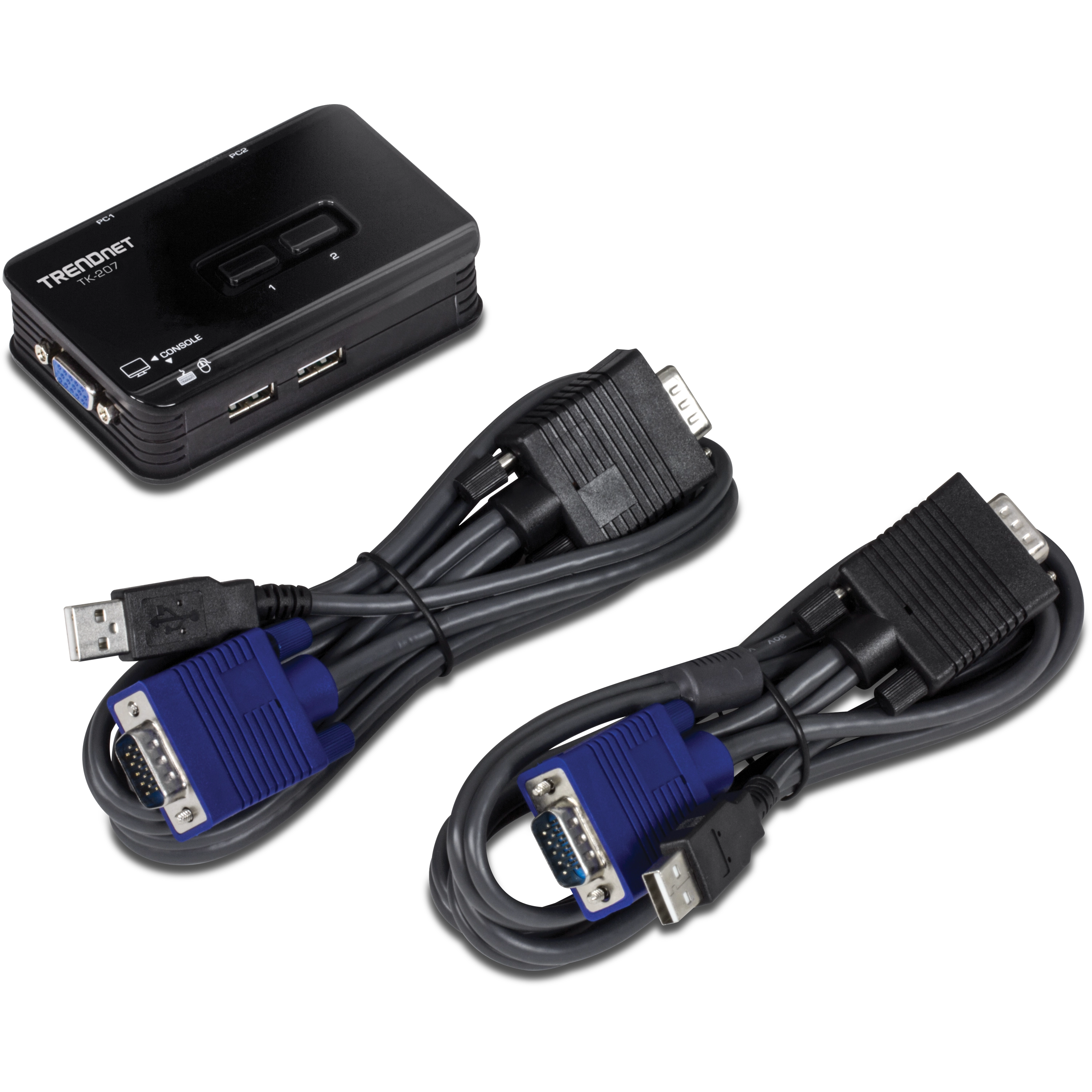
2-Port USB KVM Switch
TK-207K (Version V3)
- 2-Port KVM switch with VGA and USB connections to computers
- Resolução de alta qualidade de 2048 x 1536 para uma tela nítida
- Controle dois computadores com um conjunto de controles de console
- Comutação de dispositivos com varredura automática e feedback audível
- Suporta a maioria dos sistemas operacionais e designs de mouse avançados
- Alimentado por barramento - Nenhum adaptador de energia externo necessário
- Todo o cabeamento necessário incluído
- Compatível com NDAA

Ficha técnica
Nome do arquivo: EN_datasheet_TK-207K_(v3.xR).pdf
Data: 3/5/2025
Tamanho de arquivo: 2.83 MB
Nome do arquivo: FR_datasheet_TK-207K_(v3.xR).pdf
Data: 3/5/2025
Tamanho de arquivo: 2.85 MB
Nome do arquivo: GE_datasheet_TK-207K_(v3.xR).pdf
Data: 3/5/2025
Tamanho de arquivo: 2.91 MB
Nome do arquivo: PO_datasheet_TK-207K_(v3.xR).pdf
Data: 3/5/2025
Tamanho de arquivo: 2.91 MB
Nome do arquivo: SP_datasheet_TK-207K_(v3.xR).pdf
Data: 3/5/2025
Tamanho de arquivo: 2.88 MB
Nome do arquivo: IT_datasheet_TK-207K_(v3.xR).pdf
Data: 3/5/2025
Tamanho de arquivo: 2.89 MB
Guia de Instalação Rápida
Nome do arquivo: qig_lineart_TK-207K_TK-407K (v3.xR)_122324.pdf
Data: 3/5/2025
Tamanho de arquivo: 4.30 MB
Imagem(ns) do Produto
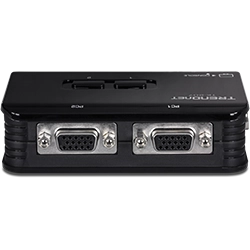
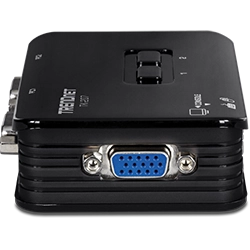
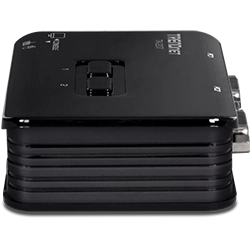
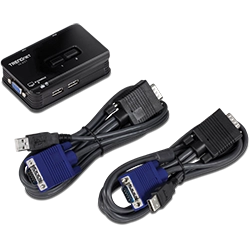


The TK-207K includes two sets of KVM cables. 2 sets: 1.2m (4 ft.)...
TRENDnet does not recommend using any type of third party hardware between the KVM and your computers or the console hardware to minimize compatibility issues. Use direct, native, connections. The TK-207K is a VGA KVM and it is recommended to use VGA displays with a VGA video source....
TRENDnet cannot guarantee compatibility with third party KVM cables. If you encounter issues, verify that the KVM functions properly with the included KVM cables....
When Switching you are essentially disconnecting your hardware from one computer and connecting it to the other. Please allow ample time for your PC to recognize and load the drivers for your console hardware. If your KVM is not responding please power cycle the KVM by disconnecting all the KVM cabl...
If you have any third party hardware between the KVM and your console devices or the computers, please remove them to rule out any interoperability issues. This would include any type of interface converter, hubs, extension cables or docking stations. If you are using third party cables please use t...
Unfortunately the Linux operating system will not allow for hotkey functionality. Please use the physical buttons on the KVM to Switch computers....
This is caused by VMware quickly changing the keyboard's num lock and scroll lock state. This activates hot key Switching. You can prevent this by ensuring the host computer and the VMware session are both set to the same num lock and scroll lock state. Running VMware in full screen mode should also...
Unfortunately this KVM is not an HDCP compliant device.
Yes, you can also initiate hot key functions using num lock + num lock.
Please refer to the following table. TK-205K Supported Cables* Included 4ft (1.2M) TK-208K Supported Cables* Included 4ft (1.2M) TK-408K Supported Cables* Included 6ft (1.8M) TK-200 Supported Cables* TK-C06, TK-C10 & TK-C15 6 Ft.(1.83m), 10 Ft.(3.1m), 15 Ft.(4.5m) TK-400 Supported Cables* TK-C06, TK...
Press Scroll lock + Scroll Lock + End to reset the Switch and it should start responding again. If it does not respond disconnect the mouse for approximately 10 seconds then reconnect it. If it's still not responding reboot the computer....
Unfortunately, you can not turn it off when Switching from one PC to another. You can turn it off when operating in auto scan mode only. The command for this is Scroll lock + Scroll lock + B....
The User's Guide or Quick Install Guide has a complete list of hotkey commands. You can download the User's Guide and Quick installation guide here: https://www.TRENDnet.com/asp/download_manager/category.asp?iType=29...
Scroll lock + Scroll lock + Up or Down arrows. For a complete list of hotkey commands please consult the user's guide or Quick Install Guide....
On the TK-207K the console ports are USB and support standard USB mice and keyboards. All other TRENDnet KVM Switches have PS/2 console ports and support standard PS/2 mice and keyboards....
| Conectores da Porta de Console |
|
|---|---|
| Interface do computador (até 2) |
|
| Cabos (2 conjuntos) |
|
| Resolução do monitor |
|
| Controle de Chaveamento |
|
| Temperatura de operação |
|
| Umidade de operação |
|
| Alimentação |
|
| Dimensão |
|
| Peso |
|
| Garantia |
|
| Certificações |
|
CONTEÚDO DA EMBALAGEM |
|
Todas as referências à velocidade são apenas para fins comparativos. As especificações, tamanho e formato do produto estão sujeitos a alterações sem aviso prévio, e a aparência real do produto pode ser diferente da descrita aqui.