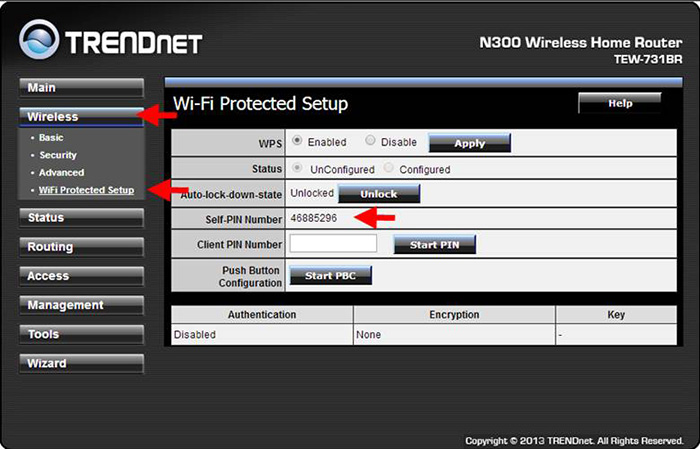
When I attempt to connect to the router I am prompted for a PIN. Where is this located?
FAQ ID: 3124 Updated: 8/14/2014 2:48:42 PM
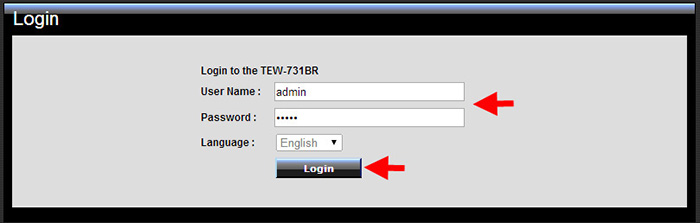
Connect a computer to one of the LAN ports on the TEW-731BR. Log in to it by entering https://TEW-731BR or https://192.168.10.1 into the address line of your browser.

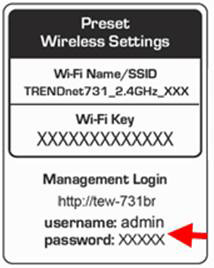
The username is admin. For added security, the Router is preconfigured with a unique password. You can find the password on a sticker on the front of the Router and on the label on the bottom of the Router.
Enter your Password, select your preferred language, then click Login.
Click Wireless > WiFi Protection Setup.Self-PIN Number will be the 8 digit pin.
Related FAQs:
Attachments:
No attachments found.