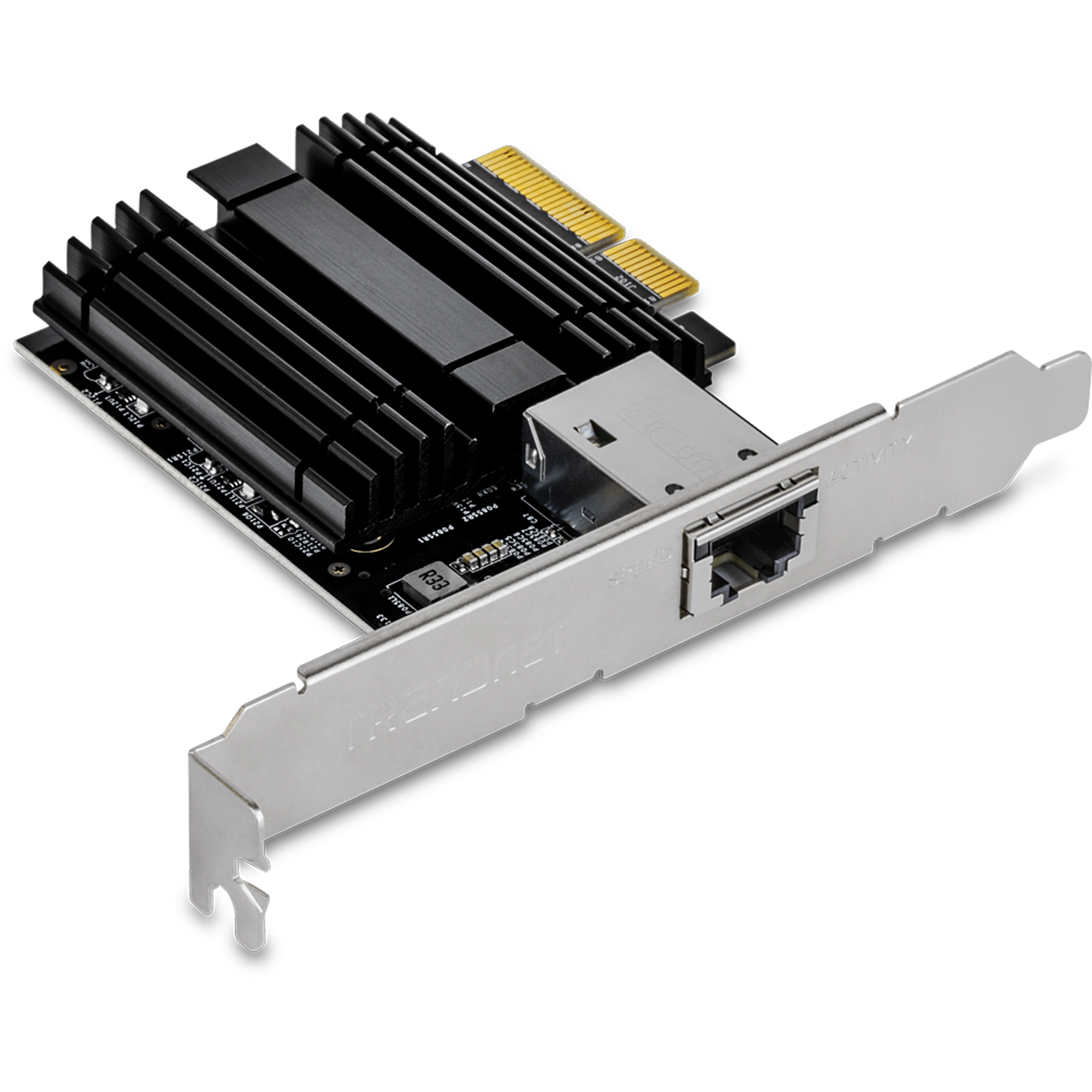
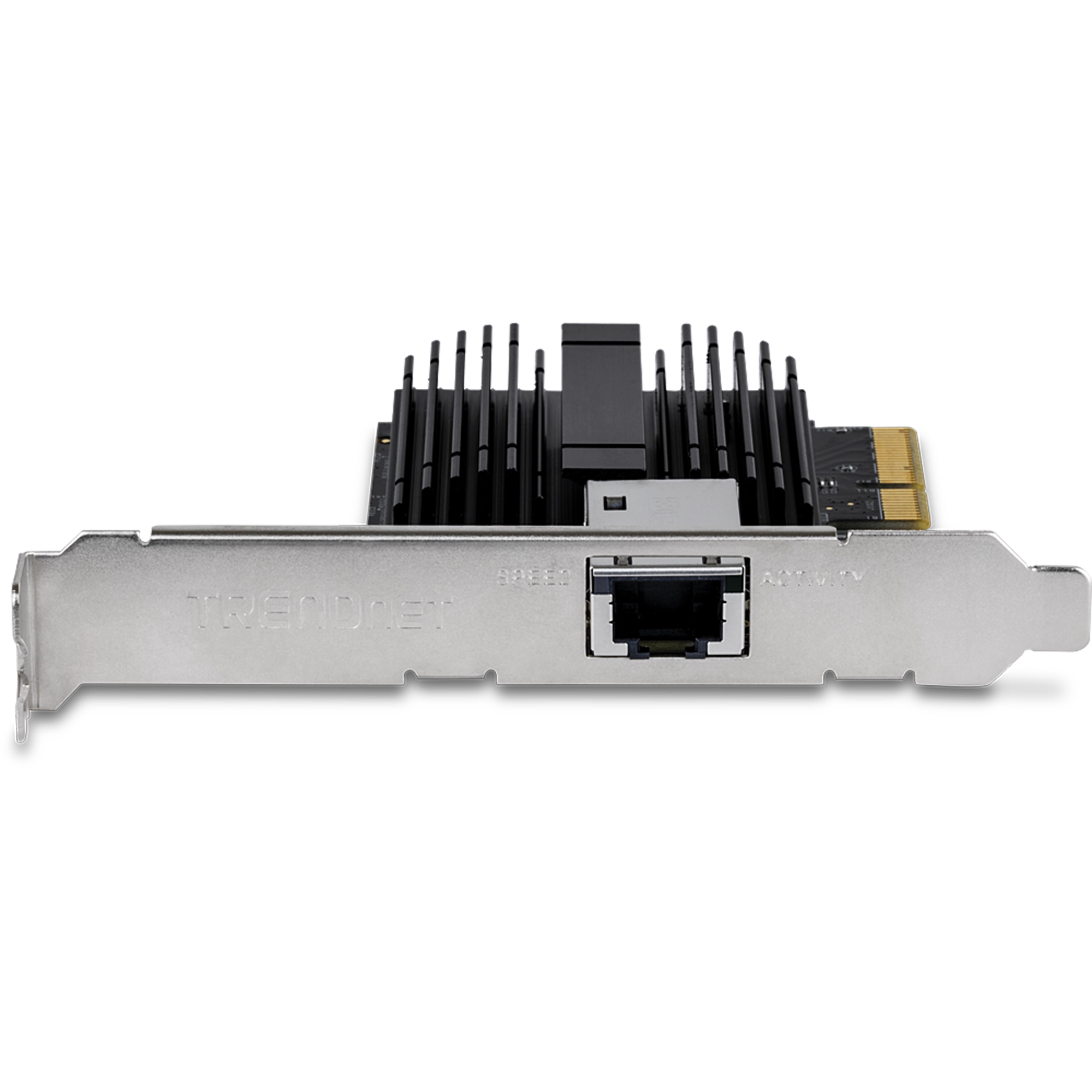
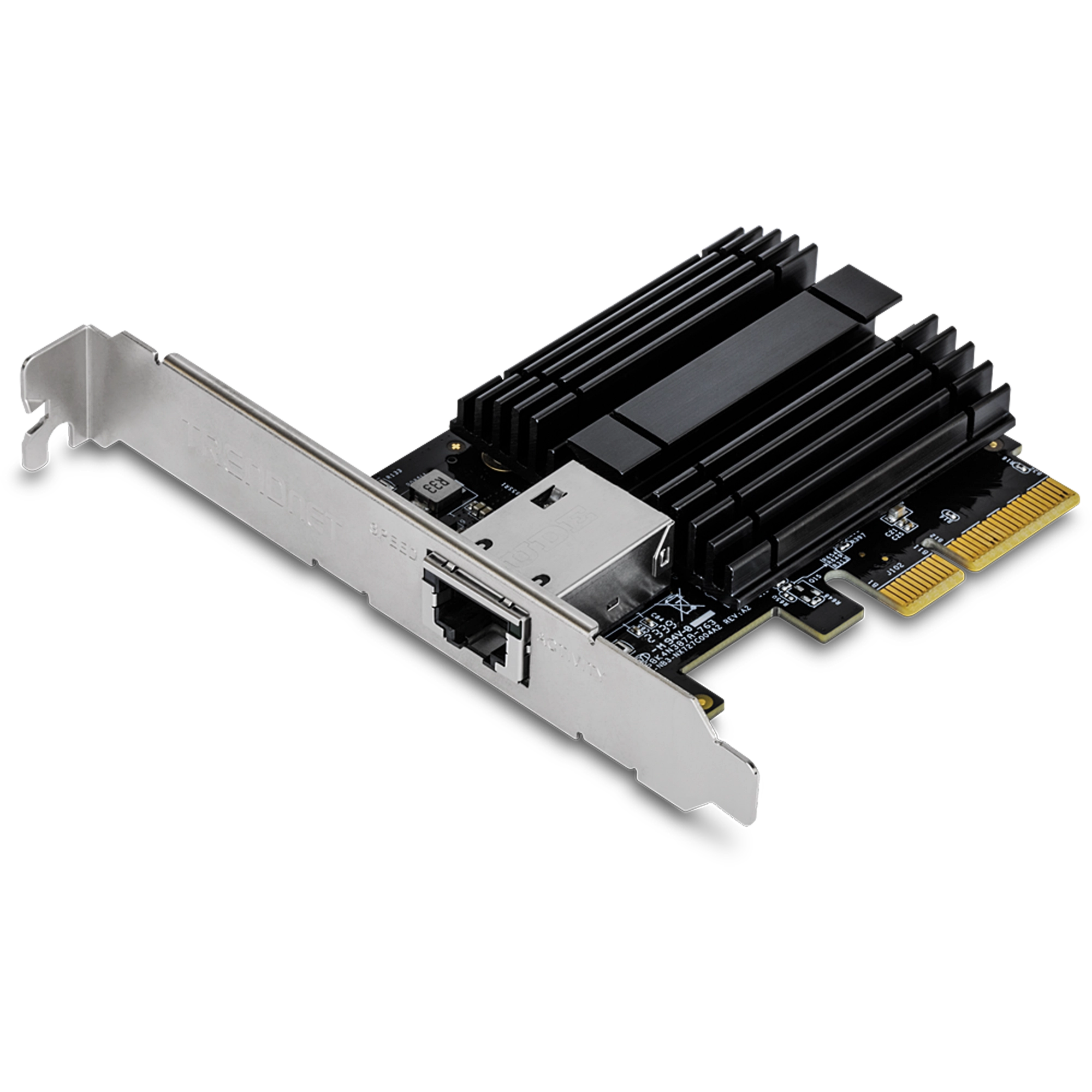
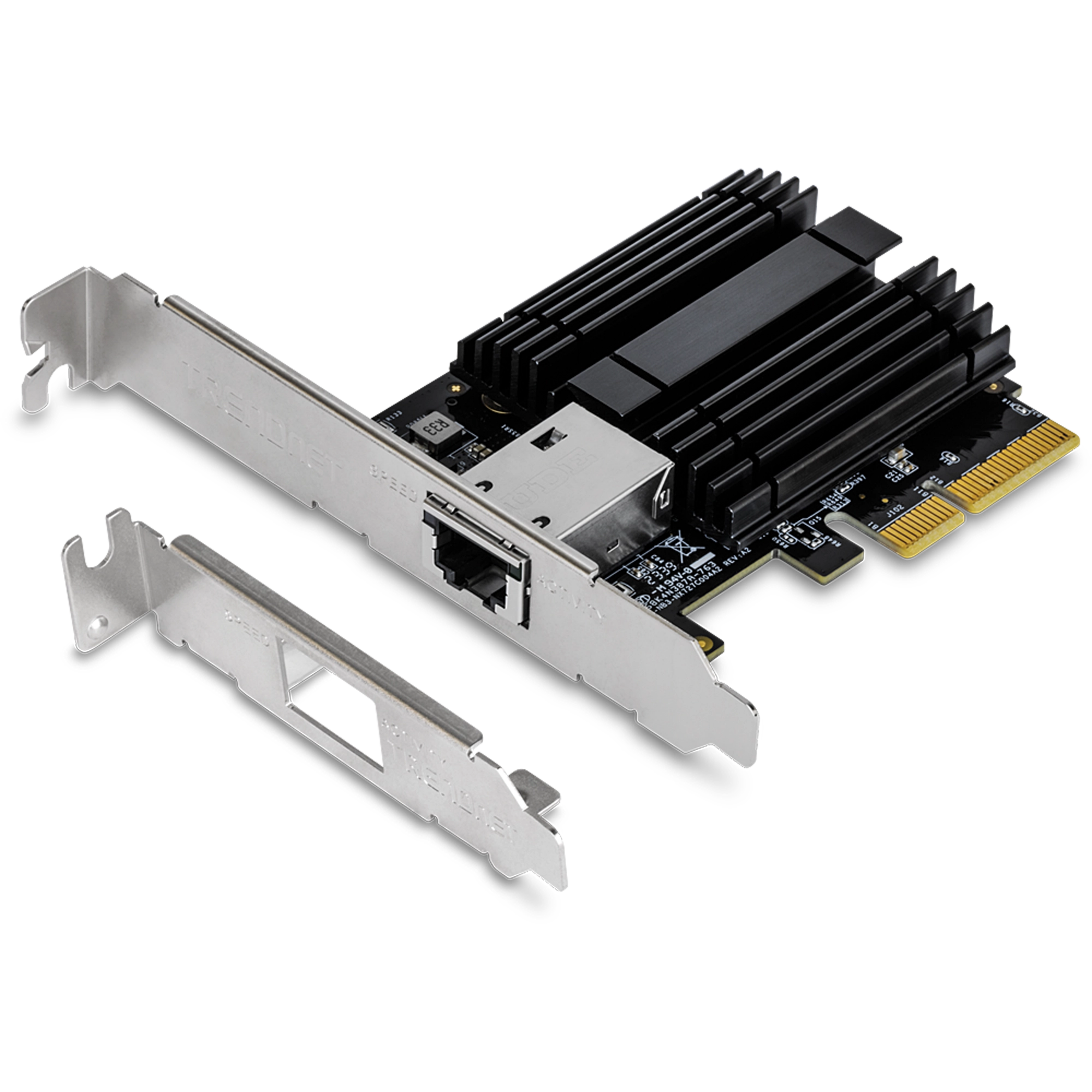
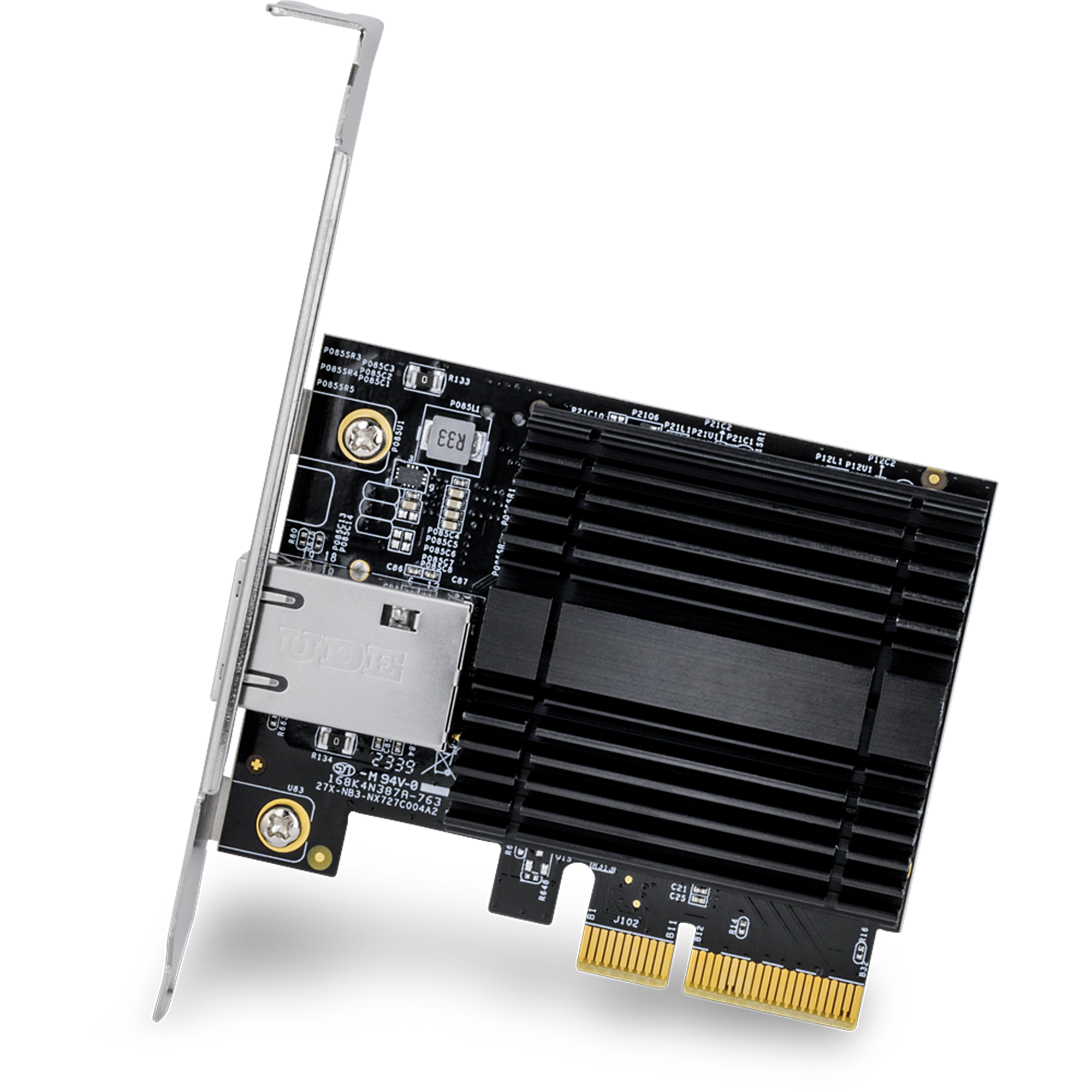
10G PCIe Network Adapter
TEG-10GECTX (Version V4)
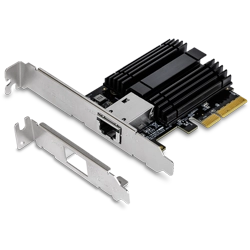
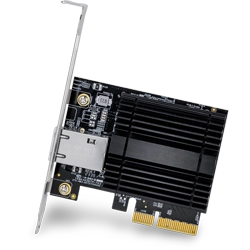
- Converts a PCIe 3.0 x4 slot into a 10G Ethernet port
- Supports connection speeds of 10Gbps, 2.5Gbps, and 1Gbps
- Supports 802.1Q VLAN Tagging
- Includes standard and low-profile brackets
- Windows® and Windows Server® support
- IEEE 802.3an and 802.3bz compliant
- NDAA / TAA compliant (U.S. and Canada only)

Drivers
Release Note :
- Initial Release
Filename: TEG-10GECTX_v4_Win10_11_Driver.zip
SHA-1 Checksum: CC1F1870DAB922A5A1678ABC6C8001F683E93966
Date: 3/6/2024
File Size: 780.23 KB
Release Note :
- Initial Release
Filename: TEG-10GECTX_v4_Win8_Driver.zip
SHA-1 Checksum: FA46C66B3774E71BA2B813A647576DDB078371EB
Date: 3/6/2024
File Size: 3.66 MB
Release Note :
- Initial Release
Filename: TEG-10GECTX_v4_Win7_Driver.zip
SHA-1 Checksum: 20C3ED8C20B688A3E5B3C4BE3B9997DD81647E15
Date: 3/6/2024
File Size: 1.29 MB
Release Note :
- Initial Release
Filename: TEG-10GECTX_v4_WinServer2022.zip
SHA-1 Checksum: 94920A19E673C085B5823A9E56A87BE15A2C5E30
Date: 3/6/2024
File Size: 482.98 KB
Release Note :
- Initial Release
Filename: TEG-10GECTX_v4_WinServer_2016-2019.zip
SHA-1 Checksum: 88AA1C4ED93A563A5685F4D90CE9C68CE8D04D80
Date: 3/6/2024
File Size: 338.88 KB
Release Note :
- Initial Release
Filename: TEG-10GECTX_v4_WinServer2012.zip
SHA-1 Checksum: 3A290A8143786BD32CB28F59D6C326E3AD56BBA0
Date: 3/6/2024
File Size: 1.36 MB
Datasheet
Filename: EN_datasheet_TEG-10GECTX_(v4.0R).pdf
Date: 3/26/2024
File Size: 803.70 KB
Filename: FR_datasheet_TEG-10GECTX_(v4.0R).pdf
Date: 3/26/2024
File Size: 908.54 KB
Filename: GE_datasheet_TEG-10GECTX_(v4.0R).pdf
Date: 3/26/2024
File Size: 910.76 KB
Filename: PO_datasheet_TEG-10GECTX_(v4.0R).pdf
Date: 3/26/2024
File Size: 919.99 KB
Filename: SP_datasheet_TEG-10GECTX_(v4.0R).pdf
Date: 3/26/2024
File Size: 803.70 KB
Filename: IT_datasheet_TEG-10GECTX_(v4.0R).pdf
Date: 3/26/2024
File Size: 803.97 KB
Quick Installation Guide
Filename: Lineart qig TEG-10GECTX(V4)_TEG-25GECTX_010924.pdf
Date: 1/24/2024
File Size: 7.28 MB
Product Images


Operating system support is located in the product specifications. You can find detailed product specifications on our website under the Products section. ...
The switch, router, or other network appliance you are connecting to must also support the same specifications to take full advantage of the adapters capabilities. For example, if you are connecting to a fast Ethernet switch you will only connect at 100Mbps and if you connect to a gigabit switch you...
You can find detailed product specifications on our website under the Products section.
The adapter is capable of speeds up to 10Gbps when connected to a 10Gbps device using Cat6a or higher Ethernet cables....
For 10G connections up to 100 meters (328 ft.) you will need to use Category 6a cables. You can use Category 6 cables for distances up to 55 meters (180 ft.)...
If the adapter is not detected by the PC make sure that it is seated firmly and properly into a PCIe 3.0 x4 interface slot and try a different slot....
Confirm that the link light is on when the system is powered off. If there is no link light, then there is no way for the TEG-10GECTX to receive the magic packet to wake the system.
Check your BIOS settings to ensure WoL is enabled.
Make sure the PC you are sending the magic packet from can ...
| Standards |
|
|---|---|
| Hardware Interface |
|
| Cable Requirements |
|
| Compatibility |
|
| Jumbo Frames |
|
| Special Features |
|
| Additional Support |
|
| Power |
|
| Operating Temperature |
|
| Operating Humidity |
|
| Certifications |
|
| Dimensions |
|
| Weight |
|
| Warranty |
|
PACKAGE CONTENTS |
|
All references to speed are for comparison purposes only. Product specifications, size, and shape are subject to change without notice, and actual product appearance may differ from that depicted herein.