


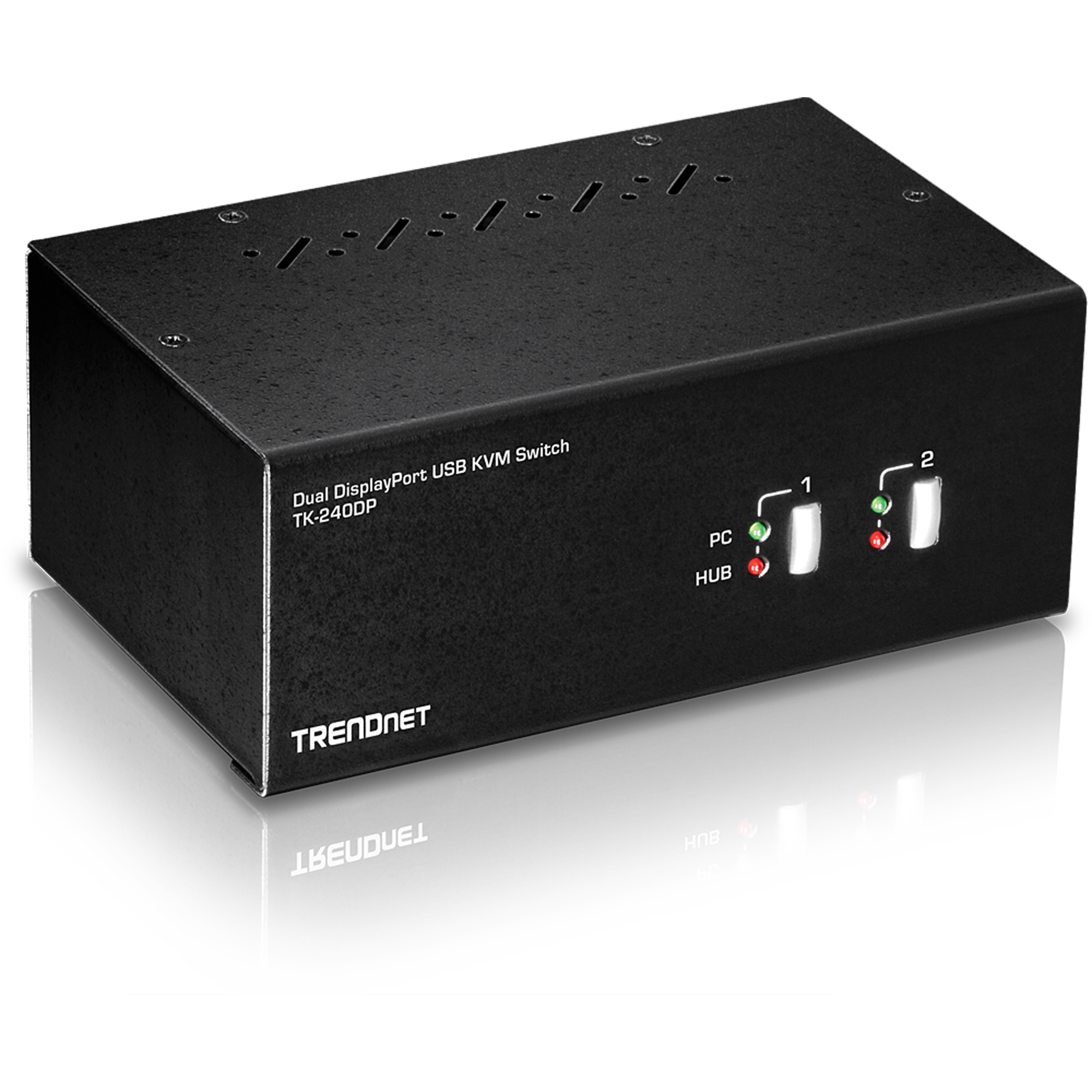
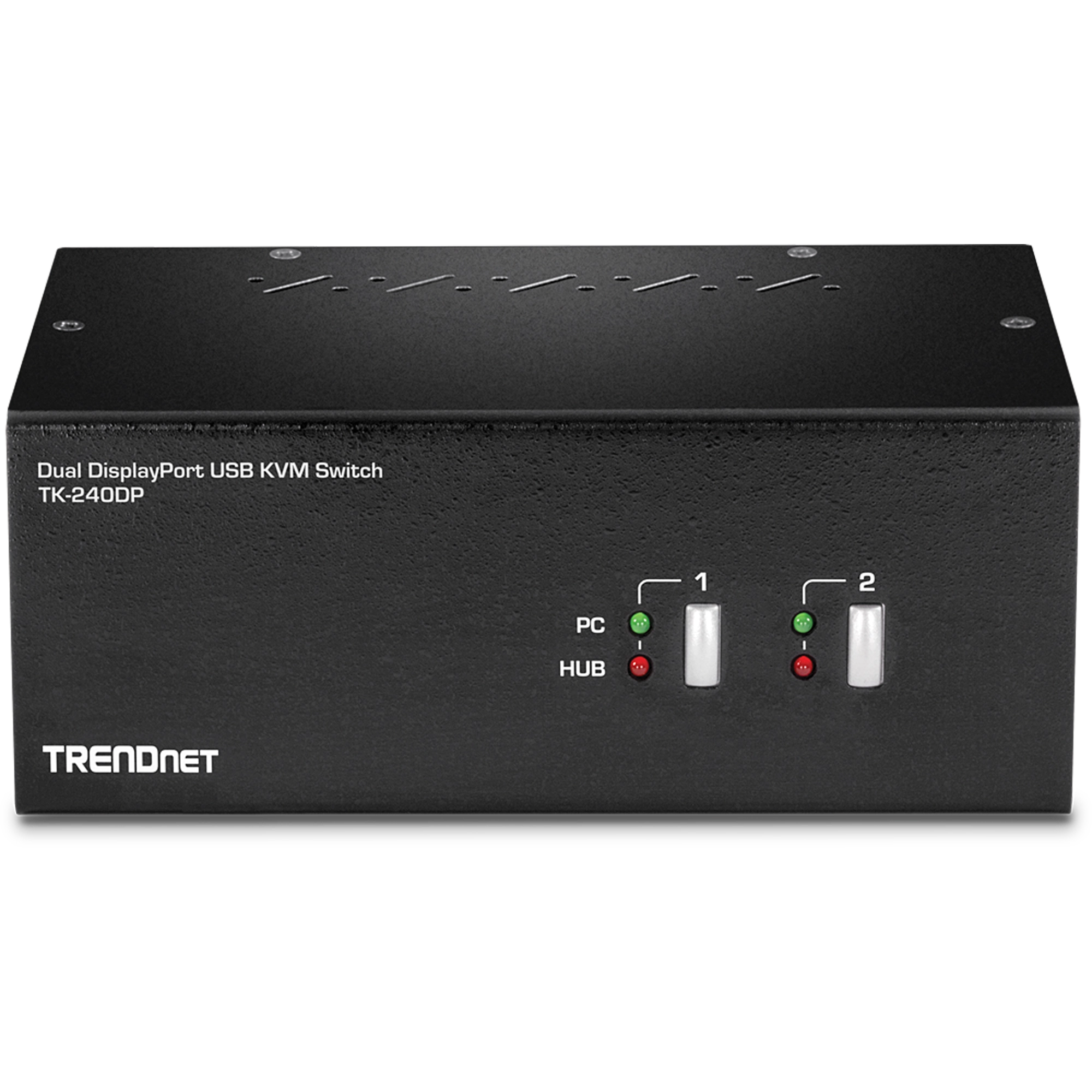
2-Port Dual Monitor DisplayPort KVM Switch
TK-240DP (Version V3)
- Dual Monitor DisplayPort™ 1.2 KVM
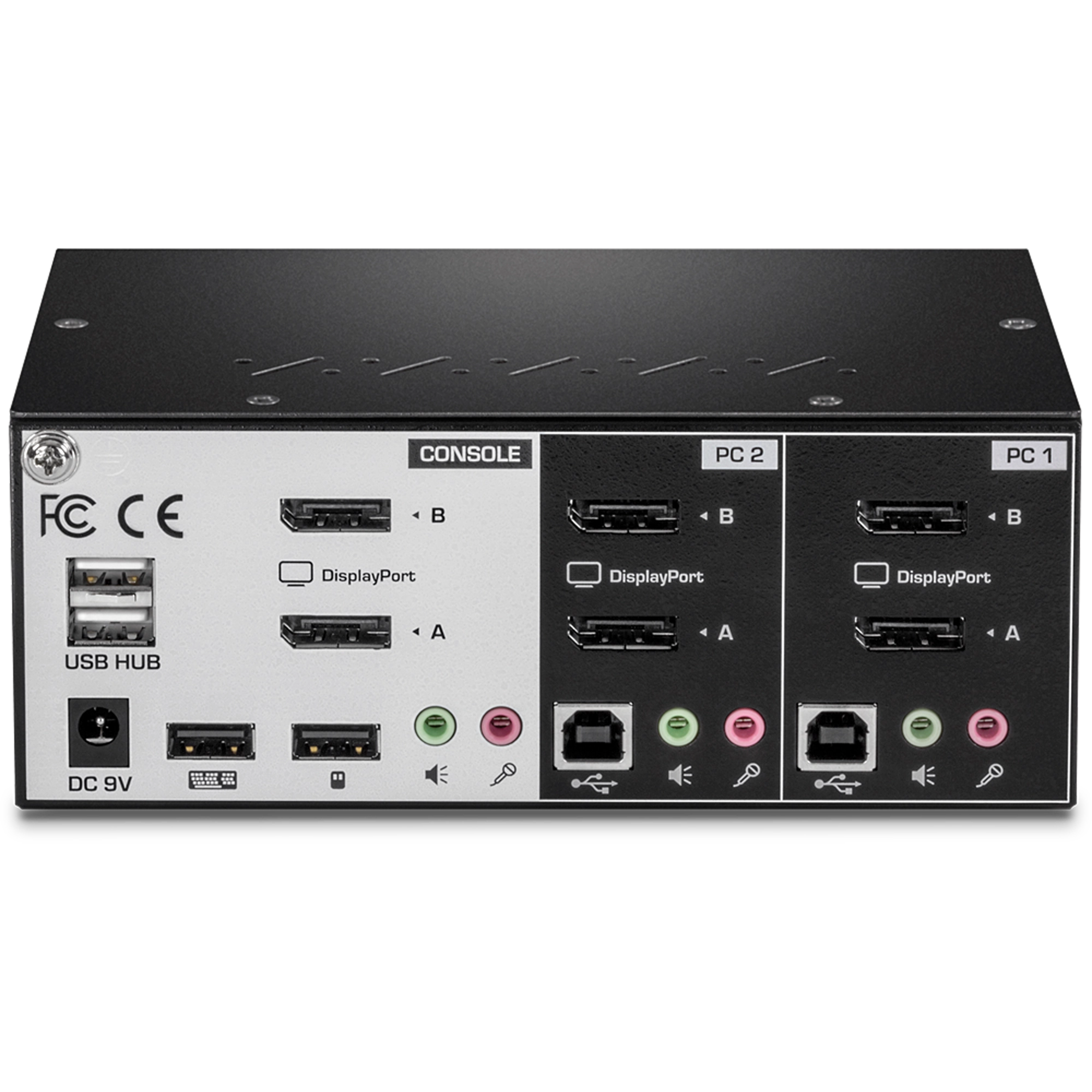
- 3.5mm speaker and microphone connections
- Designed for use with Dual DisplayPort systems
- Supports 4K UHD resolutions up to 3840 x 2160 @ 60Hz
- Up to 2560 x 1440 @ 144Hz
- 2-Port USB 2.0 hub for storage devices and printers
- Required cabling (TK-CP06) sold separately
- No CD installation required
- NDAA / TAA compliant (U.S. and Canada only)

TRENDnet's 2-Port Dual Monitor DisplayPort KVM Switch, model TK-240DP, allows you to control two computers with one set of console controls. Experience up to 4K UHD resolutions, no driver installation required. The TK-240DP is designed for dual monitor systems with USB mouse and keyboard connections, and features a two-port USB hub to share storage devices or printers between computers.
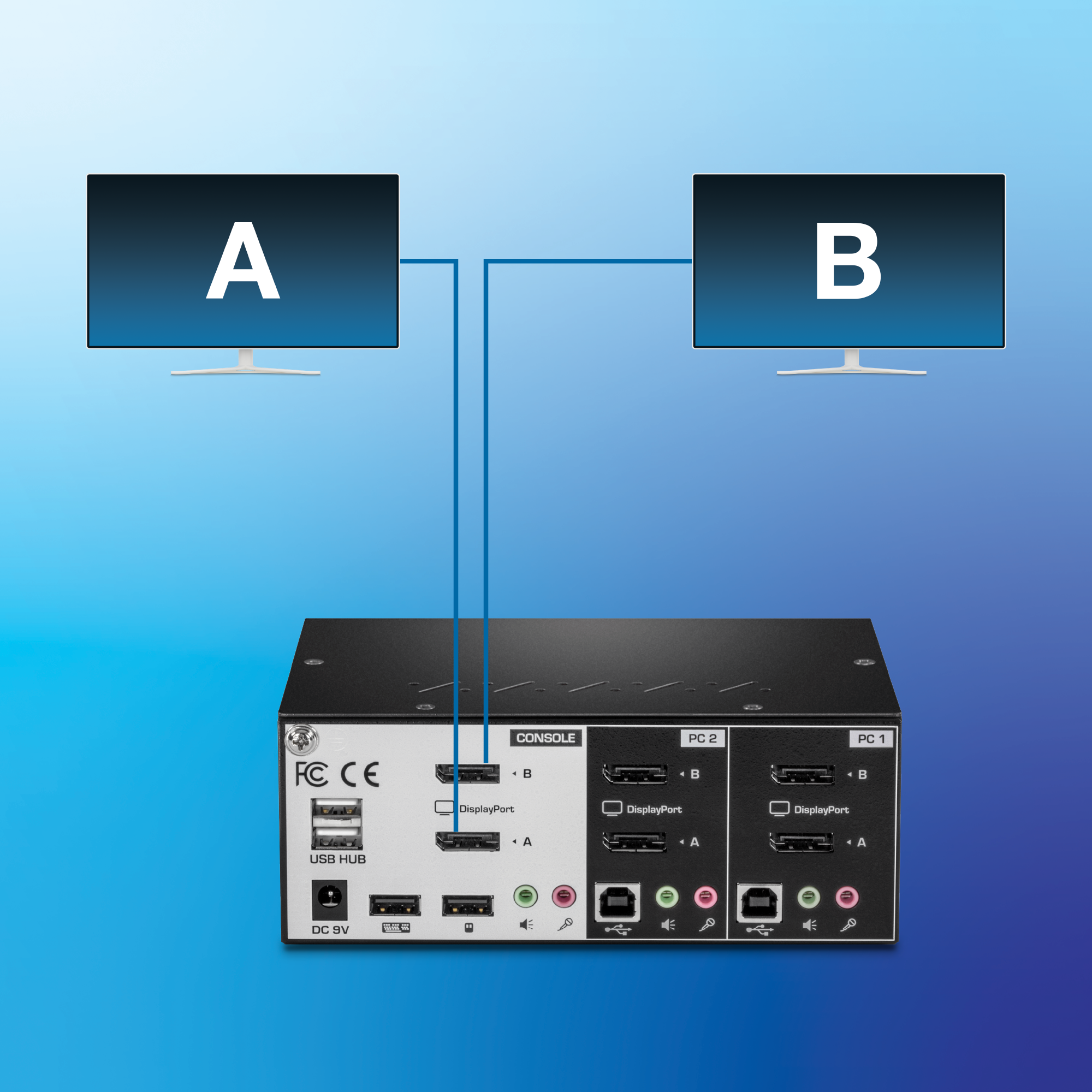
DisplayPort Monitor
Designed to connect to two DisplayPort monitors
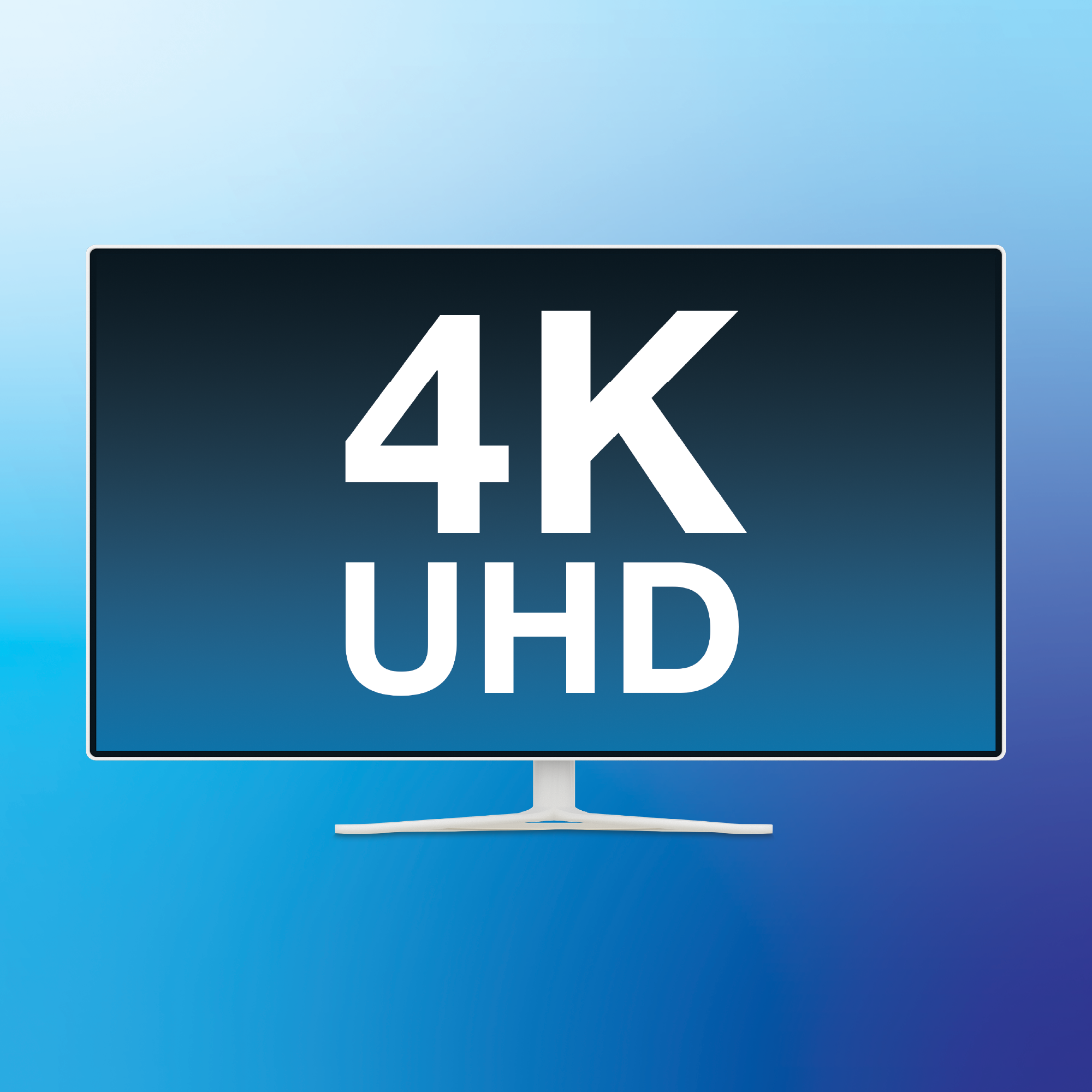
4K UHD Resolution
Supports resolutions up to 4K UHD (3840 x 2160 @ 60Hz)
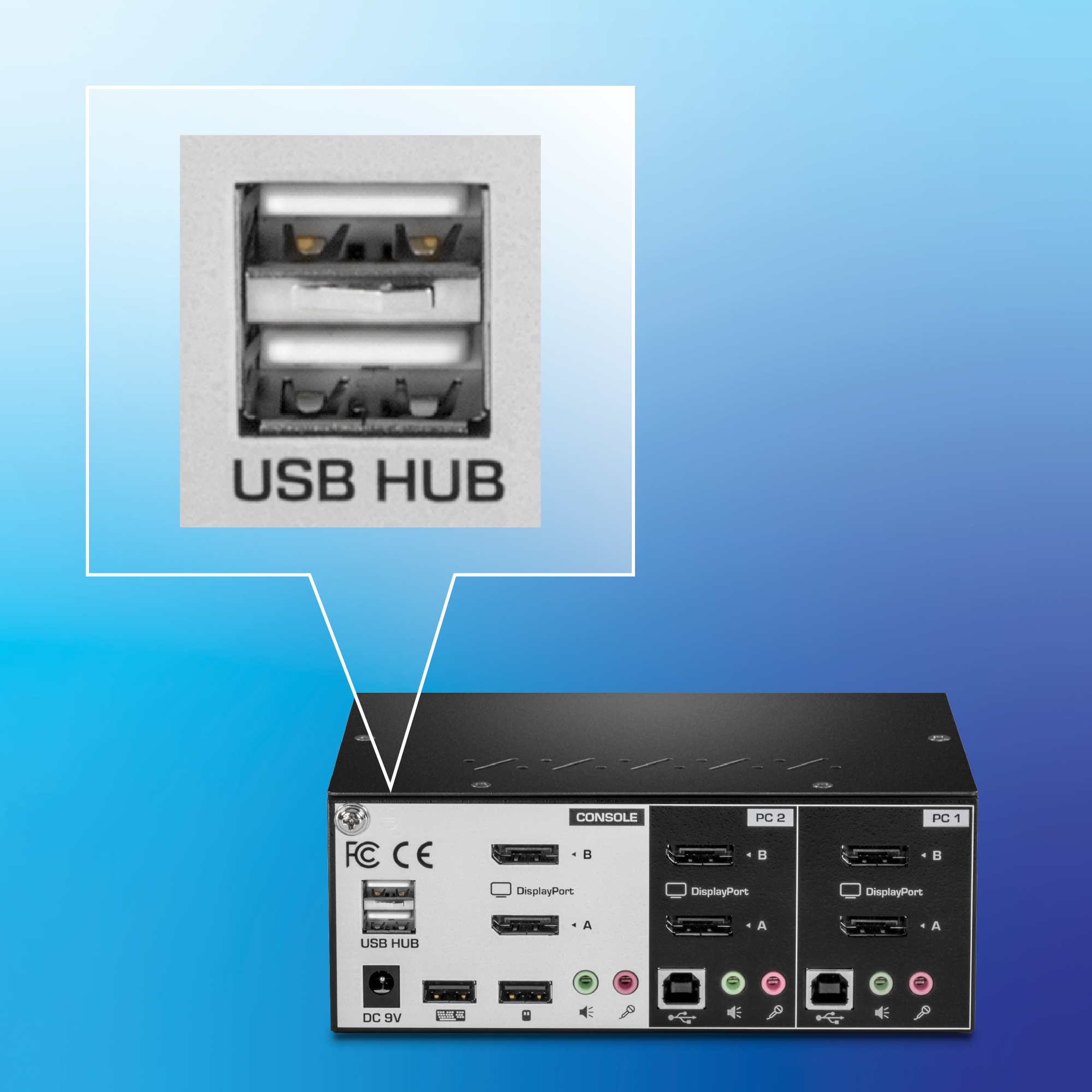
USB 2.0 Hub
Two additional USB ports to connect storage drives and printers
_1.webp)

Computers
Control up to 2 computers

4K UHD
Supports resolutions up to 4K UHD (3840 x 2160 @ 60Hz)

Audio Support
Full audio support maximizes work station productivity

USB Mouse & Keyboard
True Transparent USB (TTU) emulation technology supports most keyboard and mouse designs

DisplayPort Monitor
Designed to connect to two DisplayPort monitors

Housing
Rugged metal enclosure

USB 2.0 Hub
Two additional USB ports to connect storage drives and printers

Hot Keys
Hot Key command shortcuts
| Console Port Connectors |
|
|---|---|
| KVM Port Interface (up to 2) |
|
| Computer Interface (up to 2) |
|
| Monitor Resolution |
|
| Switching Control |
|
| Operating Temperature |
|
| Operating Humidity |
|
| Power |
|
| Dimensions |
|
| Weight |
|
| Certifications |
|
| Warranty |
|
PACKAGE CONTENTS |
|
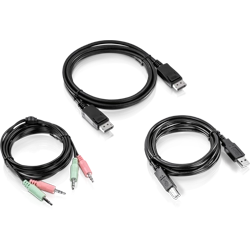
- Compatible with the TK-240DP KVM Switch
- DisplayPort™ 1.2 cable interface
- USB cable for mouse and keyboard connections
- 3.5mm cables for microphone and speaker connections
- NDAA / TAA compliant (U.S. and Canada only)
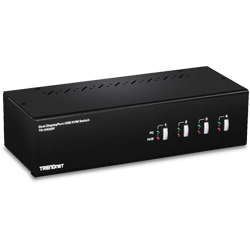
- Dual Monitor DisplayPort™ 1.2 KVM
- 3.5mm speaker and microphone connections
- Designed for use with Dual DisplayPort systems
- Supports 4K UHD resolutions up to 3840 x 2160 @ 60Hz
- Up to 2560 x 1440 @ 144Hz
- 2-Port USB 2.0 hub for storage devices and printers
- Required cabling sold separately (TK-CP06)
- No CD installation required
- NDAA / TAA compliant (U.S. and Canada only)
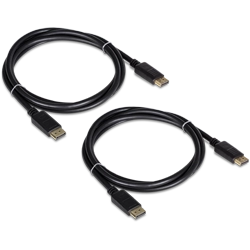
- Includes 2 x DisplayPort™ 1.2 cables
- Supports up to 2560 x 1440 @ 144Hz
- Works with DisplayPort Monitors, Video Cards, and KVM switches (including TK-240DP and TK-440DP)
- NDAA / TAA compliant (U.S. and Canada only)