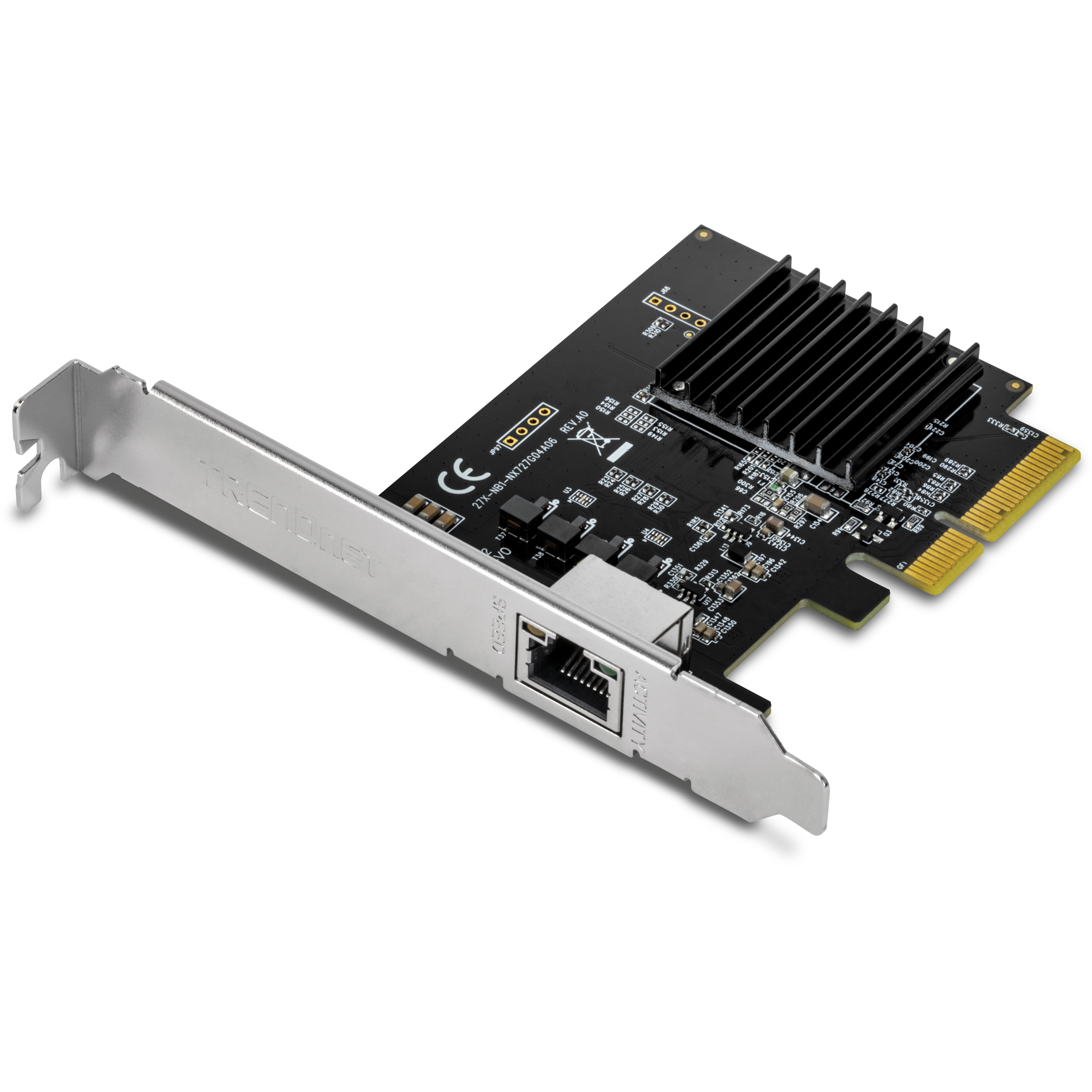
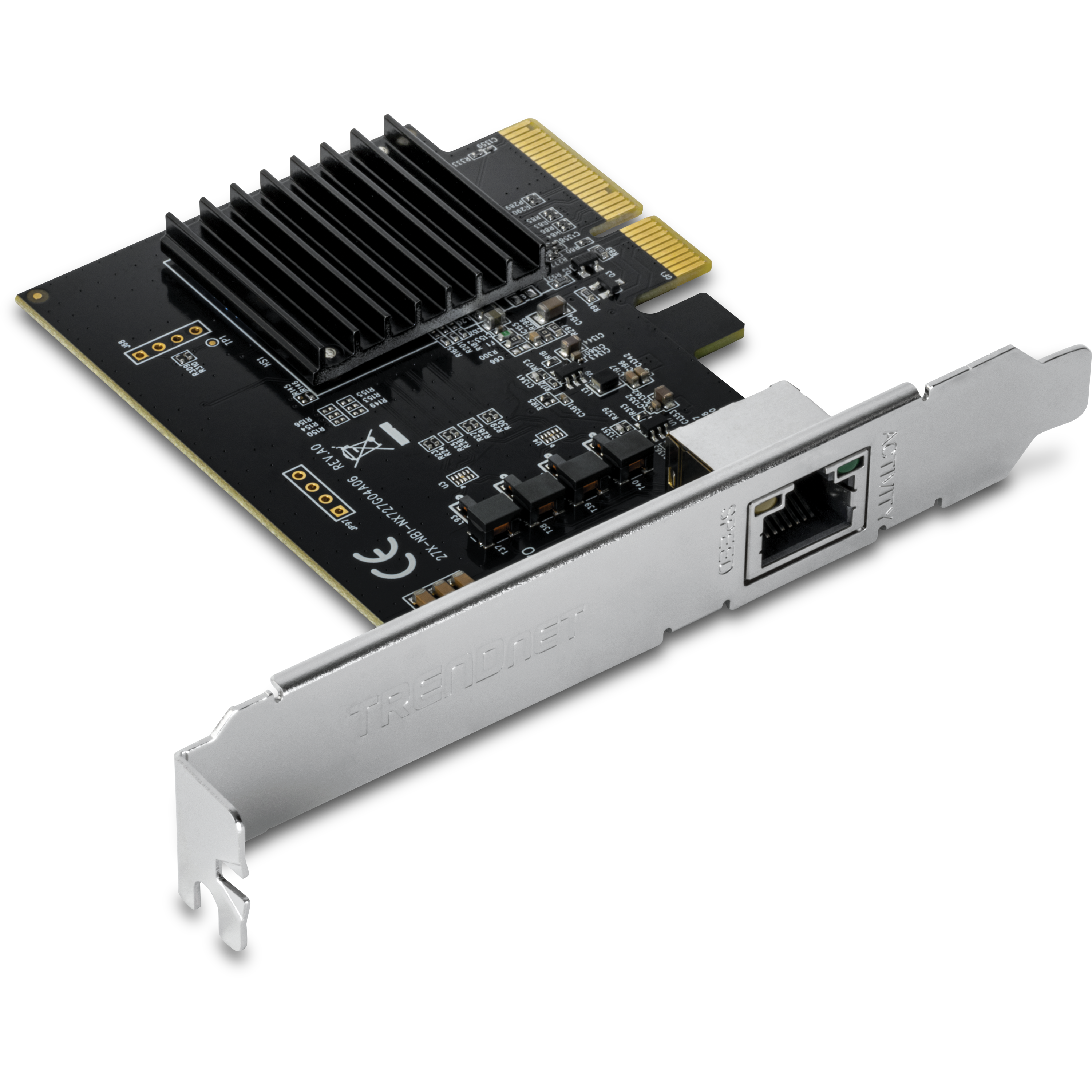
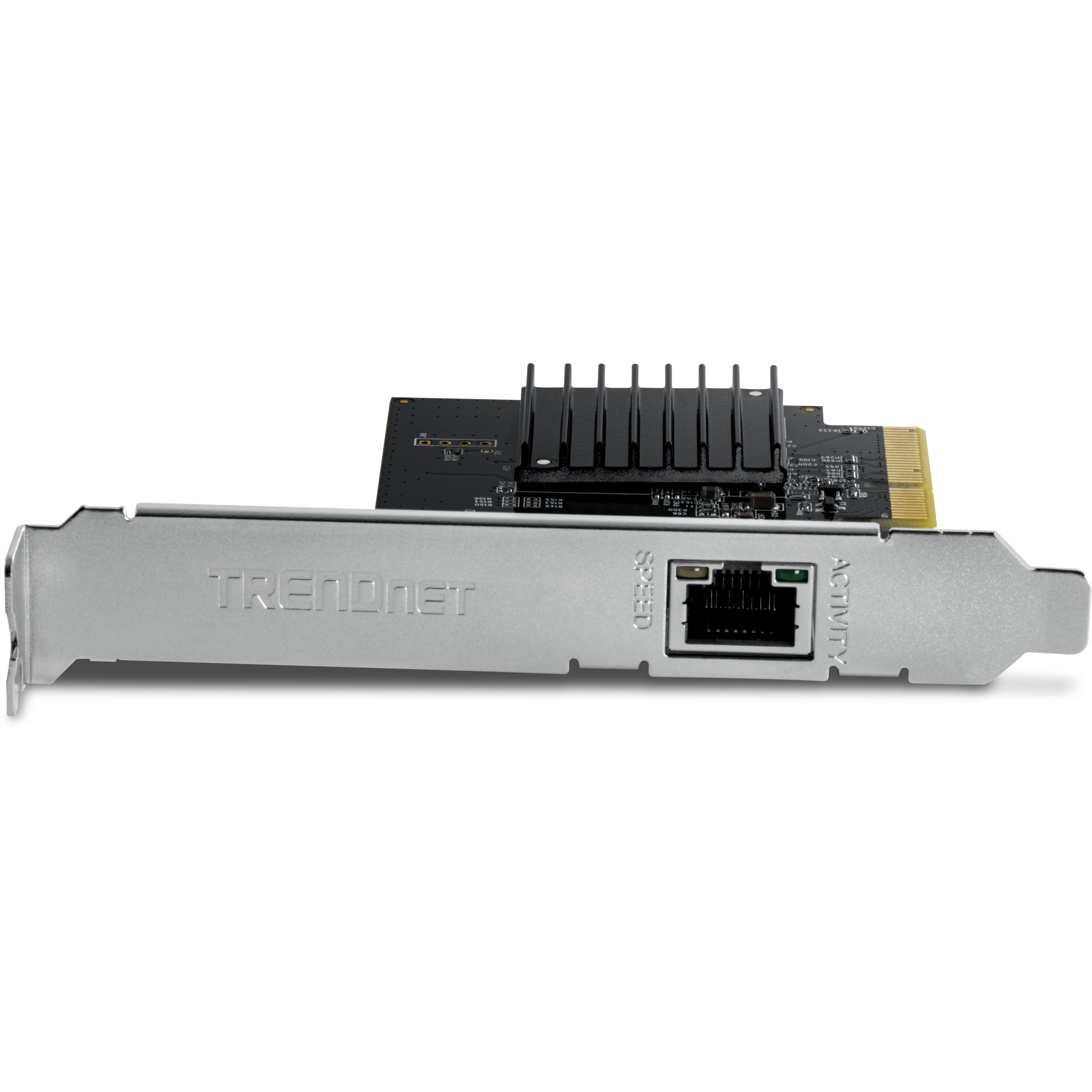
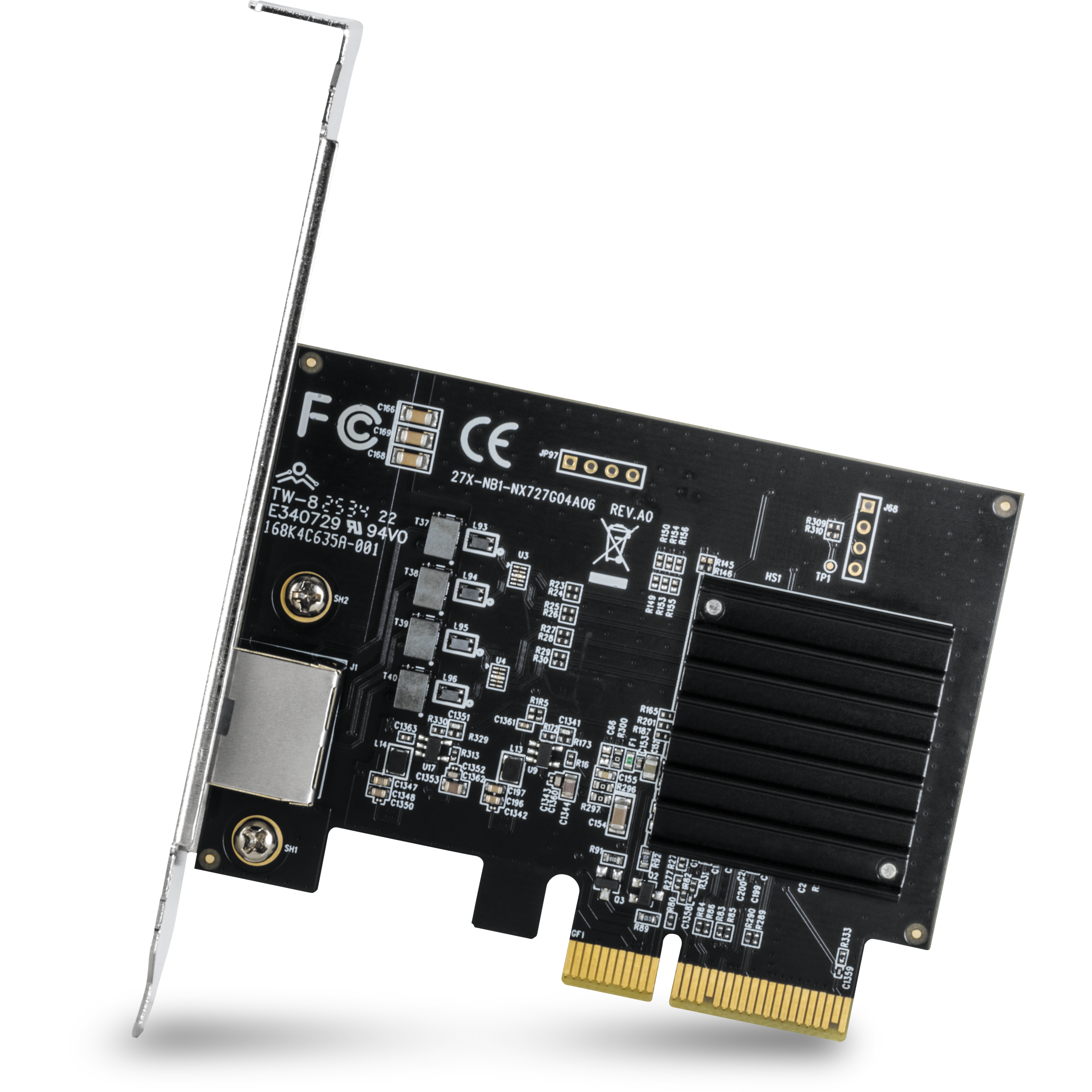
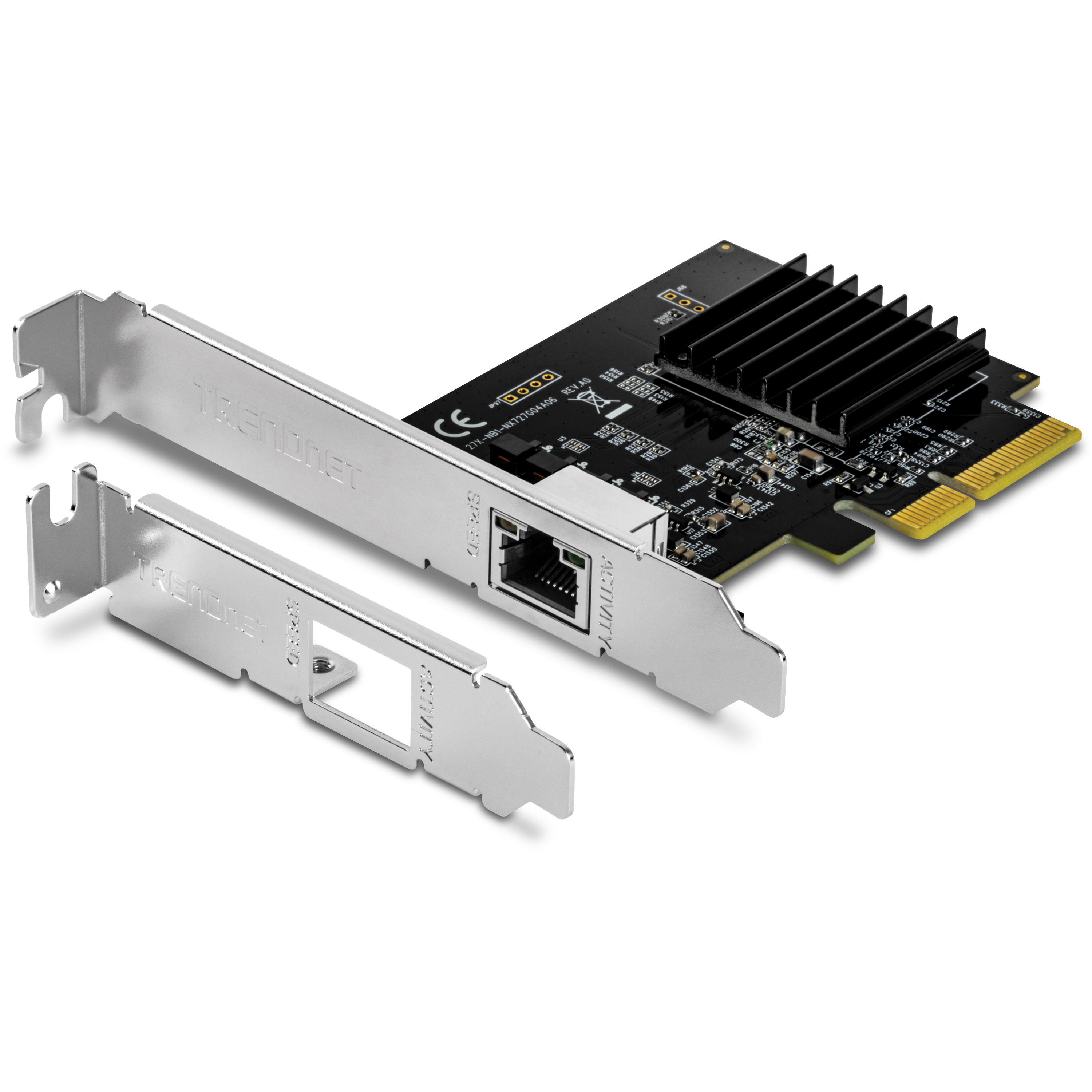
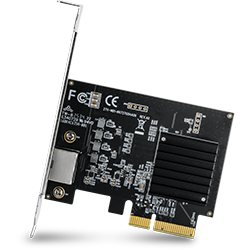
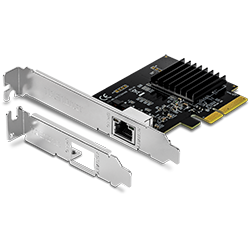
10G-PCIe-Netzwerkadapter
TEG-10GECTX (Version V5)
- Konvertiert einen PCIe 3.0 x4 Steckplatz in einen 10G Ethernet Port
- Unterstützt Verbindungsgeschwindigkeiten von 10Gbps, 2,5Gbps und 1Gbps
- Unterstützt 802.1Q VLAN Tagging
- Standard- und flache Halteklammern inbegriffen
- Unterstützung für Windows® und Windows Server®
- Für IEEE 802.3an and IEEE 802.3bz geeignet
Drivers
- Release Version : v1.00
- Release Date: 4/2026
- OS Compatibility: Windows 11, 10 (64-bit only), Windows Server 2025, 2022, 2019, and 2016
Dateiname: TEG-10GECTX_v5_Driver.zip
SHA-1 Checksum: DF3510573D9B6217E56A36066E7FABBBBBE1B2AF
Datum: 4/3/2026
Dateigröße: 4.82 MB
Datenblätter
Dateiname: EN_datasheet_TEG-10GECTX_(v5.xR).pdf
Datum: 2/23/2026
Dateigröße: 3.15 MB
Dateiname: FR_datasheet_TEG-10GECTX_(v5.xR).pdf
Datum: 2/23/2026
Dateigröße: 3.17 MB
Dateiname: GE_datasheet_TEG-10GECTX_(v5.xR).pdf
Datum: 2/23/2026
Dateigröße: 3.11 MB
Dateiname: PO_datasheet_TEG-10GECTX_(v5.xR).pdf
Datum: 2/23/2026
Dateigröße: 3.11 MB
Dateiname: SP_datasheet_TEG-10GECTX_(v5.xR).pdf
Datum: 2/23/2026
Dateigröße: 3.14 MB
Dateiname: IT_datasheet_TEG-10GECTX_(v5.xR).pdf
Datum: 2/23/2026
Dateigröße: 3.16 MB
Produktbild(er)
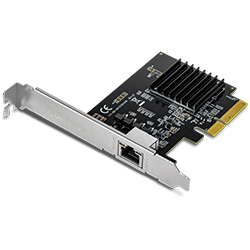
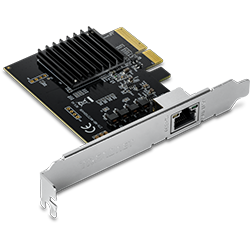
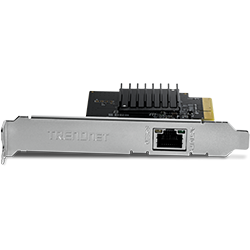


Operating system support is located in the product specifications. You can find detailed product specifications on our website under the Products section. ...
The switch, router, or other network appliance you are connecting to must also support the same specifications to take full advantage of the adapters capabilities. For example, if you are connecting to a fast Ethernet switch you will only connect at 100Mbps and if you connect to a gigabit switch you...
You can find detailed product specifications on our website under the Products section.
The adapter is capable of speeds up to 10Gbps when connected to a 10Gbps device using Cat6a or higher Ethernet cables....
For 10G connections up to 100 meters (328 ft.) you will need to use Category 6a cables. You can use Category 6 cables for distances up to 55 meters (180 ft.)...
If the adapter is not detected by the PC make sure that it is seated firmly and properly into a PCIe 3.0 x4 interface slot and try a different slot....
Confirm that the link light is on when the system is powered off. If there is no link light, then there is no way for the TEG-10GECTX to receive the magic packet to wake the system.
Check your BIOS settings to ensure WoL is enabled.
Make sure the PC you are sending the magic packet from can ...
| Standards |
|
|---|---|
| Hardware-Schnittstelle |
|
| Kabelanforderungen |
|
| Kompatibilität |
|
| Jumbo Frames |
|
| Weitere Unterstützung |
|
| Leistung |
|
| Betriebstemperatur |
|
| Betriebsfeuchtigkeit |
|
| Zertifizierungen |
|
| Maße |
|
| Gewicht |
|
| Garantie |
|
PACKUNGSINHALT |
|
*Unterstützt maximale Kabellängen von Cat6 und Cat6A gemäß der Norm IEEE 802.3an; tatsächlicher Datendurchsatz und Strecke variieren je nach Qualität des Kabels.
Alle erwähnten Geschwindigkeiten dienen ausschließlich dem Vergleich. Produktspezifikationen, Größe und Form unterliegen unangekündigten Änderungen, und das tatsächliche Aussehen des Produkts kann von dieser Beschreibung abweichen.