


Search FAQs
Browse by Product
How do I configure encryption on my wireless adapter?
FAQ ID: 721 Product: TEW-504UBUpdated:1/11/2006 7:57:14 PM
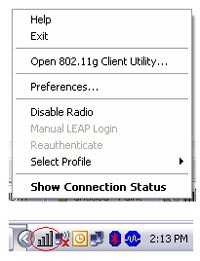
Open the utility by right clicking on the icon at the bottom right hand side of the screen and going to Open 802.11g Client utility.
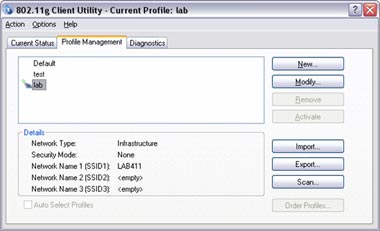
Click on the Profile Management tab of the Wireless Configuration Utility, hightlight the profile you want to modify and click modify.
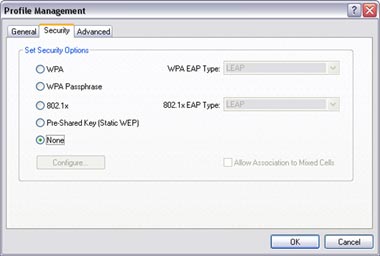
Then select what type of encryption you are using and click ok..
Related FAQs:
Attachments:
No attachments found.