


Search FAQs
Browse by Product
How do I connect to my wireless network?
FAQ ID: 713 Product: TEW-503PIUpdated:1/11/2006 7:33:43 PM
Step 1 Open the utility by double clicking on the icon in the system tray.

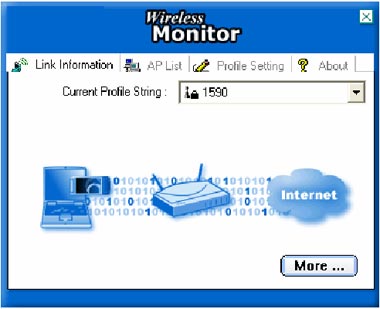
Step 2 Click on the AP List tab then click Refresh.
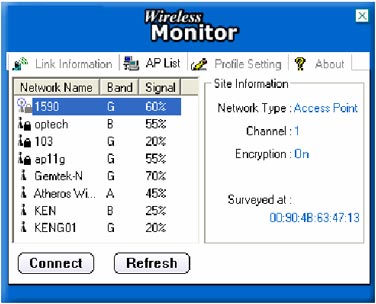
STEP 3 Highlight the wireless network you want to connect to, and then click Connect.
Related FAQs:
Attachments:
No attachments found.