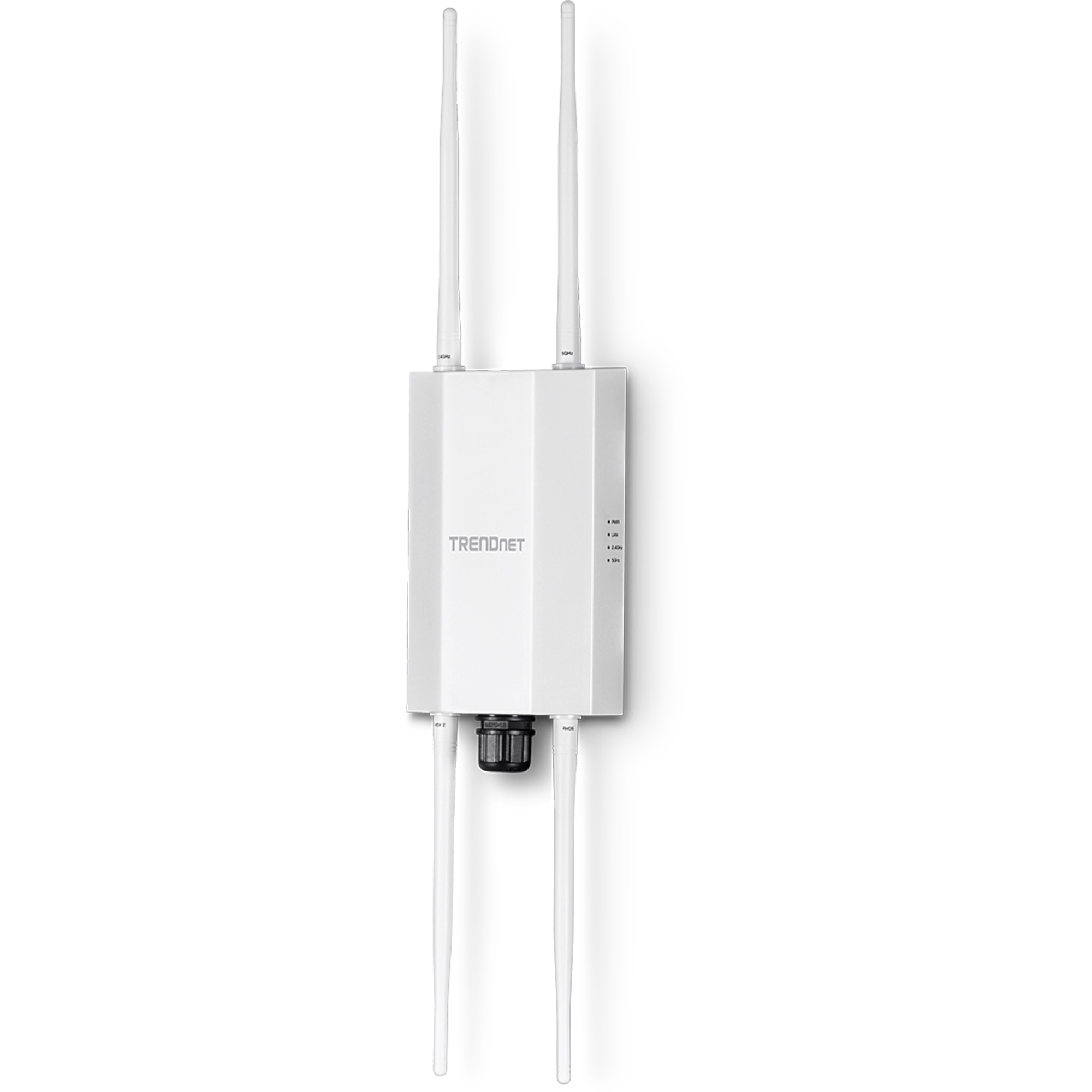
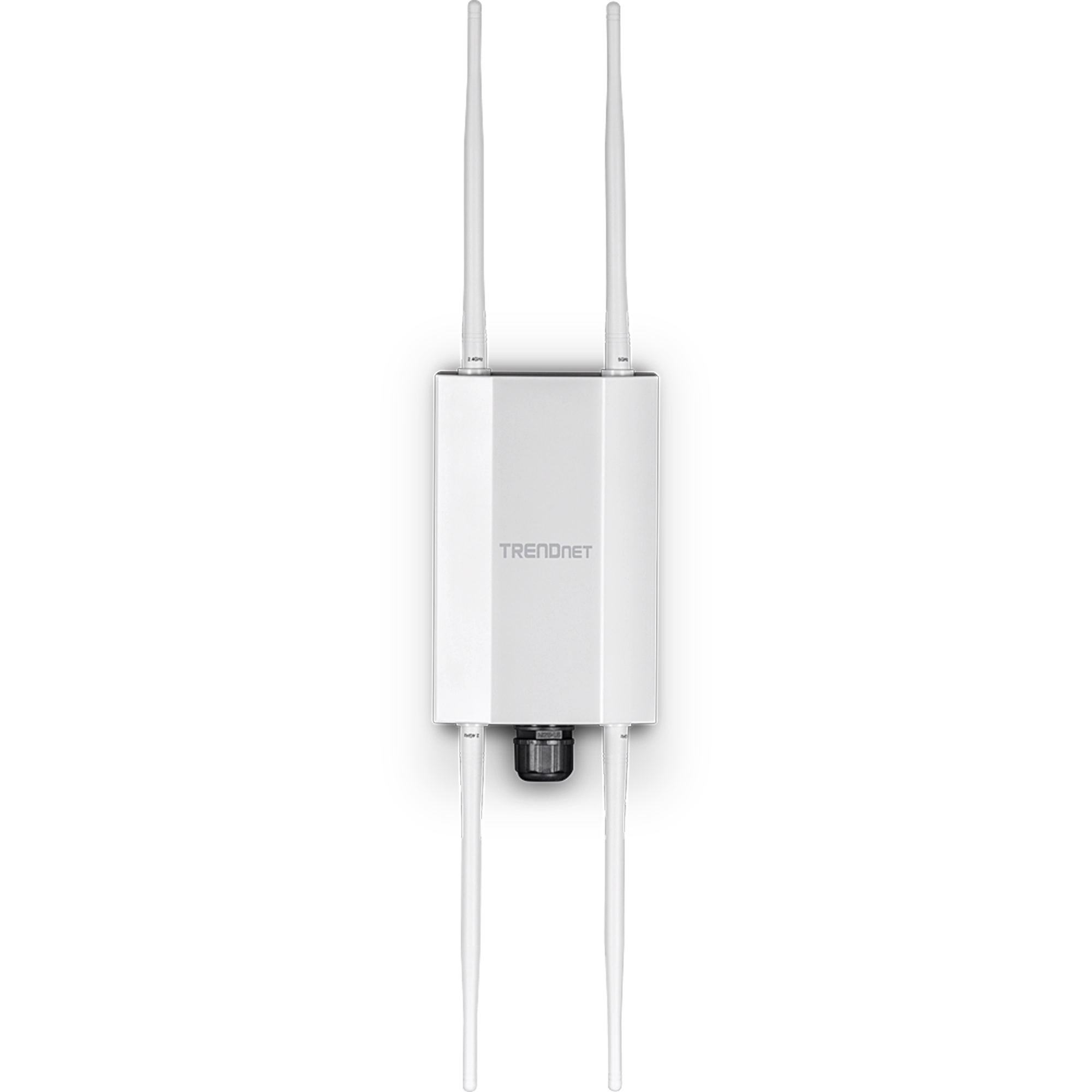
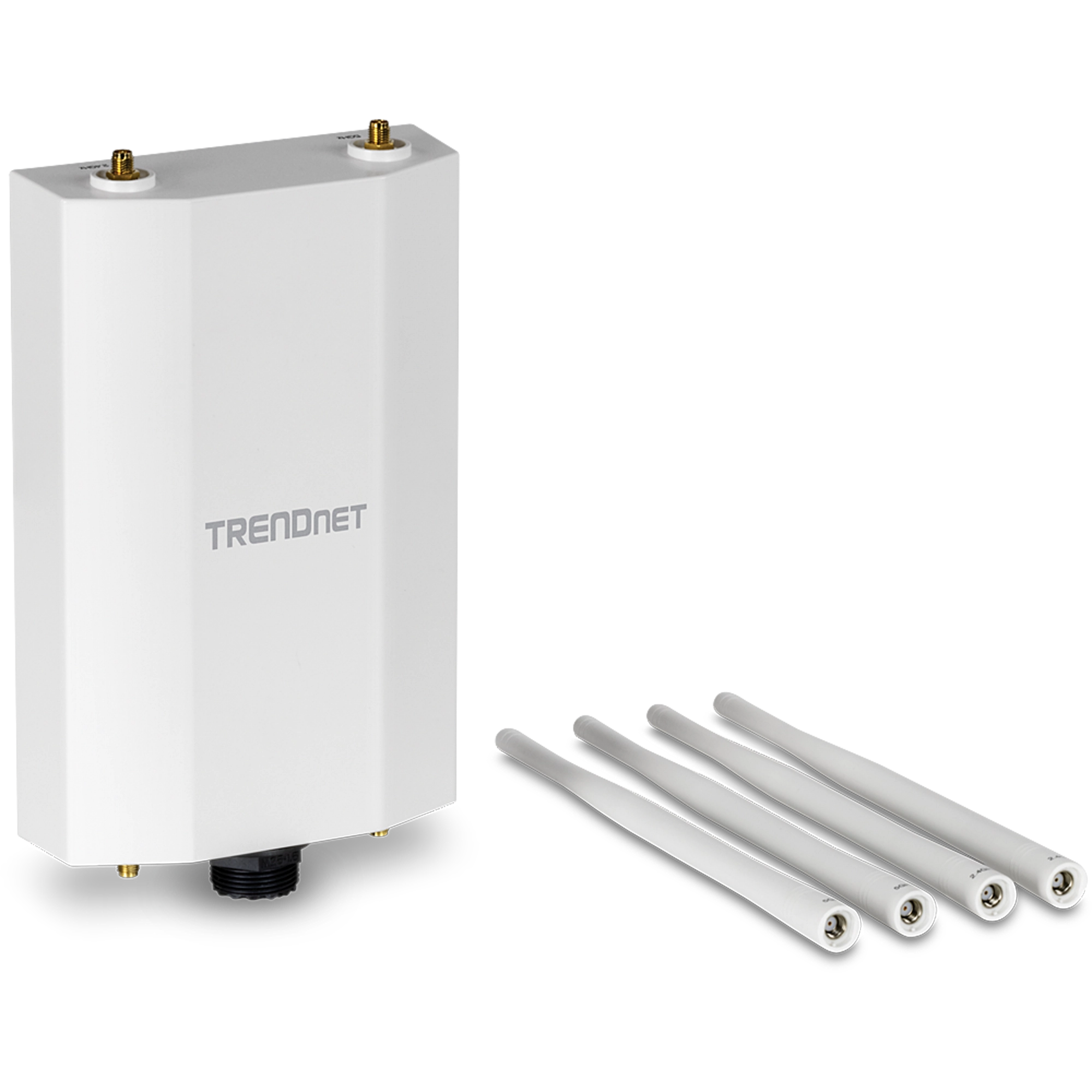
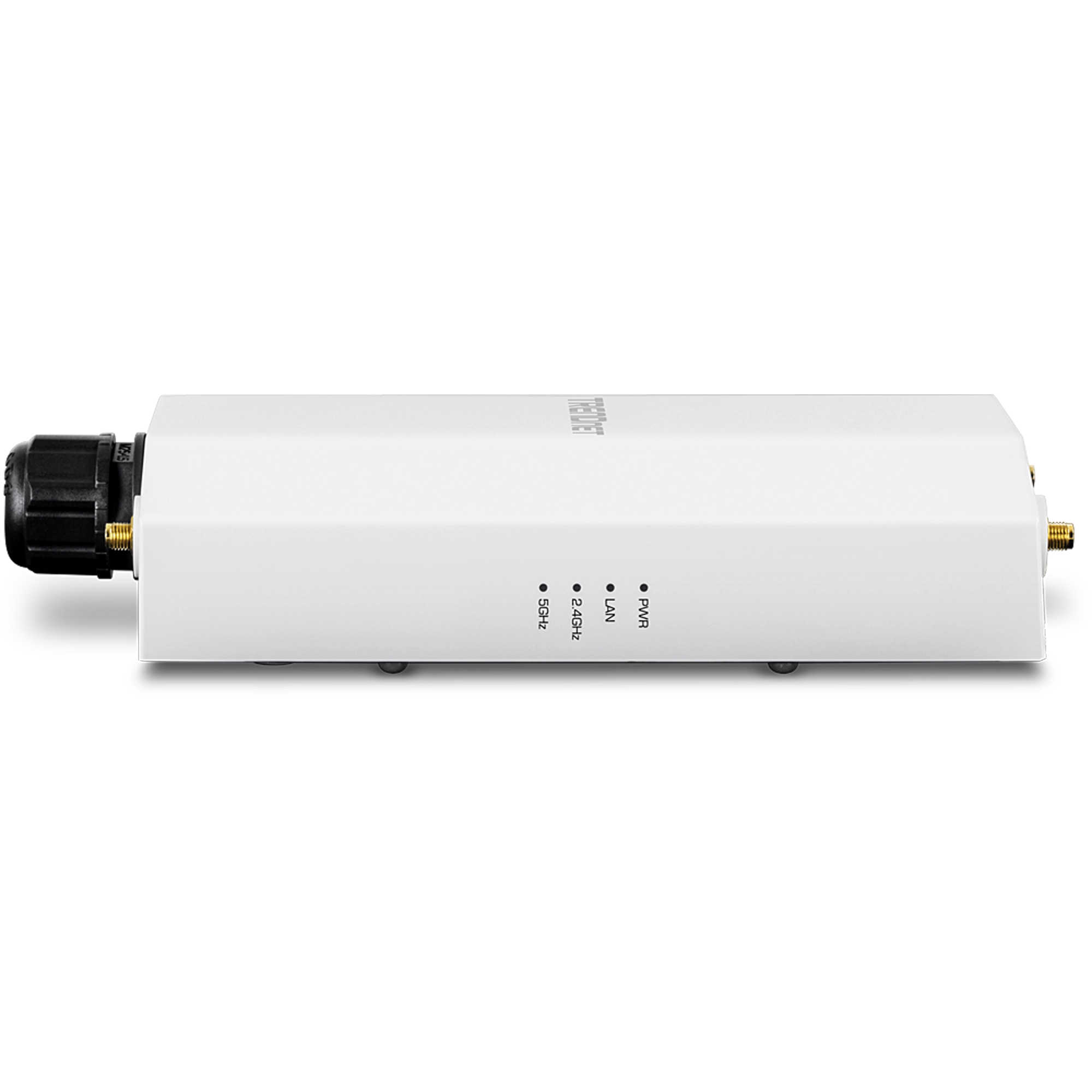
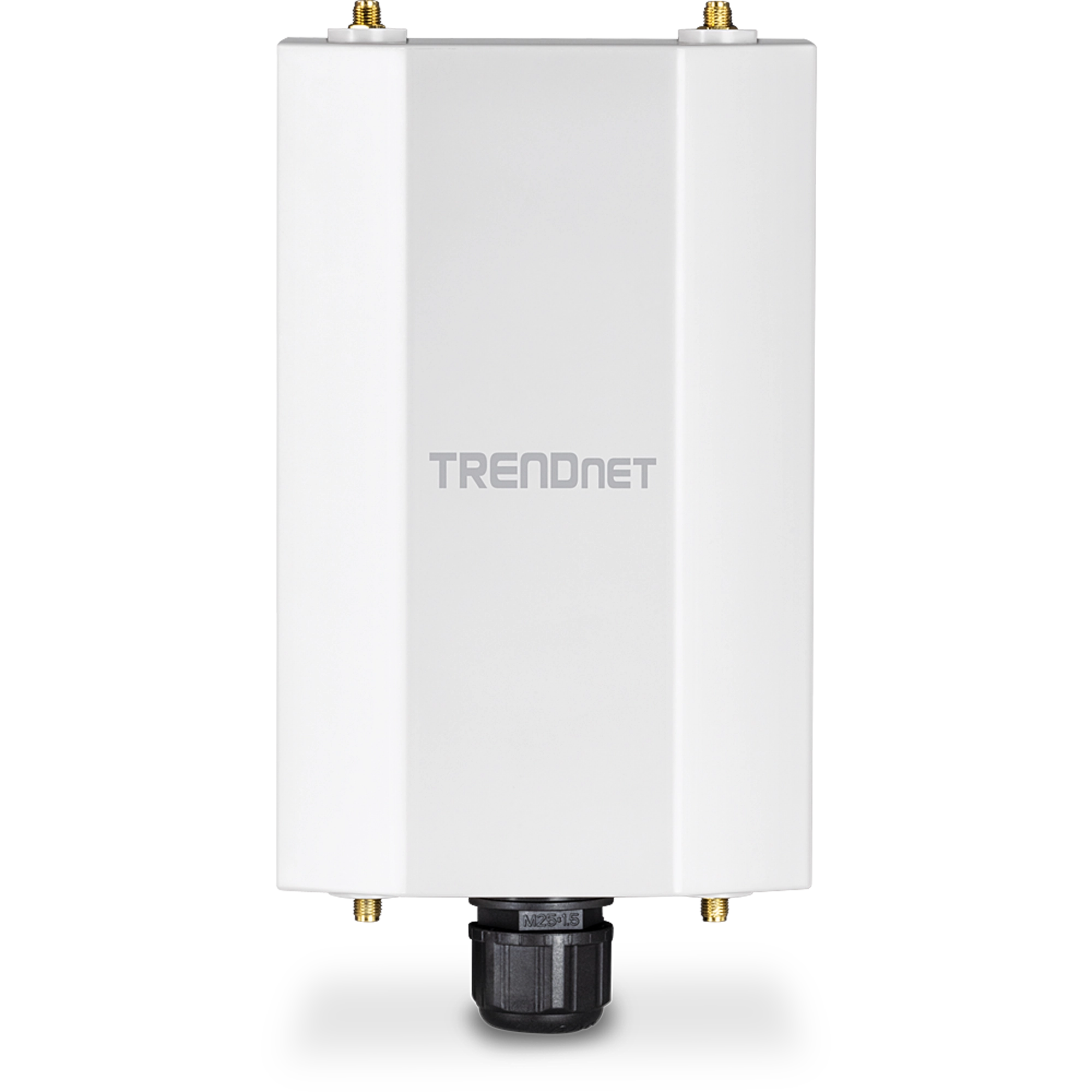
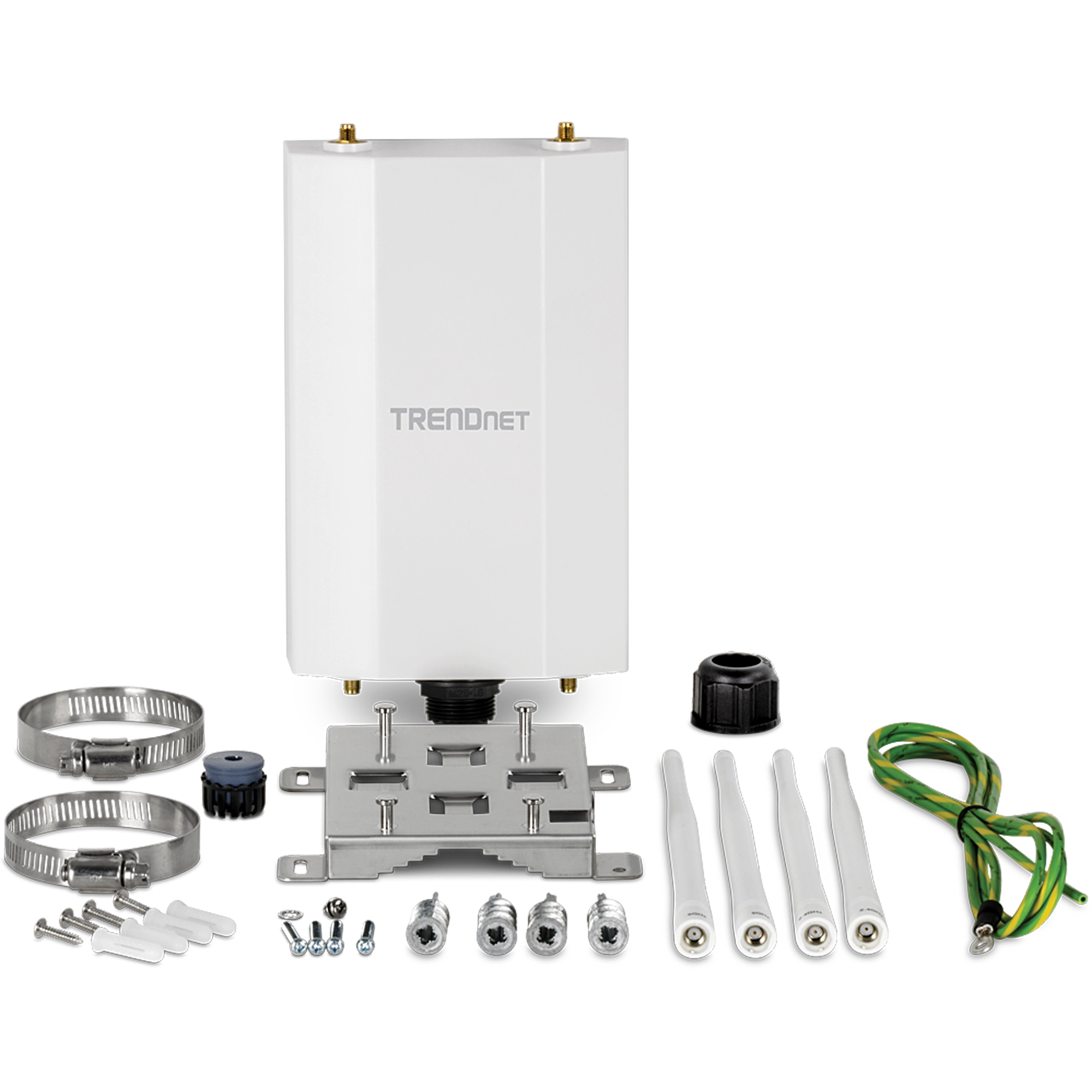
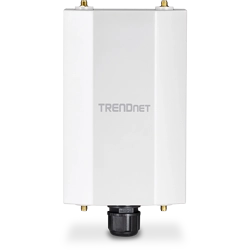
5 dBi Wi-Fi 6 AX1800 Outdoor PoE+ Omni-Directional Access Point
TEW-941APBO (Version V1)
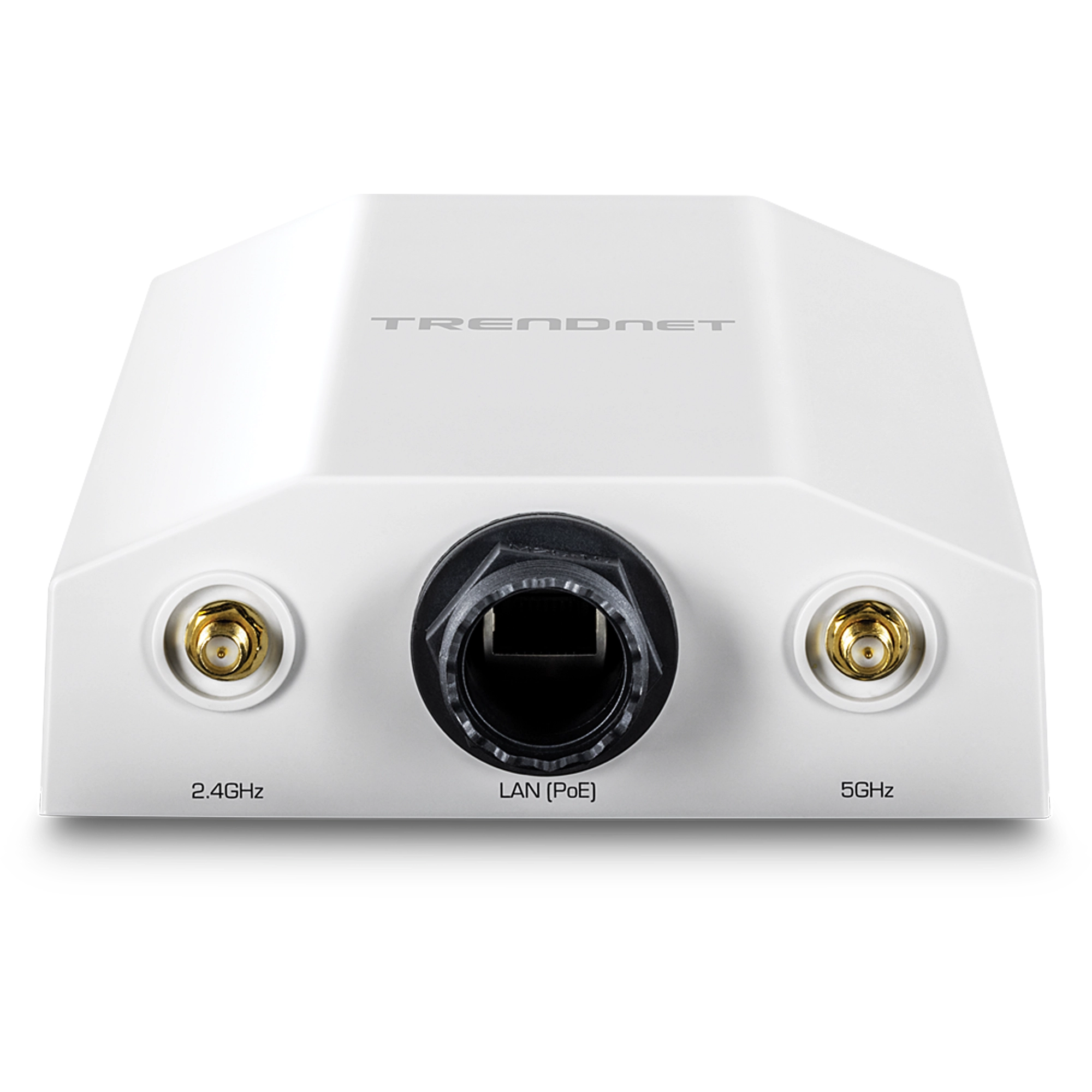
- Dual band Wi-Fi 6 AX1800 point-to-point and point-to-multi-point bridge
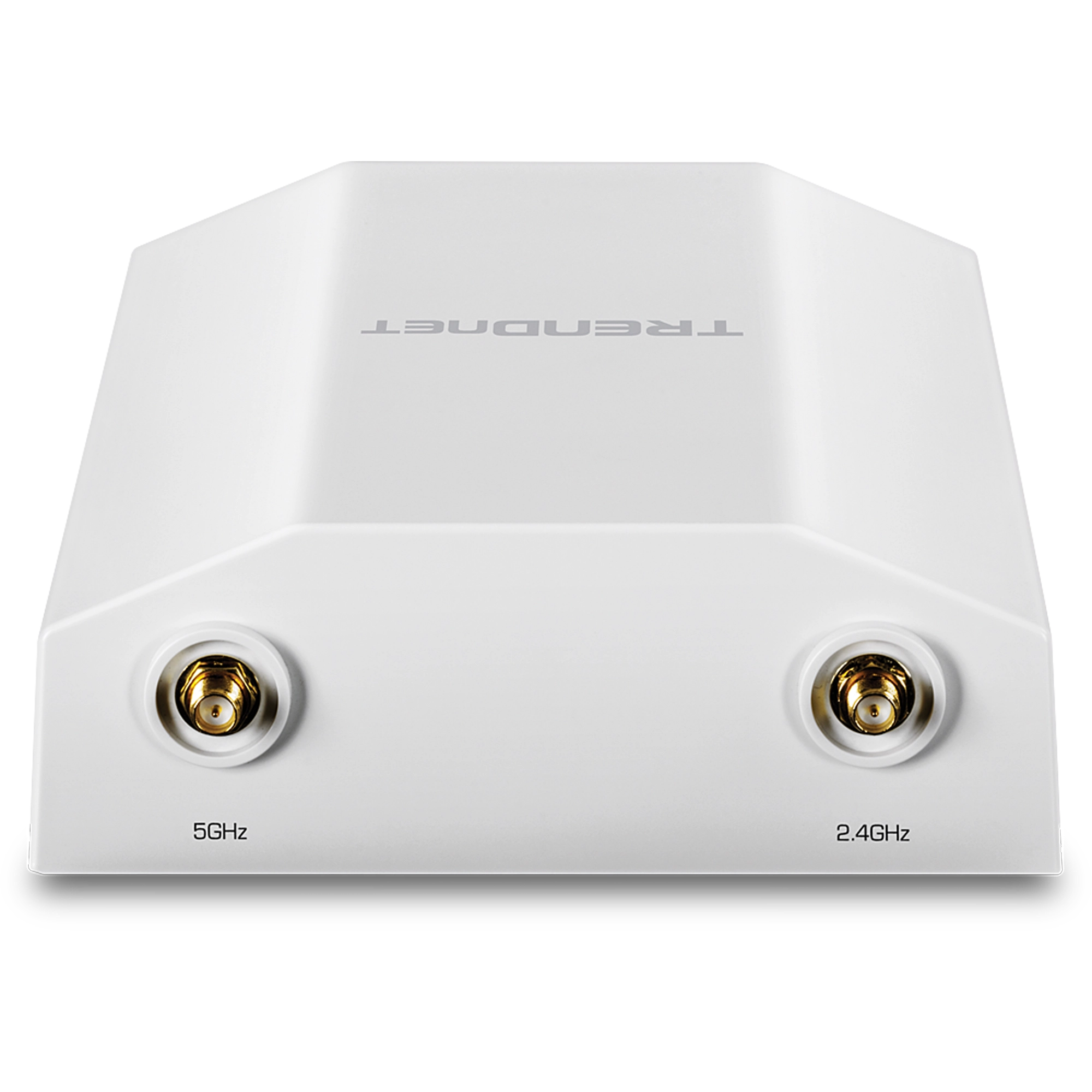
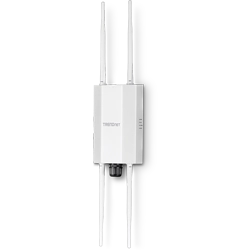
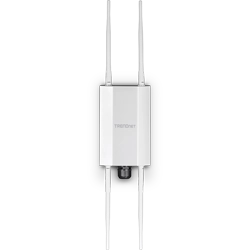
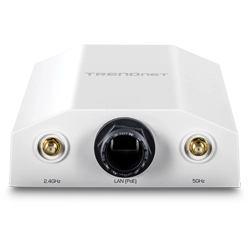
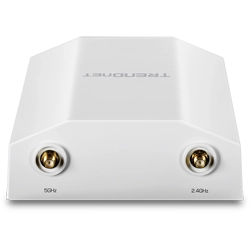
- 2 x 5 dBi 2.4GHz omni-directional antennas
- 2 x 5 dBi 5GHz omni-directional antennas
- 1 x 2.5G PoE+ LAN port
- Supports Access Point, Client Bridge, and Repeater modes
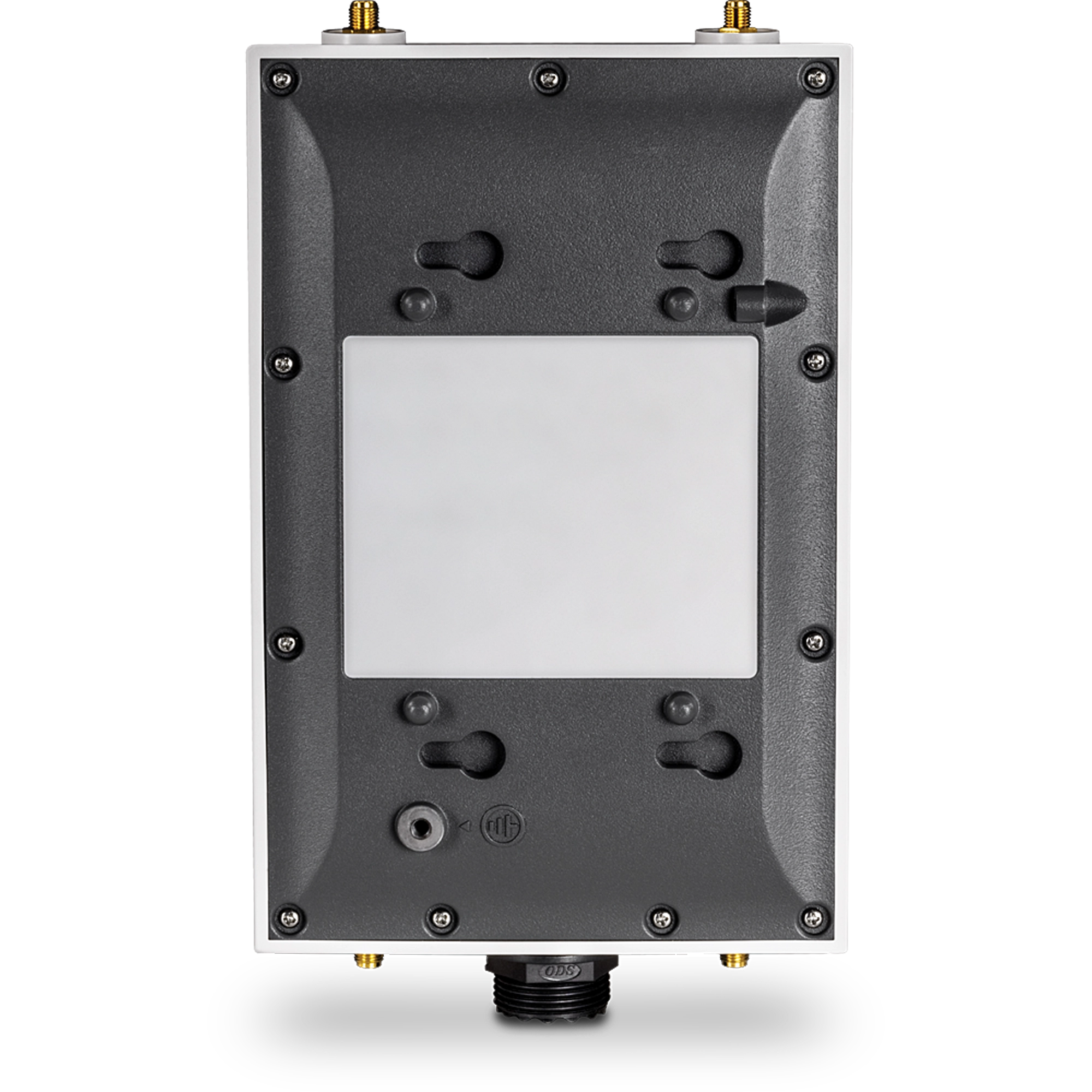
- IP67 outdoor weather rated housing
- Supports IEEE 802.3at PoE+
- Remote cloud management available with TRENDnet Hive (Additional fee applies)
- NDAA / TAA compliant (U.S. and Canada only)

Встроенное ПО
НЕ выполняйте обновление служебного программного обеспечения какого-либо продукта компании TRENDnet, используя беспроводное соединение. Это может привести к повреждению продукта. Выполняйте обновление служебного ПО только при помощи проводного сетевого соединения |
Встроенное ПО Version: 1.0.5.04
Release Date: 9/2026
Notes:
- Fixed access point mode random BSSID/MAC issue when remote access point units connect in client bridge mode.
- Updated device SSL certificate
Имя файла : FW_TEW-941APBO_v1(1.0.5.04).zip
SHA-1 Checksum: F2646B843DAC928456C21D23382135B701B77994
Дата: 24.9.2026
Размер файла: 41.03 MB
Other
Технические Описания
Имя файла : EN_datasheet_TEW-941APBO_(v1.0R).pdf
Дата: 6.2.2024
Размер файла: 1.02 MB
Имя файла : FR_datasheet_TEW-941APBO_(v1.0R).pdf
Дата: 6.2.2024
Размер файла: 992.53 KB
Имя файла : GE_datasheet_TEW-941APBO_(v1.0R).pdf
Дата: 6.2.2024
Размер файла: 925.42 KB
Имя файла : PO_datasheet_TEW-941APBO_(v1.0R).pdf
Дата: 6.2.2024
Размер файла: 1.16 MB
Имя файла : SP_datasheet_TEW-941APBO_(v1.0R).pdf
Дата: 6.2.2024
Размер файла: 990.48 KB
Имя файла : IT_datasheet_TEW-941APBO_(v1.0R).pdf
Дата: 6.2.2024
Размер файла: 975.48 KB
Руководство по быстрой установке
Имя файла : English_TEW-941APBO_v1.0R_121123.pdf
Дата: 24.1.2024
Размер файла: 6.06 MB
Имя файла : French_TEW-941APBO_v1.0R_121123.pdf
Дата: 24.1.2024
Размер файла: 6.69 MB
Имя файла : Spanish_TEW-941APBO_v1.0R_121123.pdf
Дата: 24.1.2024
Размер файла: 6.71 MB
Руководство пользователя
Имя файла : UG_TEW-941APBO_(v1.0R).pdf
Дата: 15.7.2024
Размер файла: 2.57 MB
Изображения
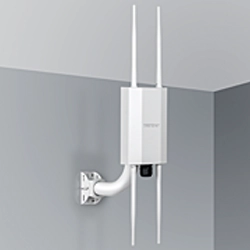


For the TEW-940APBO, locate the reset button on the included injector. Press and hold in the reset button for 10 to reset the TEW-940APBO to defaults. The TEW-940APBO2K will reset to default paired settings for the kit. The TEW-941APBO does not have a reset button. Please ensure you record and save ...
You will find more detailed information on our website under Support. You will also find additional materials under the Downloads section, including quick installation guides and firmware updates....
Each wireless access point is going to support various specifications. To take full advantage of your wireless access point, your wireless devices or clients must support the same specifications. For example, to take advantage of a new 802.11ax high speed access point, your connecting devices must a...
You will find your access points default management login information and Wi-Fi settings on a sticker included with the access point. You can also find this information on the device label typically located on the back or bottom of the access point. The Wi-Fi name or SSID is your wireless network na...
| Standards |
| ||||
|---|---|---|---|---|---|
| Hardware Interface |
| ||||
| Features |
| ||||
| Operation Modes |
| ||||
| Management/Monitoring |
| ||||
| Hive Cloud Management |
| ||||
| Access Control |
| ||||
| QoS |
| ||||
| SSID |
| ||||
| Frequency |
| ||||
| Wireless Channels |
| ||||
| Modulation |
| ||||
| MIMO Configuration |
| ||||
| Antenna Gain |
| ||||
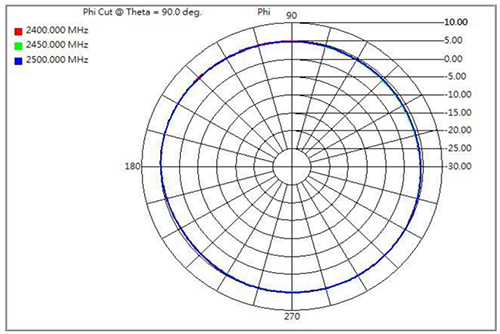
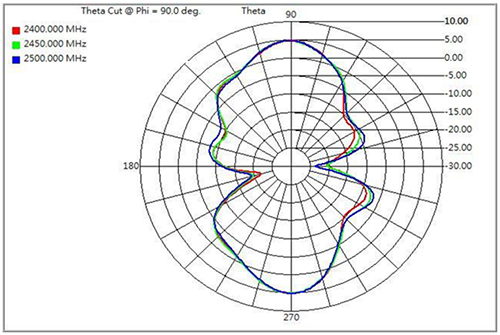
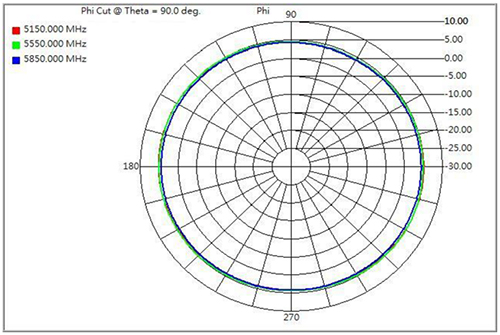
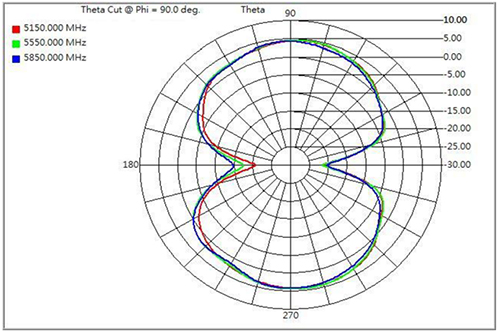
| Antenna Pattern |
| ||||
| Wireless Output Power |
| ||||
| Receiving Sensitivity |
| ||||
| Power |
| ||||
| Operating Temperature |
| ||||
| Operating Humidity |
| ||||
| Certifications |
| ||||
| Dimensions |
| ||||
| Weight |
| ||||
| Warranty: |
|
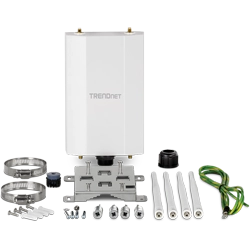
Содержимое упаковки |
|
Disclaimer
**Maximum wireless signal rates are referenced from IEEE 802.11 theoretical specifications. Actual data throughput and coverage will vary depending on interference, network traffic, building materials and other conditions. For maximum performance of up to 867Mbps use with an 867Mbps 802.11ac wireless adapter. For maximum performance of up to 300Mbps, use with a 300Mbps 802.11n wireless adapter. For maximum performance of up to 1201Mbps use with a 1201Mbps 802.11ax 5GHz wireless adapter. For maximum performance of up to 573Mbps use with a 573Mbps 802.11ax 2.4GHz wireless adapter. Multi-User MIMO (MU-MIMO) requires the use of multiple MU-MIMO enabled wireless adapters.
Все значения скорости приведены только в целях сравнения. Технические характеристики, размер и форма продукта могут быть изменены без предварительного уведомления, а фактический внешний вид продукта может отличаться от описанного в настоящем документе.